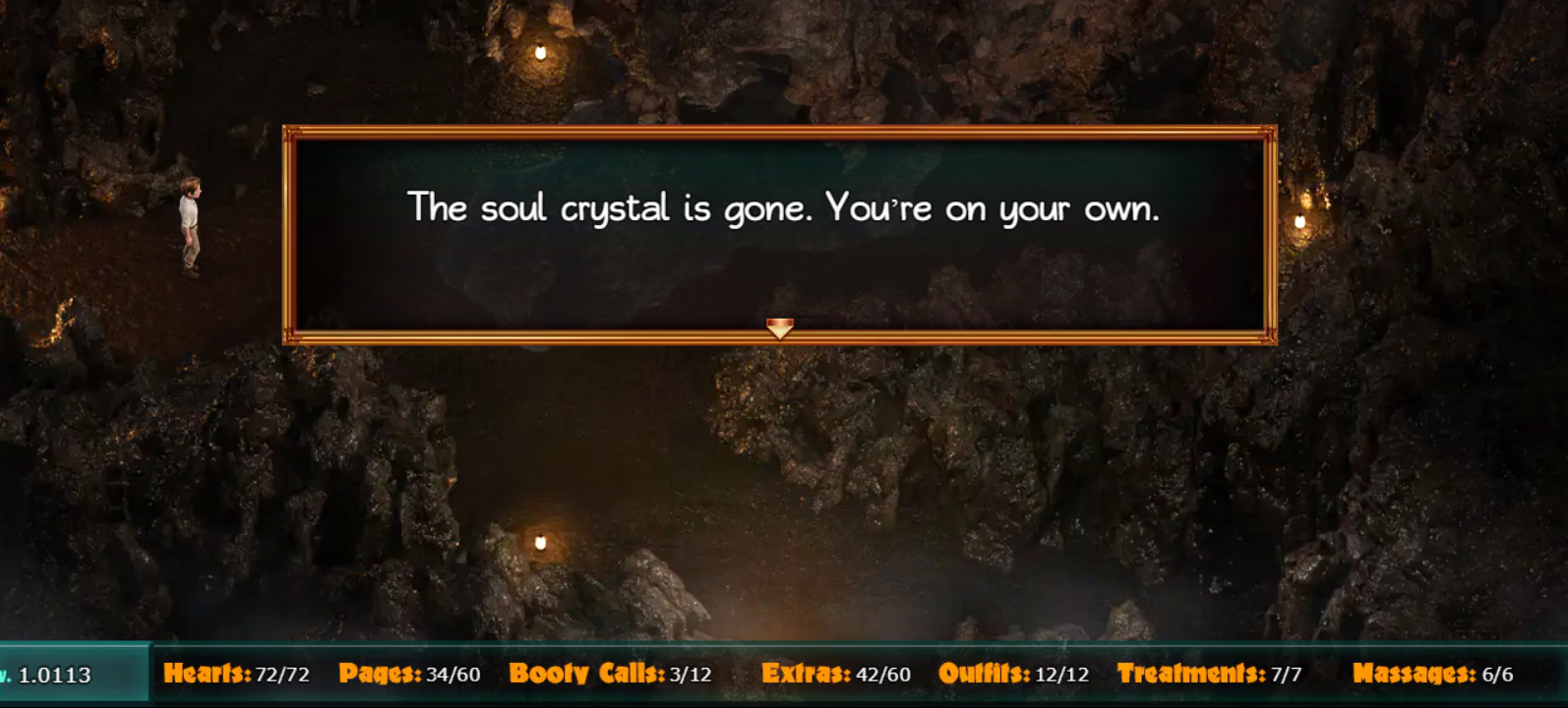
I couldn't play the Mac version of the game on the latest MacOS.
So, I've started with the windows version using the RPGMakerLauncher however when I called it a day and quit the app, all save progress was lost. The Load/Save functionality was working fine until you quit the application, so it must be persisting in a cache somewhere but I can't find them.
In the past, I had tried to start local nodejs server and play using the browser where all the saves would disappear once you close the brower, so using RpgMakerLauncher was like the silver bullet if you don't want to pay for spinning up a VM image.
Any idea where I could look to find the old saves?
I've tried searching on /Application Support, use terminal find with similar names *.rpgmaker but no luck. Not sure if its a chromium cache folder. Usually its in the www folder under "save" folder, the suggestion said "
Mac: Users/Username/Library/Application Support" but that extremely vague as you don't know what to look for.
Today, I've tried "Export as standalone app" option and when quiting&relaunching the app, the saves seem to work, but I don't want to invest same amount of time again on the same gameplay.
I guess its my fault for not testing the save persistance early on, given the quirks of playing the windows version on a mac but it worked in so many other RPGMaker tiles. Its very demorasiling starting again when you were around 20%.