JhonLui
Well-Known Member
- Jan 13, 2020
- 1,246
- 1,235
- 284
Found it herethat doesnt say dlss.. it says dynamic resolution, totally different stuff..
You must be registered to see the links
Than goes here
You must be registered to see the links
Found it herethat doesnt say dlss.. it says dynamic resolution, totally different stuff..

your screenshow says something about dynamic res, not dlss.. it seems they can work together according to that page, but generally, dlss is like on its own.Found it here
You must be registered to see the links
Than goes here
You must be registered to see the links
The links explain that to activate Dlss you have to enable Dynamic Resolution in Unity that will override the native settings.your screenshow says something about dynamic res, not dlss..
Hi!Hello and sorry for coming with a late reply!
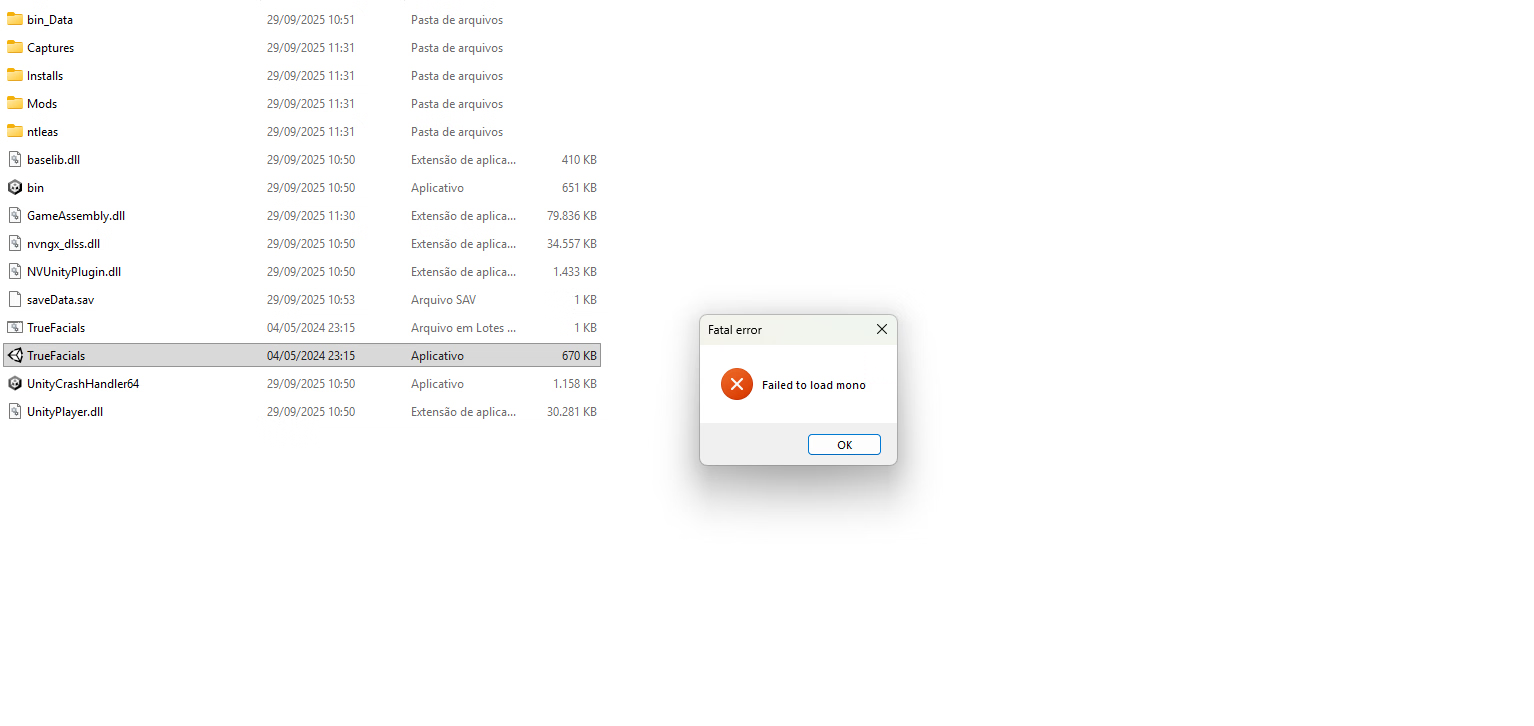
I did as you told me, and the result is the same dissapointing one unfortunately.... the games enters a black screen when selecting the custom pose and crashes the game afterwards.
I used Chapter 1 of Zombie Outbreak Scenario ( 100 PNG and LUA in total, 50/50 ), in the Scripts file didn't inserted any of your Scenarios as you told, only FriendlessPanda 's Script as I wanted to try it out, and fortunate enough it works, and downloaded the custom mods from the OP 0.56 stable link. Other than that, I didn't deleted/added files/folders in the game's files.
I don't think that I should delete the original poses from the Captures game file, or do I?
 if the script mod you installed works fine it shouldn't create any problem with my stories! They are just poses like the others afterall... Idk what else to suggest you I'm sorry maybe someone else here in the community can help you out! Try asking around, sorry again
 You think I didn't? That's the first thing I did. I stopped using google when they went psycho an eternity ago, this is the first time they give a possibly better search result in a long time if iwara.tv is what he's referring to.Why don't you write iwara on a search engine instead of asking that?
Sorry, the link is on my status (profile)You think I didn't? That's the first thing I did. I stopped using google when they went psycho an eternity ago, this is the first time they give a possibly better search result in a long time if iwara.tv is what he's referring to.
No worries! You tried your best! Thanks for the help!Hi!
Well, that's strange

Maybe.You think I didn't?
do you know when will the full update be out? also i moded some characters too, they wont work then?the old characters dont work corrrectly on the new version, they will update and add them on the next full update..
how do i play these stories?Hey all
Story n.34 is out! Here's the link to my main post. Enjoy.
https://f95zone.to/threads/true-facials-v0-54-henrytaiwan.35192/post-16516119
IMPORTANT NOTE: this is still a ver0.56 story, like some others I am creating, I can't guarantee they will work in the 0.57 version.
If you are interested in my stories, I suggest to still keep your 0.56 version to view them
no idea bro, could be this month or in 2 months, its never something we can know for sure, if you made character mod for 0.57 technical test, they probably will work on full 0.57 because mod for previous tech test of the game were made and the characters worked on full release.. so yeah..do you know when will the full update be out? also i moded some characters too, they wont work then?
I want to ask the same question? how to play stories?how do i play these stories?
Put the numbered files (only those, not the whole folder!) inside your "capture" folder and view them with the ingame pose viewerhow do i play these stories?