Unity True Facials [v0.59 Pro] [HenryTaiwan]

3.90 star(s) 73 Votes

Ov3rlord24

Newbie
Aug 5, 2018
98
43
161
I'll provide pre-modded game versions in this post.
You don't have permission to view the spoiler content. Log in or register now.

___________________________


EDIT: I'm aware that the download link for v0.57 is no longer working, and I have NO intention of re-uploading it (or any earlier versions). Please do NOT reply to this post asking for it.

The reason is that v0.57 and older builds rely on a tool called NTLEAS, which triggers false virus alerts and previously caused this entire thread to be taken down.

If you want more recent pre-modded versions, you're welcome to share download links in this thread for the actual mods (please do NOT send them to me via private message). If you provide the mods, I may upload another pre-modded build that doesn't use NTLEAS.

By "mods", I mean voice packs, script edits, and similar content typically shared on Discord (which I cannot access). Character "mods" do not count, they aren't real mods; they're assets created by the developer themselves.

Hi ! Can we download the mod for version 0.59 ?
 

DenabuNeko

Member
Nov 3, 2018
133
240
247
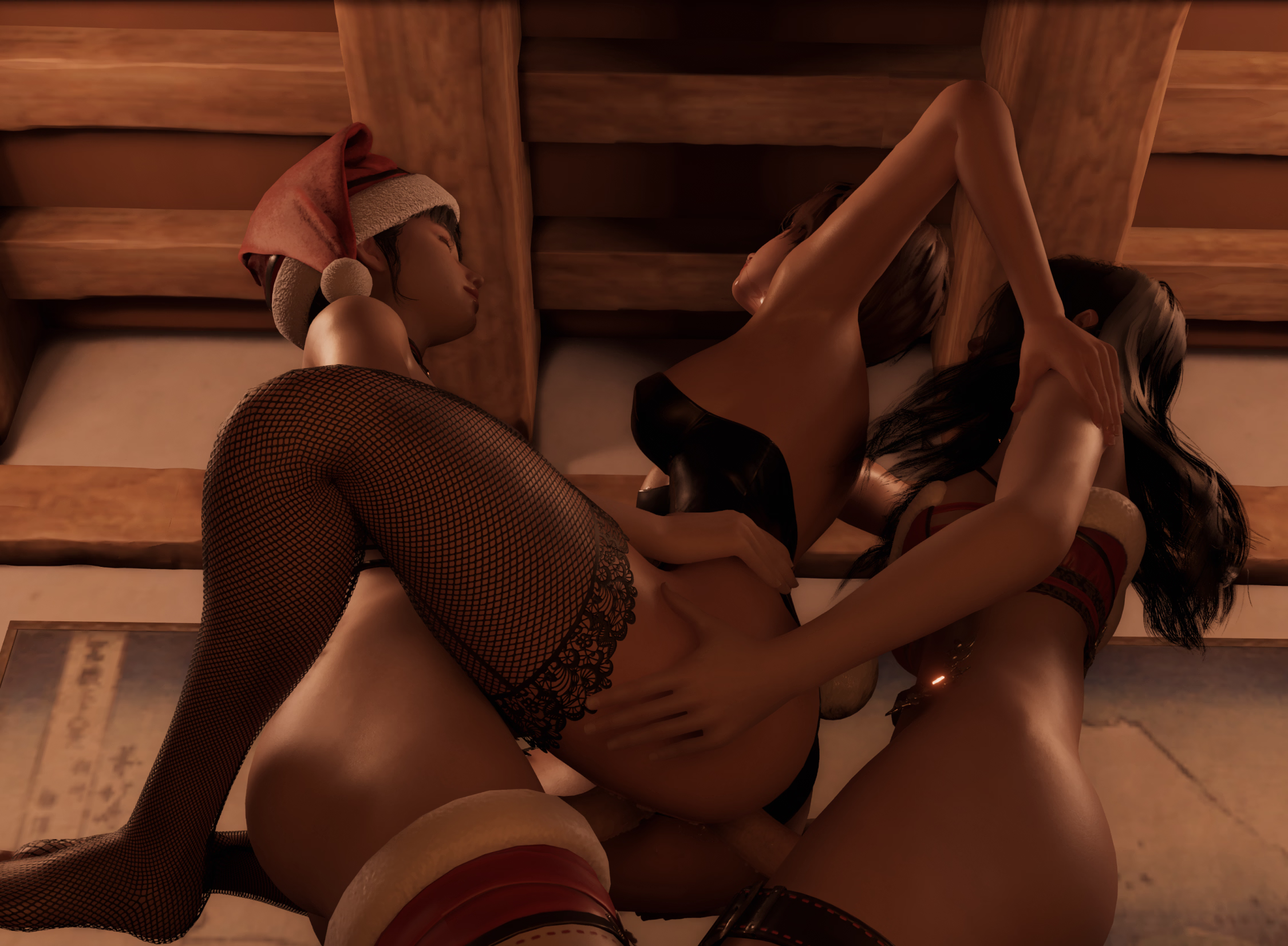
Since we have folder support for captures now (in 0.59), trying something different for sharing related captures. I just put the captures into a folder and zipped it up, so can download all with one click and then if you unzip the folder itself into your Captures folder, it'll have its own little section.

Pictures are just previews, they're in the zip with the captures already. (need to unpause auto sex when loading the dp capture, it didn't load right if it was left on)

1765548717078.png 1765548729295.png 1765548753933.png
 
Jul 16, 2018
111
54
175
is it impossible to lock nodes in place? either they start drifting cause of collision before i can fix it or i accidentaly grab a node when moving camera
 

DenabuNeko

Member
Nov 3, 2018
133
240
247
is it impossible to lock nodes in place? either they start drifting cause of collision before i can fix it or i accidentaly grab a node when moving camera
Unfortunately, it's not possible. All I can suggest is to take captures often just in case, and pan away with WASD before trying to move the cam when in tight situations.

You can also get in the habit of hitting "H" before moving your camera then toggling it back off, as this freezes all actors in the scene and makes them not interactable.

Also, don't think this was a thing before but noticed that hi res screenshots are on by default in the new version so if you take a lot of captures, be sure to disable that to save space.
 
Jul 16, 2018
111
54
175
Unfortunately, it's not possible. All I can suggest is to take captures often just in case, and pan away with WASD before trying to move the cam when in tight situations.

You can also get in the habit of hitting "H" before moving your camera then toggling it back off, as this freezes all actors in the scene and makes them not interactable.

Also, don't think this was a thing before but noticed that hi res screenshots are on by default in the new version so if you take a lot of captures, be sure to disable that to save space.
i tried captures as anchor points, but they break on occasion. second one might be useful. ty
 

JhonLui

Well-Known Member
Jan 13, 2020
1,261
1,270
335
Did anybody notice a substantial decrease in performance?
I run in Native AA and noticed a -10/15% in fps, but I don't know if it's the game or the latest Nvidia driver (higly deprecated).

For sure, game related, if I turn on FSR Q., I cap immediately the fps but the cpu usage skyrockets to >50%, even 60% (never done before)... :unsure:
 
  • Like
Reactions: Vegetta9801

TFfan1

Member
Jul 8, 2024
355
450
175
Did anybody notice a substantial decrease in performance?
I run in Native AA and noticed a -10/15% in fps, but I don't know if it's the game or the latest Nvidia driver (higly deprecated).

For sure, game related, if I turn on FSR Q., I cap immediately the fps but the cpu usage skyrockets to >50%, even 60% (never done before)... :unsure:
I got "more" fps but then "less" fps. in 0.58 i could run the game with fsr in "performance" or "balanced" with no problems; in 0.59 i HAVE TO run it with "ultraperformance"enabled or i get slides. Something tells me the GPU side of it was improved but the CPU side took a hit. Probably we´ll get more improvements through the (next) year but also, we updating our pc´s and giving hardware feedback to the devs will help a lot!
 

Vegetta9801

Member
Jul 17, 2024
126
119
114
Did anybody notice a substantial decrease in performance?
I run in Native AA and noticed a -10/15% in fps, but I don't know if it's the game or the latest Nvidia driver (higly deprecated).

For sure, game related, if I turn on FSR Q., I cap immediately the fps but the cpu usage skyrockets to >50%, even 60% (never done before)... :unsure:
yep, performance with no fsr is much worse then before.. me with no fsr i could get 28-45 fps, depending.. fsr on i get 50-60, but now with no fsr, i cant get pass the 30 frames, so i have to use fsr in quality no matter what.. kinda sucks... maybe it needs to be reported to the devs..? i dont use discord much, i am not a super fan of real time chats,, but someone could give them the call? it should be fix imo.
 
3.90 star(s) 73 Votes