


Capt. Fubar
Member
- Sep 8, 2022
- 185
- 171
- 125
It would be awesome to have v0.6 to v0.6.1b update only, game is getting bigger and bigger by the day.
I'm sorry, but an uncaught exception occurred.

While running game code:
  File "renpy/common/00action_file.rpy", line 479, in __call__
    renpy.load(fn)
Exception: Couldn't find a place to stop rolling back. Perhaps the script changed in an incompatible way?

-- Full Traceback ------------------------------------------------------------

Full traceback:
  File "renpy/common/_layout/screen_load_save.rpym", line 35, in script
    $ ui.interact()
  File "C:\Users\\Downloads\_ARTEMIS-0.6.1b-win-lin\_ARTEMIS-0.6.1b-win\renpy\ast.py", line 1138, in execute
    renpy.python.py_exec_bytecode(self.code.bytecode, self.hide, store=self.store)
  File "C:\Users\\Downloads\_ARTEMIS-0.6.1b-win-lin\_ARTEMIS-0.6.1b-win\renpy\python.py", line 1122, in py_exec_bytecode
    exec(bytecode, globals, locals)
  File "renpy/common/_layout/screen_load_save.rpym", line 35, in <module>
    $ ui.interact()
  File "C:\Users\\Downloads\_ARTEMIS-0.6.1b-win-lin\_ARTEMIS-0.6.1b-win\renpy\ui.py", line 299, in interact
    rv = renpy.game.interface.interact(roll_forward=roll_forward, **kwargs)
  File "C:\Users\\Downloads\_ARTEMIS-0.6.1b-win-lin\_ARTEMIS-0.6.1b-win\renpy\display\core.py", line 3582, in interact
    repeat, rv = self.interact_core(preloads=preloads, trans_pause=trans_pause, pause=pause, pause_start=pause_start, pause_modal=pause_modal, **kwargs) # type: ignore
  File "C:\Users\\Downloads\_ARTEMIS-0.6.1b-win-lin\_ARTEMIS-0.6.1b-win\renpy\display\core.py", line 4543, in interact_core
    rv = root_widget.event(ev, x, y, 0)
  File "C:\Users\\Downloads\_ARTEMIS-0.6.1b-win-lin\_ARTEMIS-0.6.1b-win\renpy\display\layout.py", line 1179, in event
    rv = i.event(ev, x - xo, y - yo, cst)
  File "C:\Users\\Downloads\_ARTEMIS-0.6.1b-win-lin\_ARTEMIS-0.6.1b-win\renpy\display\transition.py", line 53, in event
    return self.new_widget.event(ev, x, y, st) # E1101
  File "C:\Users\\Downloads\_ARTEMIS-0.6.1b-win-lin\_ARTEMIS-0.6.1b-win\renpy\display\layout.py", line 1179, in event
    rv = i.event(ev, x - xo, y - yo, cst)
  File "C:\Users\\Downloads\_ARTEMIS-0.6.1b-win-lin\_ARTEMIS-0.6.1b-win\renpy\display\layout.py", line 1179, in event
    rv = i.event(ev, x - xo, y - yo, cst)
  File "C:\Users\\Downloads\_ARTEMIS-0.6.1b-win-lin\_ARTEMIS-0.6.1b-win\renpy\display\screen.py", line 770, in event
    rv = self.child.event(ev, x, y, st)
  File "C:\Users\\Downloads\_ARTEMIS-0.6.1b-win-lin\_ARTEMIS-0.6.1b-win\renpy\display\layout.py", line 1179, in event
    rv = i.event(ev, x - xo, y - yo, cst)
  File "C:\Users\\Downloads\_ARTEMIS-0.6.1b-win-lin\_ARTEMIS-0.6.1b-win\renpy\display\layout.py", line 1403, in event
    rv = super(Window, self).event(ev, x, y, st)
  File "C:\Users\\Downloads\_ARTEMIS-0.6.1b-win-lin\_ARTEMIS-0.6.1b-win\renpy\display\layout.py", line 281, in event
    rv = d.event(ev, x - xo, y - yo, st)
  File "C:\Users\\Downloads\_ARTEMIS-0.6.1b-win-lin\_ARTEMIS-0.6.1b-win\renpy\display\layout.py", line 1179, in event
    rv = i.event(ev, x - xo, y - yo, cst)
  File "C:\Users\\Downloads\_ARTEMIS-0.6.1b-win-lin\_ARTEMIS-0.6.1b-win\renpy\display\layout.py", line 1179, in event
    rv = i.event(ev, x - xo, y - yo, cst)
  File "C:\Users\\Downloads\_ARTEMIS-0.6.1b-win-lin\_ARTEMIS-0.6.1b-win\renpy\display\behavior.py", line 1142, in event
    return handle_click(self.clicked)
  File "C:\Users\\Downloads\_ARTEMIS-0.6.1b-win-lin\_ARTEMIS-0.6.1b-win\renpy\display\behavior.py", line 1075, in handle_click
    rv = run(action)
  File "C:\Users\\Downloads\_ARTEMIS-0.6.1b-win-lin\_ARTEMIS-0.6.1b-win\renpy\display\behavior.py", line 372, in run
    new_rv = run(i, *args, **kwargs)
  File "C:\Users\\Downloads\_ARTEMIS-0.6.1b-win-lin\_ARTEMIS-0.6.1b-win\renpy\display\behavior.py", line 379, in run
    return action(*args, **kwargs)
  File "renpy/common/00action_file.rpy", line 479, in __call__
    renpy.load(fn)
  File "C:\Users\\Downloads\_ARTEMIS-0.6.1b-win-lin\_ARTEMIS-0.6.1b-win\renpy\loadsave.py", line 816, in load
    log.unfreeze(roots, label="_after_load")
  File "C:\Users\\Downloads\_ARTEMIS-0.6.1b-win-lin\_ARTEMIS-0.6.1b-win\renpy\rollback.py", line 1105, in unfreeze
    self.rollback(0, force=True, label=label, greedy=greedy, on_load=True)
  File "C:\Users\\Downloads\_ARTEMIS-0.6.1b-win-lin\_ARTEMIS-0.6.1b-win\renpy\rollback.py", line 905, in rollback
    self.load_failed()
  File "C:\Users\\Downloads\_ARTEMIS-0.6.1b-win-lin\_ARTEMIS-0.6.1b-win\renpy\rollback.py", line 823, in load_failed
    raise Exception("Couldn't find a place to stop rolling back. Perhaps the script changed in an incompatible way?")
Exception: Couldn't find a place to stop rolling back. Perhaps the script changed in an incompatible way?

Windows-10-10.0.26100 AMD64
Ren'Py 8.1.3.23091805
_Artemis 0.6.1b
Sun Apr 20 00:08:01 2025

There was a link for the patch update from v0.5.1 to 0.6 but it seems that those links from the poster expired, think it was linked in the OP before they updated it to 0.6.1b since it was what I used. For the current version nope, all or nothing, had to download the full game download size.It would be awesome to have v0.6 to v0.6.1b update only, game is getting bigger and bigger by the day.
 .
.
You have the answer literally above you, there is no patch only so far. Need to download the full gameDoes patch exist for 0.6 to 0.6.1? If there is I couldn't find it


No, 6.1 was an urgent Bugfix patch ! still not implemented.Was cooing sfx added in 0.6.1b?

I totally agree and loved how Digi ending this chapter had me laughing my butt off. Great update.I love this game. The story, the characters, how carefully the background characters' details are taken care of, and what Artemis is like. I love her.
It is clear that it is a game made with passion

Hmmm you are using the latest version v0.6.1b right? Well I just tested a save a little before that freeroam and all works fine, but you aren't the first person to say it is bugged so I'm gonna do a test and get back to you. Just moving all my saves folder and the backup in appdata also to another location, maybe my persistent file is saying it works fine because I already done it so must test it like it is my first ever playthrough. Time to skip unseen text and hopefully get there fast hehe. Be right back at you.Hey, i wasn't able to use old saves so i decided to redo everything. No problem the game is a blast, but... first free roam in Kindra apt, and it was bugged... can't click on the phone Lidar, can't clic on the fridge, can't go on bed side to see the window and end the free roam, so i'm blocked... any suggestion ??......
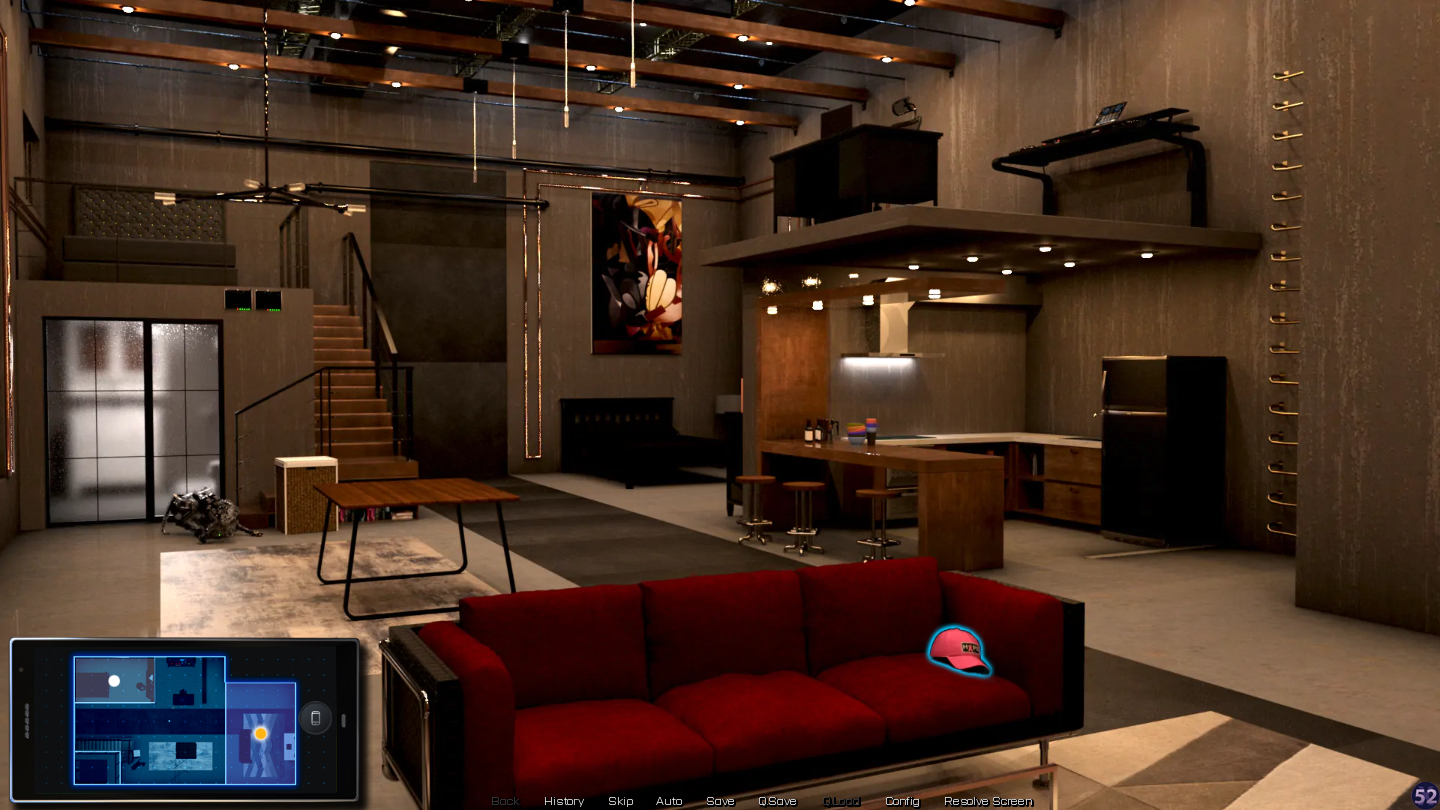
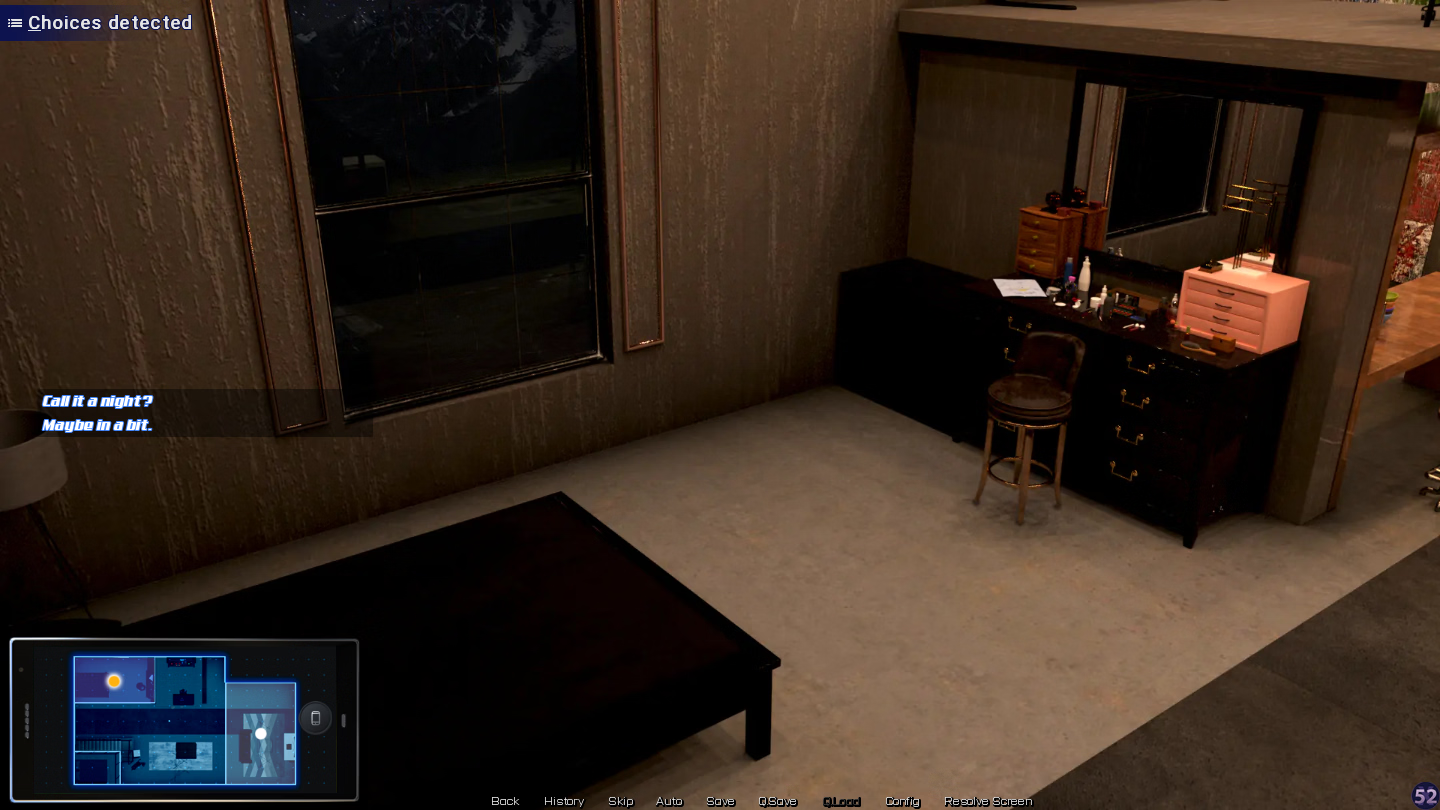
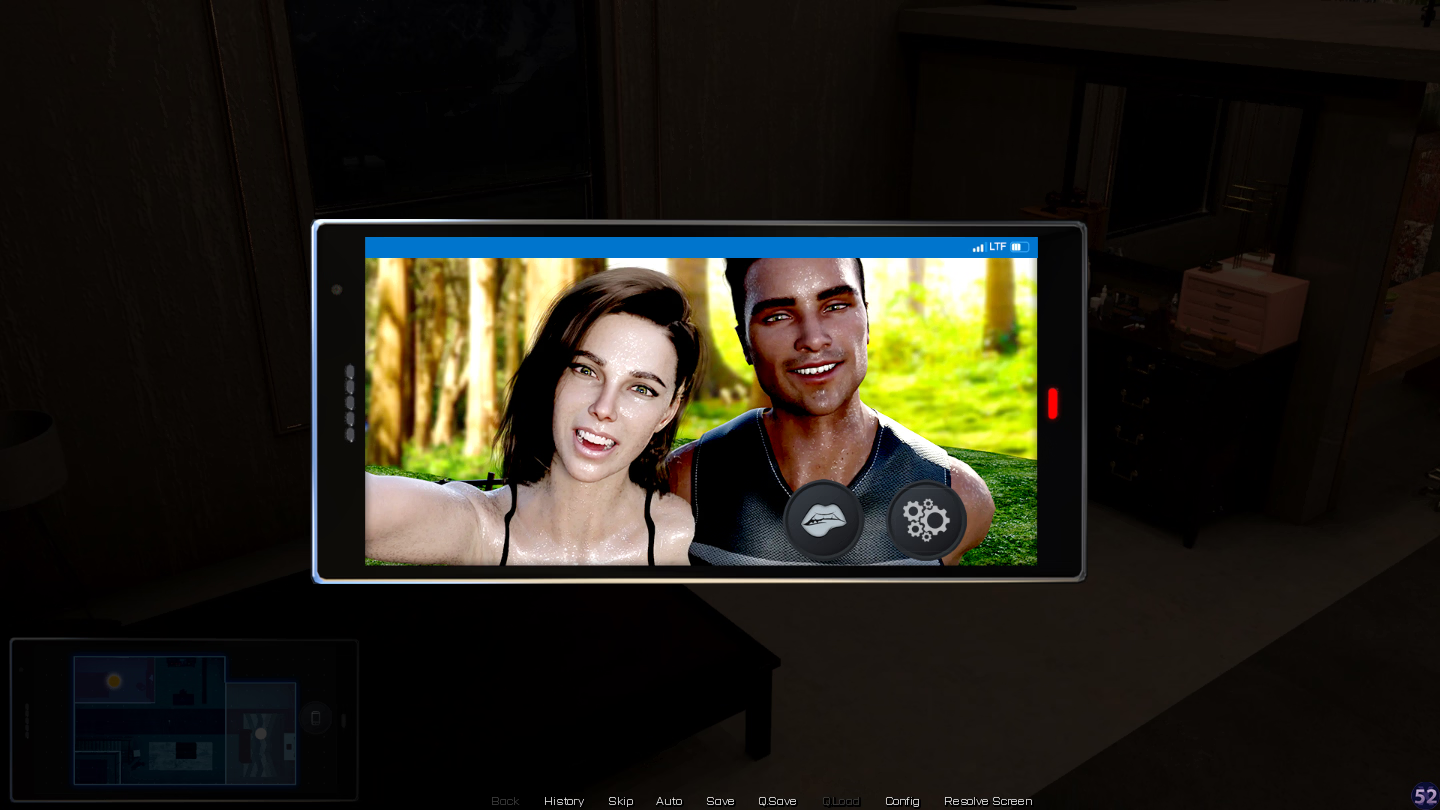

Thank you for your tests... i don't know what to say more.Hey, i wasn't able to use old saves so i decided to redo everything. No problem the game is a blast, but... first free roam in Kindra apt, and it was bugged... can't click on the phone Lidar, can't clic on the fridge, can't go on bed side to see the window and end the free roam, so i'm blocked... any suggestion ??......

I know there was someone else with that problem a couple of days ago or so, go back in the thread and look if they found a solution (or try if searching for it helps you)Thank you for your tests... i don't know what to say more.
After retrying again and again, same shit... just the shower, laptop table and music table are clicable.
and yes i use the last version, with scrappy mode too.
i will check this out. thx.
When you decided to start a fresh playthrough did you kept the persistent file that was there before even though not using the old saves? Dunno, if you did kept it try to do what I did in my test, move your current save folder in the game install and in the System drive usually C:/Users/(your user name)/appdata/roaming/Renpy folder then move the artemis folder there also to a safe place (if don't work you can always put them back). What will do is create a new save folder with a "fresh" default persistent file, of course you lose the text seen the settings and gallery entries etc etc but maybe something in your old persistent file is causing the bug.Thank you for your tests... i don't know what to say more.
After retrying again and again, same shit... just the shower, laptop table and music table are clicable.
and yes i use the last version, with scrappy mode too.
i will check this out. thx.
Did you play with mod before by any chance ?Game won't play, just keeps crashing. It played fine the first time I played it, but now none of my saves work and when I try to start over, it just crashes during the first scene.
