

Brothel King - Girl packs and Mods Collection
- Thread starter Kite80
- Start date
4.00 star(s)
2 Votes

palamito
Member
- Aug 28, 2019
- 146
- 41
- 264
Ok, I'll put the invalid links here.If you're not a member at HHS forums, sure.
New pack released.
Name: Tohru
Universe: Kobayashi's Dragon Maid
Pics: 569
Type: Anime
Notes: This show is returning for a second season this summer. So here is the first of several packs from the show.

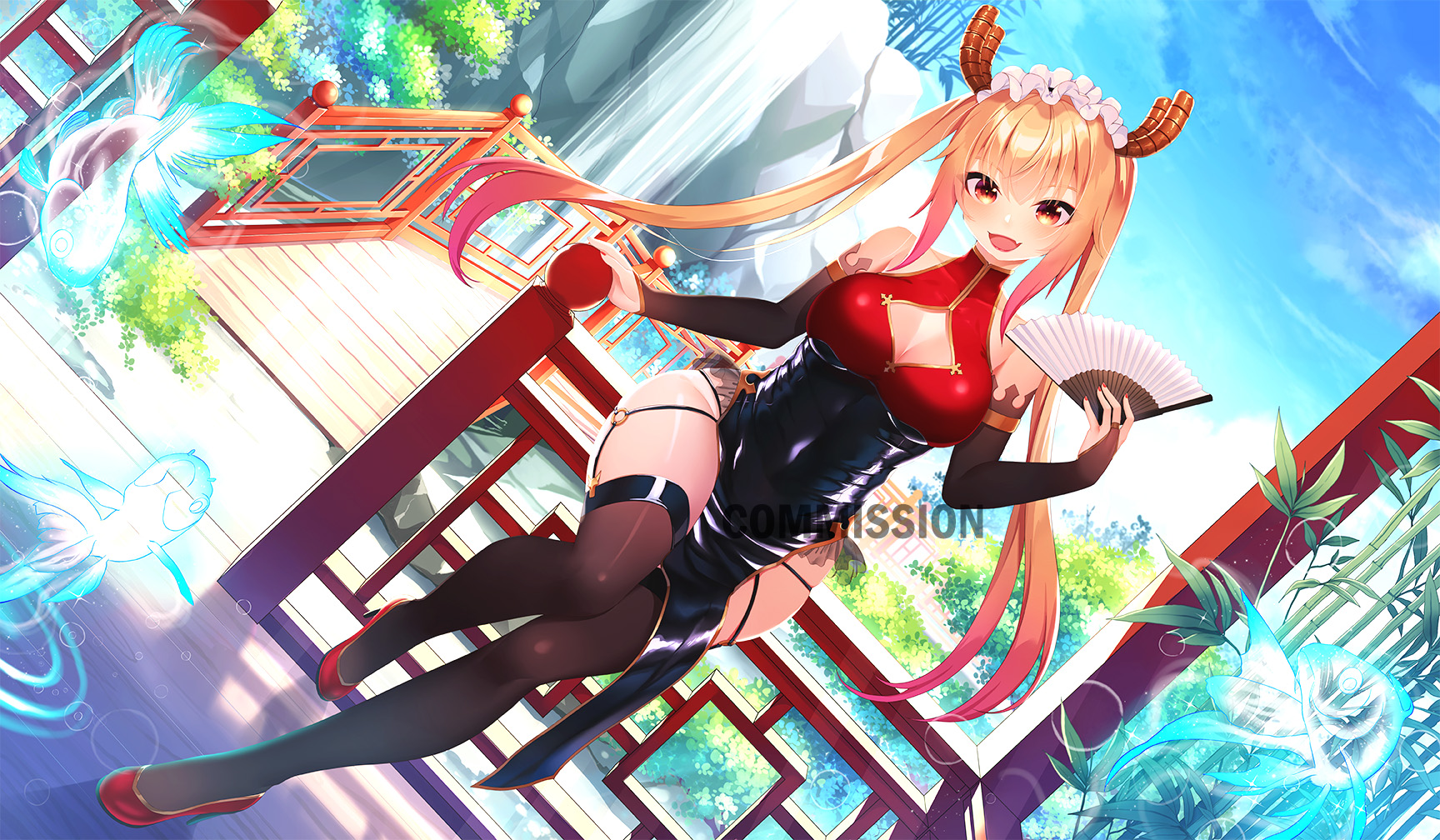
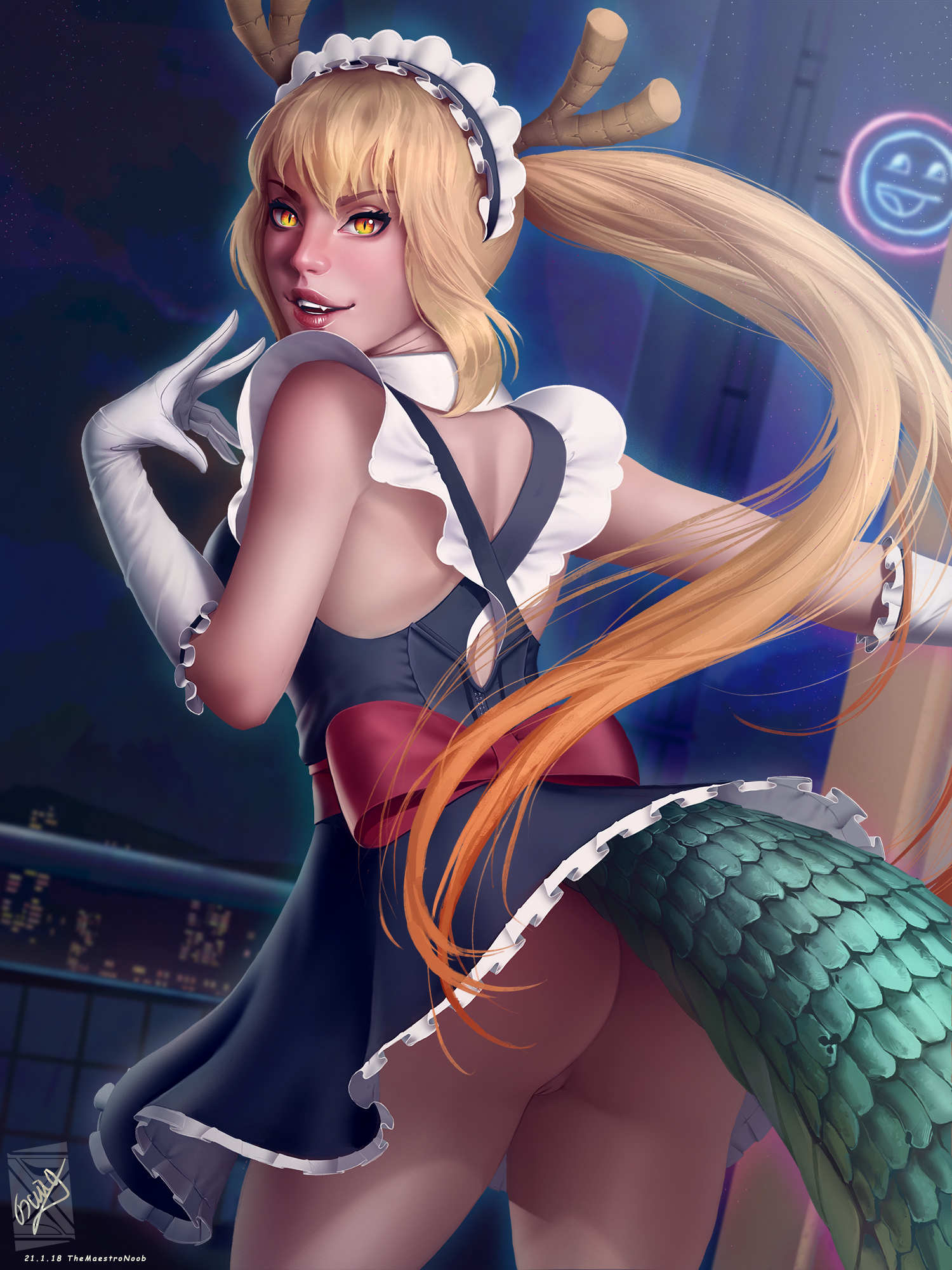
Name: Tohru
Universe: Kobayashi's Dragon Maid
Pics: 569
Type: Anime
Notes: This show is returning for a second season this summer. So here is the first of several packs from the show.

I can't seem to find Sento Isuzu in your pack collection? Thanks for the packs btwName: Sento Isuzu
Anime: Amagi Brilliant Park
Pictures: 427
View attachment 623691
Name: Kaede Takagaki
Anime: The iDOLM@STER Cinderella Girls
Pictures: 271
View attachment 623693
Goodness. New pack makers are coming out of the woodwork. (And that's a good thing.) I'm talking with two other new packmakers over on the BK home forum.
I've been attempting to make a few packs. How would I post them here? Still noobish at it all
In general you are welcome to post your packs here. I give low level pack reviews, if you want, to try to help new pack makers improve. But not everyone is up for having their work dissected, so I only do it when asked to do it.
One thing to be aware of. Loli material is against the rules here on F95. Posting such can have bad results, so best to be sure to keep that stuff elsewhere.
But like, do I just upload them to mega in zips and share the links? I don't mind dissecting either.
Yeah. That's how we tend to do it. I use the Mega sync tool. My Mega mirrors a directory on my PC. To publish I just copy into the right place on my PC, and the sync tool uploads it soon enough. Under my Mega root directory I have several folders I use for different purposes, including a couple to share files publicly. Another to download stuff.
As for download links, I personally prefer to share top links to directories instead of links to individual zips. Links to directories never change as long as the directory name dose not change. Links to files can change due to a number of reasons, including updating the linked file.
That's how it starts. But pack making is a activity within itself, and it's one that can sink it's claws deep.Really just doing it out of my spare time for some girls not represented enough
Last edited:
So I've got 16 packs made. Obviously very new to this. Some made from scratch, some bastardized from other similar game packs. Feel free to use what I've got here to update or make your own packs and if I've used any assets someone else has let me know. I'll credit those that deserve it. Let me know if there's any problems with the links or packs
You must be registered to see the links
Right my packs are for:
Chie Satonaka - Persona 4
Yukiko Amagi - Persona 4
Yukari Takeba - Persona 3
Fuuka Yamagishi - Persona 3
Hifumi Togo - Persona 5
Sadayo Kawakami - Persona 5
Sumire Yoshizawa - Persona 5
Alisa Reinford - Trails of Cold Steel
Laura S Arseid - Trails of Cold Steel
Emma Millstein - Trails of Cold Steel
Io Nitta - Devil Survivor 2
Flannery - Pokemon
Catria - Fire Emblem
Charlotte - Fire Emblem if
Mercedes - Fire Emblem 3H
Shamir Nevrand - Fire Emblem 3H
barbonasso
New Member
- Dec 5, 2019
- 1
- 0
- 92
HinataLesbian
Newbie
- Jan 6, 2019
- 40
- 52
- 163
Ive downloaded packs 1 and 2 for Leortha. I am so confused on how to get them to work. It just says the profile picture for girl/Girl Pack and Girl Pack 2 is missing or invalid or something like that. How do I add these packs correctly

Jman9
Engaged Member
- Jul 17, 2019
- 2,295
- 967
- 172
That means you installed the packs incorrectly. The basic directory structure should be something like '[BK install dir]/game/girls/[name of pack]/profile(00000).webp'. You can have subdirectories of girl pack 'mixes' in there, but it's a bit more advanced.It just says the profile picture for girl/Girl Pack and Girl Pack 2 is missing or invalid or something like that.
I do hope the 'girl' in the above quote is actually 'girls'. And what's with the bolded text?
HinataLesbian
Newbie
- Jan 6, 2019
- 40
- 52
- 163
Currently I have 2 packs with the exact names "Girl Packs 2" and "Girl Packs". Extracting them using 7zip seems impossible because it begins to load and then switches the file size to 1215. IDK what to do. When downloading them I used Mega and clicked Download as Zip. Do I need to extract them in a specific way for them to work or what.That means you installed the packs incorrectly. The basic directory structure should be something like '[BK install dir]/game/girls/[name of pack]/profile(00000).webp'. You can have subdirectories of girl pack 'mixes' in there, but it's a bit more advanced.
I do hope the 'girl' in the above quote is actually 'girls'. And what's with the bolded text?
Edit: Both files are currently compressed and when extracting them all the files inside the main file remain compressed
Jman9
Engaged Member
- Jul 17, 2019
- 2,295
- 967
- 172
Um, if the files are still compressed, what are you doing with them? There may be some way to use compressed directories with Ren'Py, but I'm not familiar with that and when I just tried, an archive in the 'girls' directory seems to be ignored.
An archive not being deleted after compression is normal, or what do you mean by 'all the files inside the main file remain compressed'? If you have an archive containing other archives, unpack all of those, too.
An archive not being deleted after compression is normal, or what do you mean by 'all the files inside the main file remain compressed'? If you have an archive containing other archives, unpack all of those, too.
I'll note that things are a little different under 0.2. So my comments will be assuming that you are using version 0.15b or older.Ive downloaded packs 1 and 2 for Leortha. I am so confused on how to get them to work. It just says the profile picture for girl/Girl Pack and Girl Pack 2 is missing or invalid or something like that. How do I add these packs correctly
Under the "game" folder look for a folder titled "girls". That's where it goes. Each pack should be unzipped into a separate directory directly under the girls directory. So if you have 5 girl packs, you'll have five directories under "girls". If you have 200, you'll have 200 folders there.
If you are still having problems, see if you can catch a screenshot of your error. The exact wording of the error messages can be a lot more helpful than vague descriptions of them.
Actually, this sounds like you did a bulk zipped download from Mega of the entire contents of both sides of my mega. If so, then you have several things going on...Currently I have 2 packs with the exact names "Girl Packs 2" and "Girl Packs".
Edit: Both files are currently compressed and when extracting them all the files inside the main file remain compressed
1) You've unzipped the outer layer, but you need to unzip all the inner zips as well. My Mega is set up for ease of use for downloading packs one by one, not in bulk like this. Bulk downloading works, but the results are not plug & play for the game. You still have to unpack all the inner zips.
2) You'll want to toss out the loose thumbnail images I put up with each zip. Those are not there for use in game, but to make it easy for those browsing my Mega to identify what character goes with what packs.
3) As I mentioned above, depending on what version of the game you are using you'll need to move around the packs a bit. 0.15b and older want them all at the top level right under Girls. 0.2b allows some organization and subfolders, but you need to do a few things to the folder names so that the game can tell which are packs and which are sub folders.
So, if you are in the situation that I think you are in, take the following steps to clean things up:
1) I'm assuming that you have two directories right under "girls" titled "Girl Packs" and "Girl Packs 2". Move these two directories somewhere else.
2) In the directory into which you moved the two large directories, perform a search for "*.zip".
3) Cut & paste all the results from that search back to the "girls" directory.
4) Unzip all the zips at this spot, using whatever option you need to have each zip end up in a directory that matches the zip name. This will take a while. You are unzipping over 5GB of stuff.
5) remove the zips from the "girls" directory. Stash them somewhere if you want to keep them until you are sure that everything is working correctly.
6) You should be good to go.
1) I'm assuming that you have two directories right under "girls" titled "Girl Packs" and "Girl Packs 2". Move these two directories somewhere else.
2) In the directory into which you moved the two large directories, perform a search for "*.zip".
3) Cut & paste all the results from that search back to the "girls" directory.
4) Unzip all the zips at this spot, using whatever option you need to have each zip end up in a directory that matches the zip name. This will take a while. You are unzipping over 5GB of stuff.
5) remove the zips from the "girls" directory. Stash them somewhere if you want to keep them until you are sure that everything is working correctly.
6) You should be good to go.


HinataLesbian
Newbie
- Jan 6, 2019
- 40
- 52
- 163
Your exactly right for what I did thanksSo, if you are in the situation that I think you are in, take the following steps to clean things up:
1) I'm assuming that you have two directories right under "girls" titled "Girl Packs" and "Girl Packs 2". Move these two directories somewhere else.
2) In the directory into which you moved the two large directories, perform a search for "*.zip".
3) Cut & paste all the results from that search back to the "girls" directory.
4) Unzip all the zips at this spot, using whatever option you need to have each zip end up in a directory that matches the zip name. This will take a while. You are unzipping over 5GB of stuff.
5) remove the zips from the "girls" directory. Stash them somewhere if you want to keep them until you are sure that everything is working correctly.
6) You should be good to go.