Goog
New Member
- Feb 22, 2018
- 6
- 11
- 38


I think a purely cosmetic seasonal Halloween DLC can definitely be added - it’s a nice extra detail that can be enabled separately.Word of advice to developers don't make DLC for a game you haven't even fully completed yet, just just don't do that
it's asinine.
Oh, okay then.I think a purely cosmetic seasonal Halloween DLC can definitely be added - it’s a nice extra detail that can be enabled separately.
Installation:How do I use DLC?


You can disable this effect in the Temple.
At this stage, the game is not designed as constant sex with anything and everything. There are already plenty of games that focus only on that, and that’s not the direction I want to take.So, those humanoid female monsters can only look but not have sex? That makes no sense.

At this stage, the game is not designed as constant sex with anything and everything. There are already plenty of games that focus only on that, and that’s not the direction I want to take.
My goal with GOREGASM is to build solid gameplay first, with combat, progression, systems, and atmosphere — and then gradually expand the NSFW layer on top of that foundation.
Right now (this is still version 0.4), sexual content is present but limited:
- You can interact with Jane in the Temple, including oral sex and a masturbation animation.
- More scenes, animations, and interactions — including with monsters — are planned for future updates.
Future versions will focus more on new animations, scenes, and NSFW content, once the core is stable after fix bugs.
Thanks for playing and for sharing your thoughts — feedback like this helps shape the direction of the game.
shaders errorYou can disable this effect in the Temple.
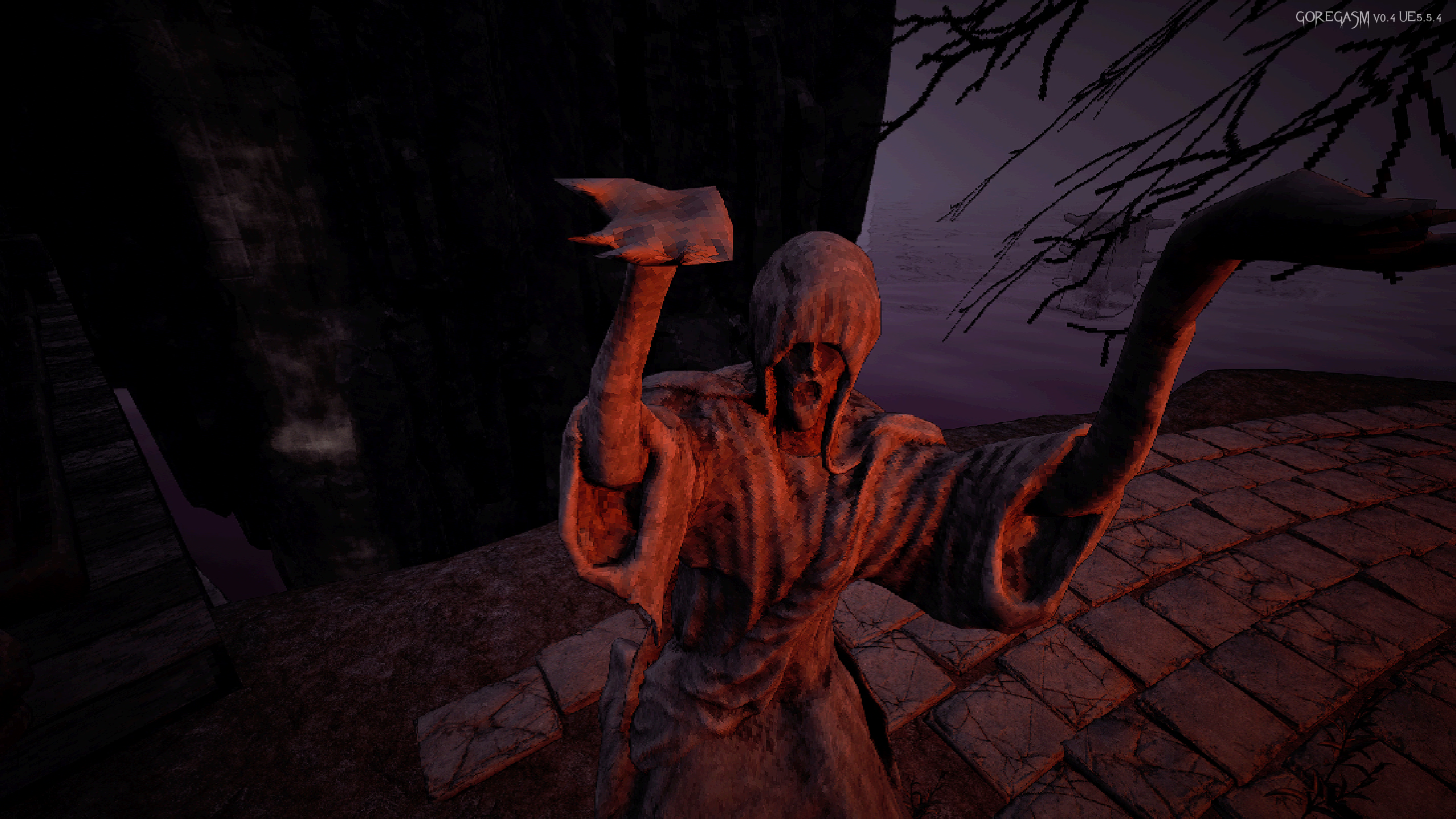
In the main hall, near the girl, there is a jar with an eye on the side - interacting with it will turn off the strong pixelation effect.
I personally like the pixelated / PSX-style visuals, but I understand that it’s not for everyone, so there is an option to reduce or disable it.
Regarding your review:
I’m sorry you had such a bad experience.
Could you please specify which exact error message appears at startup?
So far, there haven’t been widespread reports of startup crashes, except for an earlier shader-related issue — and that one was addressed by adding the option to skip shader compilation.
Regarding the pixelation:
This is a visual effect, not a bug, and it can be disabled in-game.
As for the DLCs — they only add visual elements and atmosphere. They do not affect core systems or shaders.
I understand that visual style is subjective, and it’s okay if this game isn’t for you.
Still, thank you for leaving feedback — it helps me improve the project.
Some players may encounter an error during shader compilation. Because of this, starting from version 0.3, I added a button at the beginning of the game called “Skip Shaders Compilation”.shaders error
i did all of that before posting , it doesnt matter if you do that because once in the game menu settings if you mess with antialising the game will crash too -.-Some players may encounter an error during shader compilation. Because of this, starting from version 0.3, I added a button at the beginning of the game called “Skip Shaders Compilation”.
If you use this option, the game will still work normally — shaders, effects, and textures will load dynamically during gameplay instead of upfront.
If you pressed “Continue” and the shader compilation failed, please try the following:
I will continue looking for a better and more stable solution for this issue in future versions.
- Close the game
- Go to this folder:
C:\Users\YourUserName\AppData\Local\Goregasm\Saved\SaveGames- Delete these files:
- GOREGASM_Audio_Settings.sav
- GOREGASM_Game_Settings.sav
- GOREGASM_Shaders_Settings.sav
- GOREGASM_Video_Settings.sav
- Launch the game again — the shader compilation window should appear again.
Got it, thanks for explaining.i did all of that before posting , it doesnt matter if you do that because once in the game menu settings if you mess with antialising the game will crash too -.-
I can confirm that this happened to me too (AA change from default - crash guaranteed ). But ignoring the settings works.Got it, thanks for explaining.
I’ll look into what I can do about this. I personally don’t have this crash on my setup, and from other players feedback it either doesn’t happen or shows different, smaller issues.
Still, your report is helpful - thank you for the feedback.