Baylin
Newbie
- Apr 5, 2025
- 41
- 27
- 37
Now THAT'S funnier than your fuck tiny waists.Great! Now i can play Ninja gaiden 2 black with one hand
View attachment 4958114 View attachment 4958112

Last edited:
Now THAT'S funnier than your fuck tiny waists.Great! Now i can play Ninja gaiden 2 black with one hand
View attachment 4958114 View attachment 4958112
Now THAT'S funnier than your fuck tiny waists.
[/QUOTEoh shjt my bad forgot to use first original card body
Now that I think about it, is it an overlay or a new clothing item in that image you sent?I try your card, the Top Cloth is already inside my folder, Shrine Hakama Maiden.
Btw it's a nice card you got there, I change some of the cloth to spice the taste
View attachment 4958430

Here is my card, try itUpdate time:
Fixed my issue by redownloading the base game files. Time to continue updating all of my custom made cards.
Another chara that I put it on.
Actually
Now that I think about it, is it an overlay or a new clothing item in that image you sent?

The setting cannot be save?? that's odd.FLEXN00B, Your solutions work! But is there any way to save those settings? Cause every time I load any other character or close the game, it resets (example: Test Albedo will always reset to 1). Also, there is another problem, in the graphics option, I can't save the light option, even if I save the options to presets, it resets to 1 every time I close the game.

Try thisAre there any complete sailor moon themed character cards? The ones from illusioncards.booru.org doesn't show up when I try to load them meaning they are probably not for honey select 2. At least the ones I downloaded. Sena has sailor clothing but I'm seeking the character cards. If I make them myself, probably I will never satisfied especially in the head and face section.
Thanks a lotTry thisYou must be registered to see the links
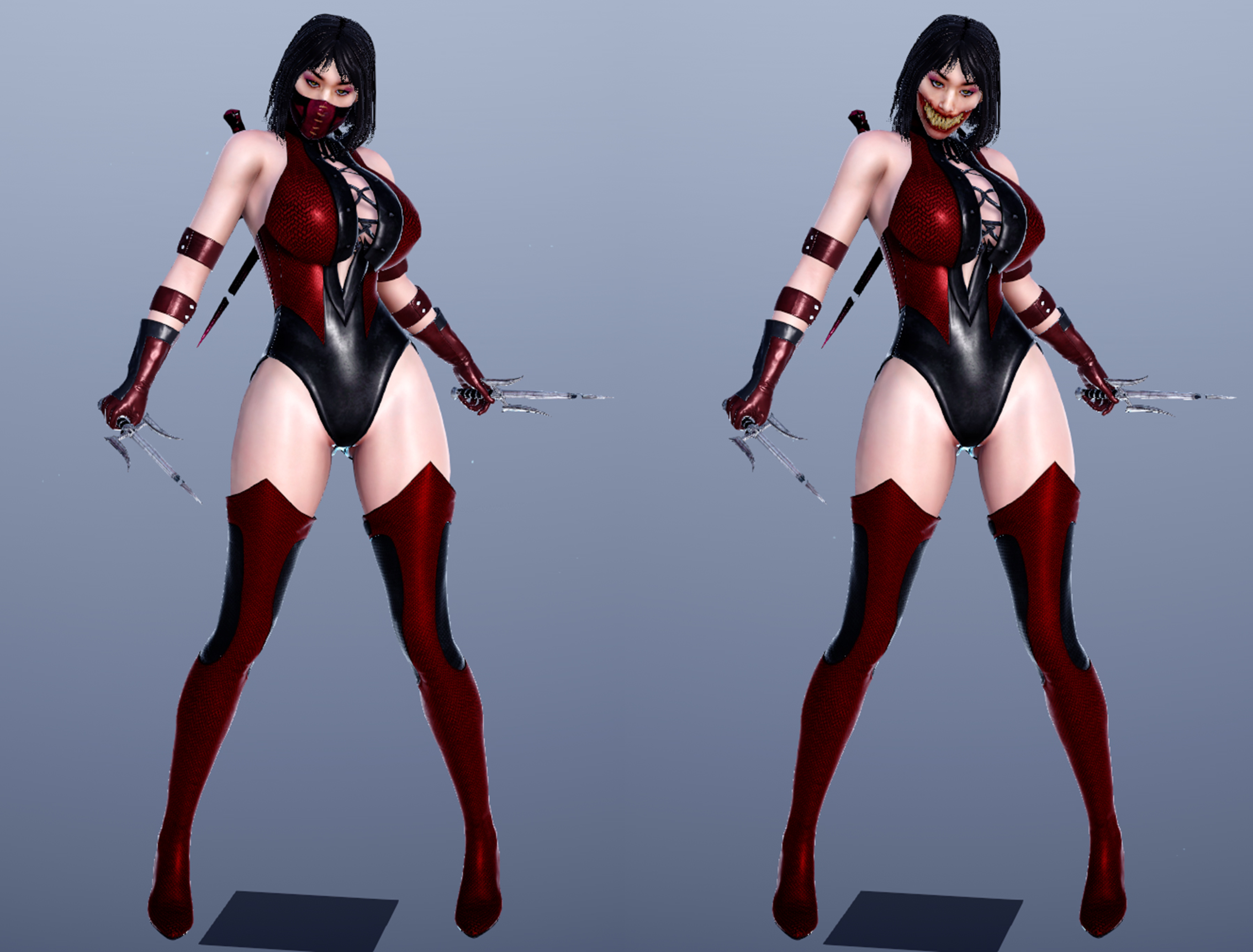
ZamnDon't let her open her mask, or else she's gonna bite your dick off
View attachment 4960877
Info:
Character by noble_kale
You must be registered to see the links
Outfit: Mix from McM82 & GDC
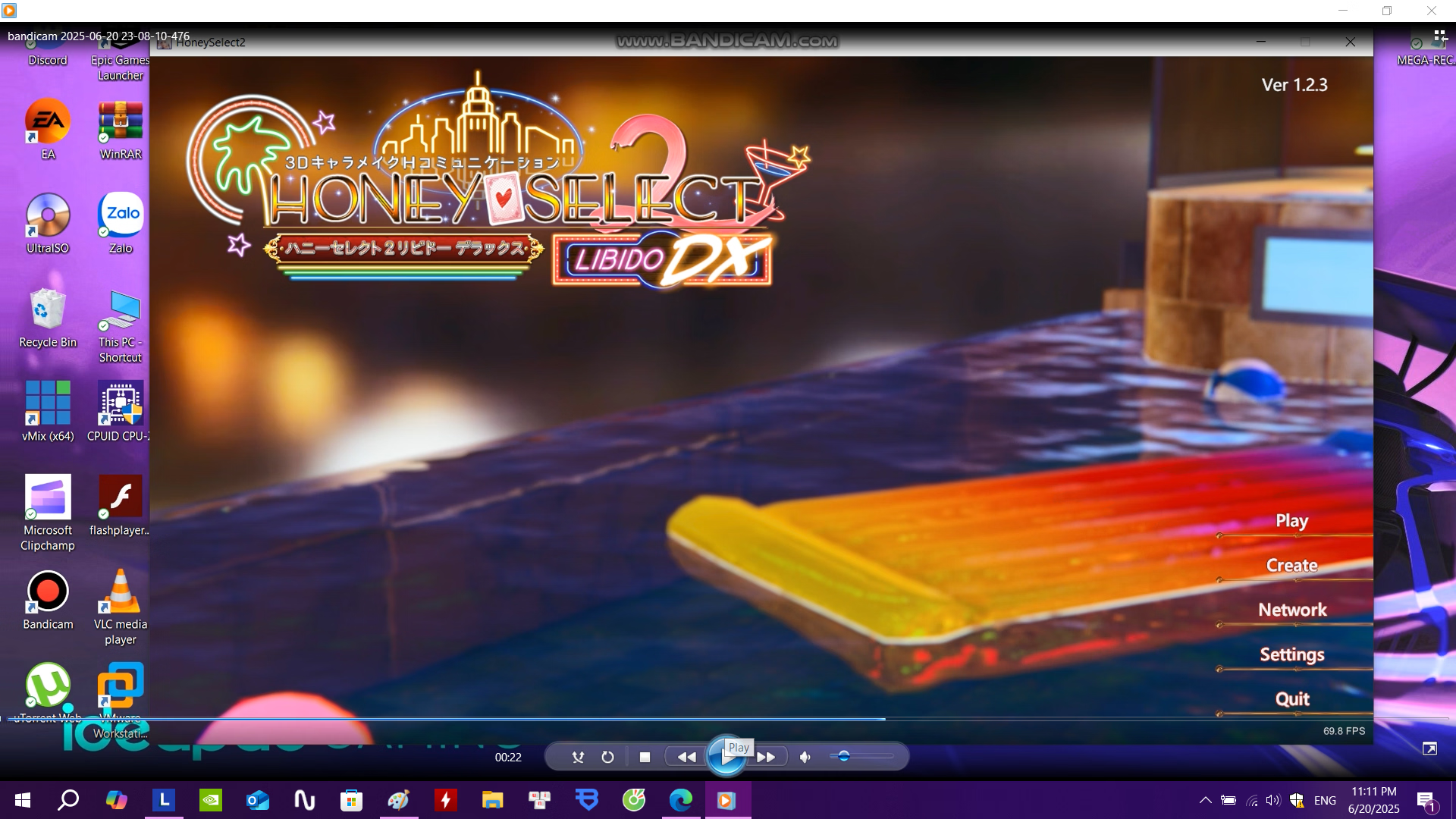
I see, I don't save cards; I just load them randomly to see if the material editor can save. And regarding presets, are there any specific settings you recommend? For the F5, it seems that I have to wait for the next updates... Also, do you know anyway to load into Maker and skip the title screen instantly? The game lost that ability after I reinstalled R16 updateThe setting cannot be save?? that's odd.
You already try save the card? click Settings - Character card - Save / Delete
If you're not saving the card, the setting will be reset back to original.
noted that those setting that you save only works for that card that you save, but not for all cards.
For other card you need to save one by one.
I never got this kind of issue before.
If this persist, maybe there are some plugins or mods that conflict with this issue
For F5 option, to save the setting is with click F5 - Presets - Save Current as
Noted that the Lights option in F5 for some reason the value cannot be change,
this is happen with me also, maybe there is some bug with NGS because i use the latest version.
But you can change the value for the other F5 option, you can save it in the Presets.
My suggestion for F5 option, you just need to set up 4 options: Post Processing, Anti-Aliasing, SSS, Settings
Save this 4 option in the Presets for the Title (Game Menu), Maker (Character Creation), Main Game (H-Scene), Studio (If you use it)
I think the Light value is enough for me, so i never bother to change it.

The lights in Maker (or in the game maps) are fixed in it's preset (~ CharaCustom) You can't add lights and safe those to the preset. You could only trick it by picking another map preset and rename it (Caution: act on own ristI see, I don't save cards; I just load them randomly to see if the material editor can save. And regarding presets, are there any specific settings you recommend? For the F5, it seems that I have to wait for the next updates... Also, do you know anyway to load into Maker and skip the title screen instantly? The game lost that ability after I reinstalled R16 update
allways work with backups).It works for me and it looks great like that too. Only had to remove the skin overlays, which were a bit too light on her. If there is a way to mask it better, I'd be happy to keep it there. I'm still learning how to work with the shaders and overlays myself.Here is my card, try it
Just ask me if you don't have the cloth.
For F5, if your scene is clear enough and not blurry, using default will be okay.I see, I don't save cards; I just load them randomly to see if the material editor can save. And regarding presets, are there any specific settings you recommend? For the F5, it seems that I have to wait for the next updates... Also, do you know anyway to load into Maker and skip the title screen instantly? The game lost that ability after I reinstalled R16 update
I wouldn't go with a new 8GB GPU in 2025, not even for something as old as HS2 as studio scenes can get very heavy on both the GPU and its VRAM the more stuff is in them, characters especially. I'd invest in either a RX 9060 XT 16GB or a 5060 Ti 16GB, which I know aren't cheap, but won't choke as much. Worst case, wait for possible 12GB 5060 version, which isn't out yet due to 3GB GDDR7 chips just started get produced by Samsung, or get the 12GB 3060 yeah, though you might struggle there with performance in some cases.Im tired of playing this game with my laptop with i5 11300h rtx 3050 4gbram ,it run very weak only 18,17 fps when load full map,character with dhh graphis and SSS... forget it,i will buy a desktop pc with i5 13400f 32 gb ram rtx 3060 12gb vram,guys ,can this build strong enough to play this game full everything,mod,studio,full map and character face,cloth mod and dhh,SSS graphic for over 60 fps?Or i can update to rtx 5060 8gbvram with kind of little more money
I also still using RTX 3070 ti laptop 8gb (150w) + i9 12900h, it's a bit struggling because many of mods that i have.I wouldn't go with a new 8GB GPU in 2025, not even for something as old as HS2 as studio scenes can get very heavy on both the GPU and its VRAM the more stuff is in them, characters especially. I'd invest in either a RX 9060 XT 16GB or a 5060 Ti 16GB, which I know aren't cheap, but won't choke as much. Worst case, wait for possible 12GB 5060 version, which isn't out yet due to 3GB GDDR7 chips just started get produced by Samsung, or get the 12GB 3060 yeah, though you might struggle there with performance in some cases.