Hope to get some help here

. There are comments about the U.I. and as a small team with our focus on content we agree that the U.I. had somewhat less attention. We want to address that within the next release, but we would love to get some suggestions on the things that are bad and need improvement. This is what we know we need to address:
1. Chat dialog:

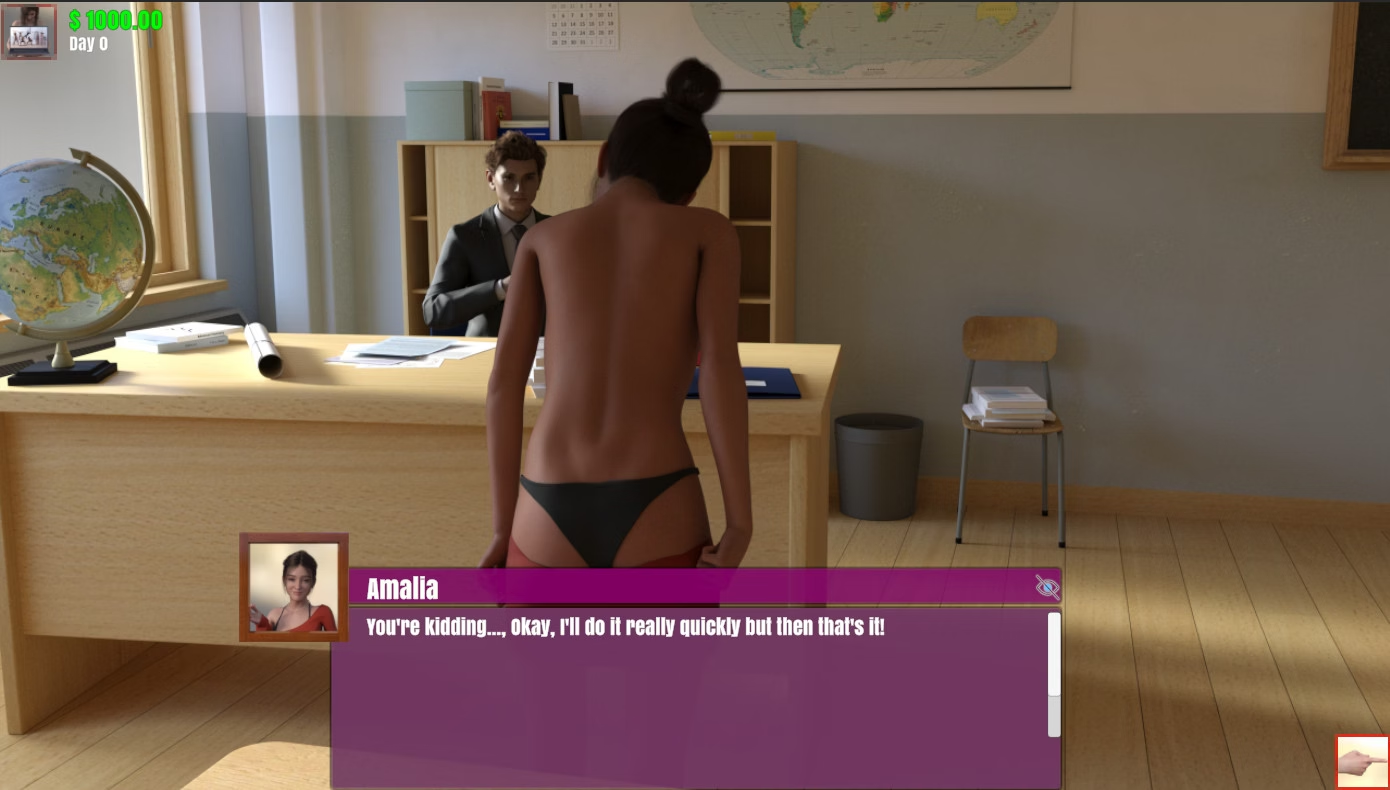
This is the default chat dialog. It has a profile picture and usually the name of the person within the header with the text in the field next to it. The "eye" icon in the top right will hide the dialog so you can see the entire image. In the top-left is the icon to return the the menu. Next to that is your current amount of cash and the day of the month indicator. Bottom right is the button to proceed, but you can also click anywhere at the screen to do just that.
Known improvements:
- The menu button icon is unclear and should be improved.
- On large (4K) screens, the menu items become too small.
- The dialog always has a scrollbar even though the text fits fine. We will fix that.
- The dialog is not some fancy design and is not having a cool gradient. We thought about keeping it simple and clear, but could alter this.
2. Actionbar
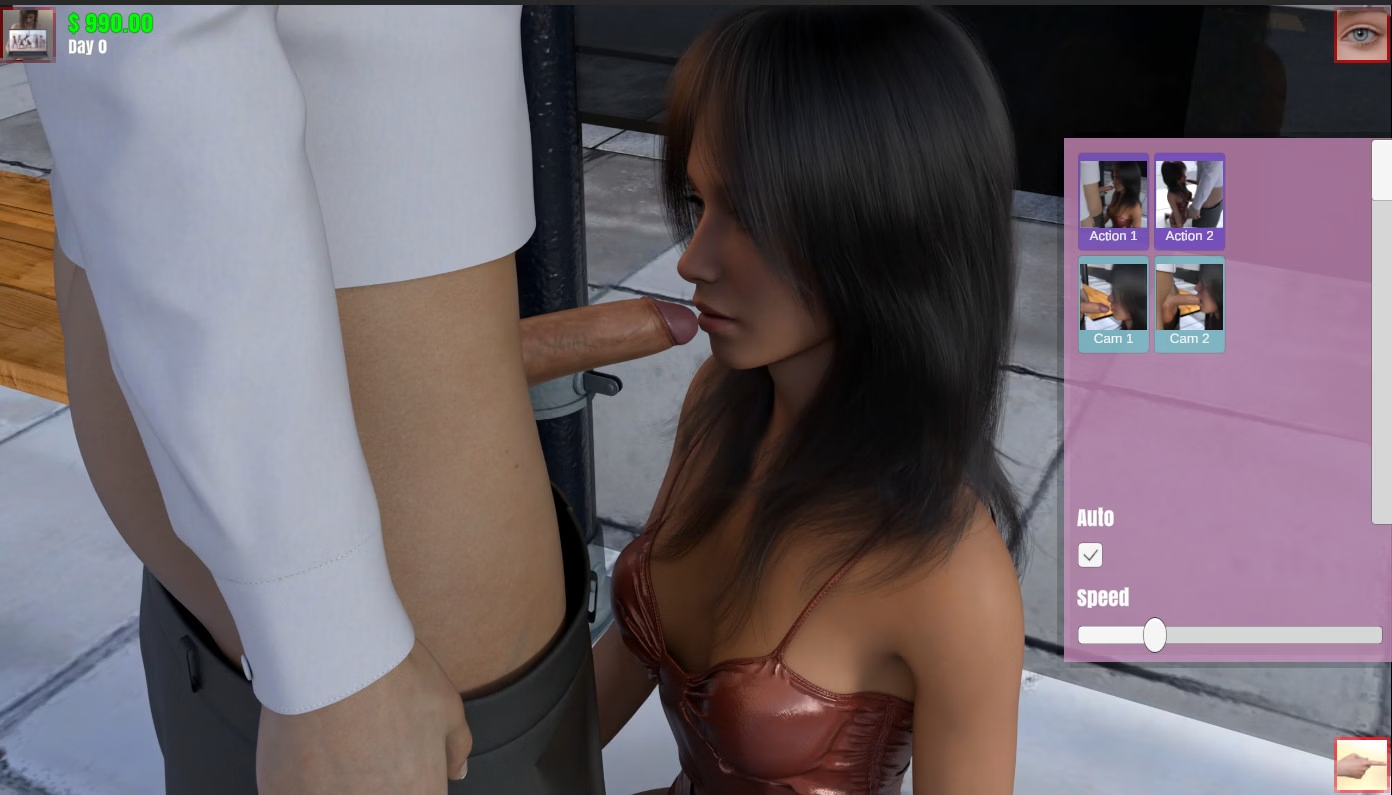
With animations the action-bar will show up. In it you can set the animation speed and auto-loop checkbox. Depending on the amount of actions, camera angles and clothing outfits multiple icons will be displayed. The eye in the top-right wil hide the entire dialog.

Known improvements:
- The colors are terrible. We will fix that
- The dialog is too big, it should auto-size to the amount of icons in place.
- The icons are too small.
3. Multiple choice selector:
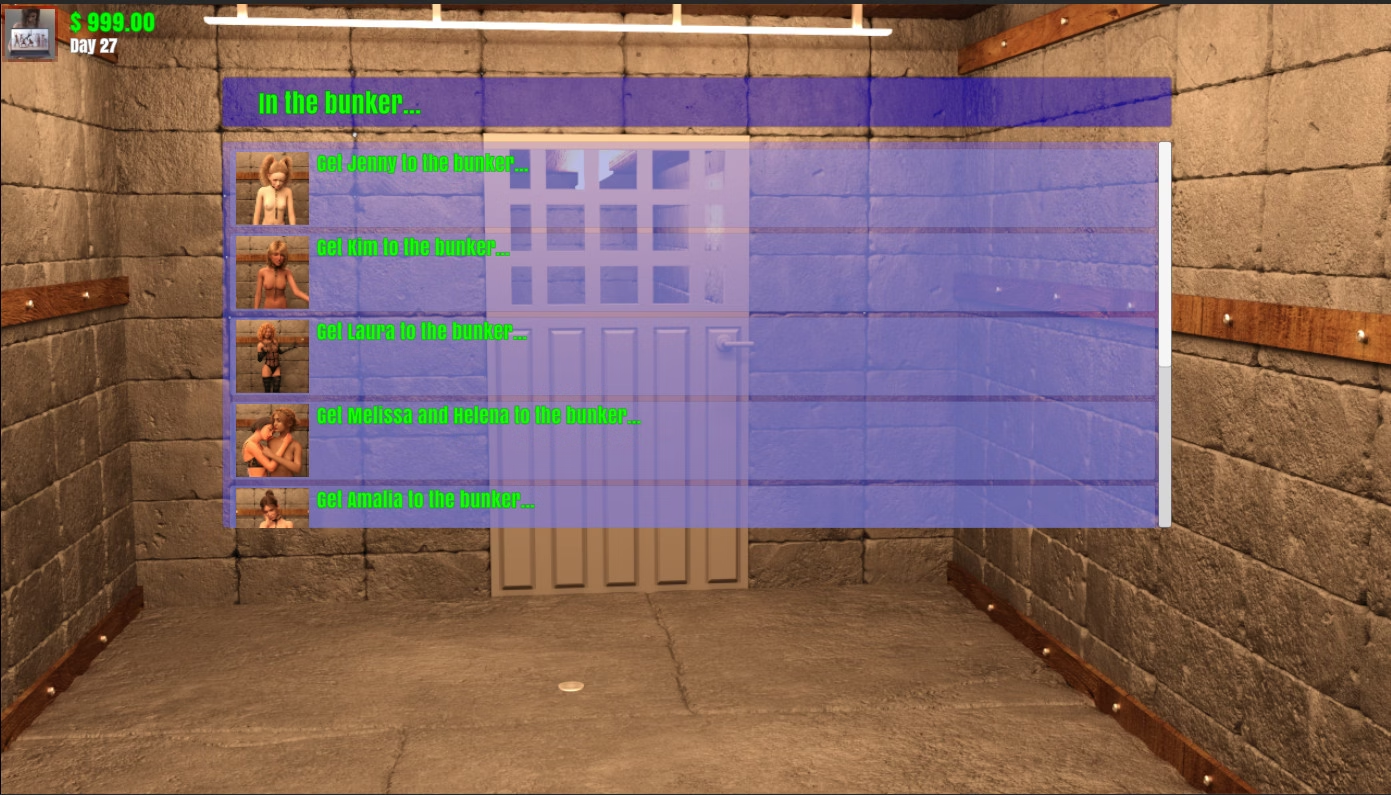
If the player has multiple options, the "multiple choice selector" is shown. It has a header, icon and description per available item and a scrollbar in case there are too many items to fit the screen:
Known improvements:
- Better colors
- The dialog should auto-scale to full height.
4. Map navigation
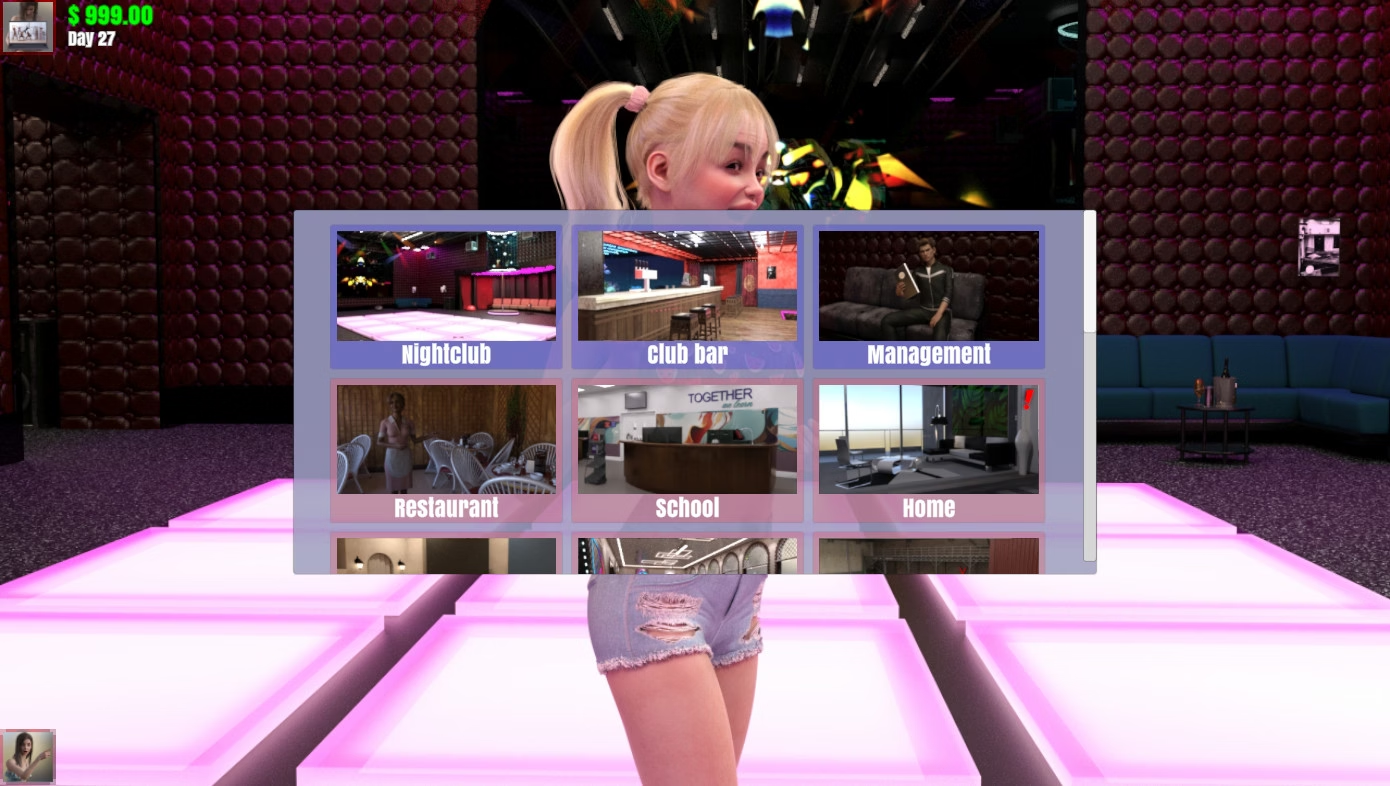
If you can go to different areas, the icon at the bottom left will show, opening the navigation map. The items with a blue background are different locations in the area you are currently at. The pinkish background indicate different locations. If you would visit the school and open the map, you would see all the school locations, those are hidden when you are not at the school.
The exclamation mark (in this example on the home map) indicates there is open quest at that location:
Known improvements:
- The map should be bigger?
5. Club management
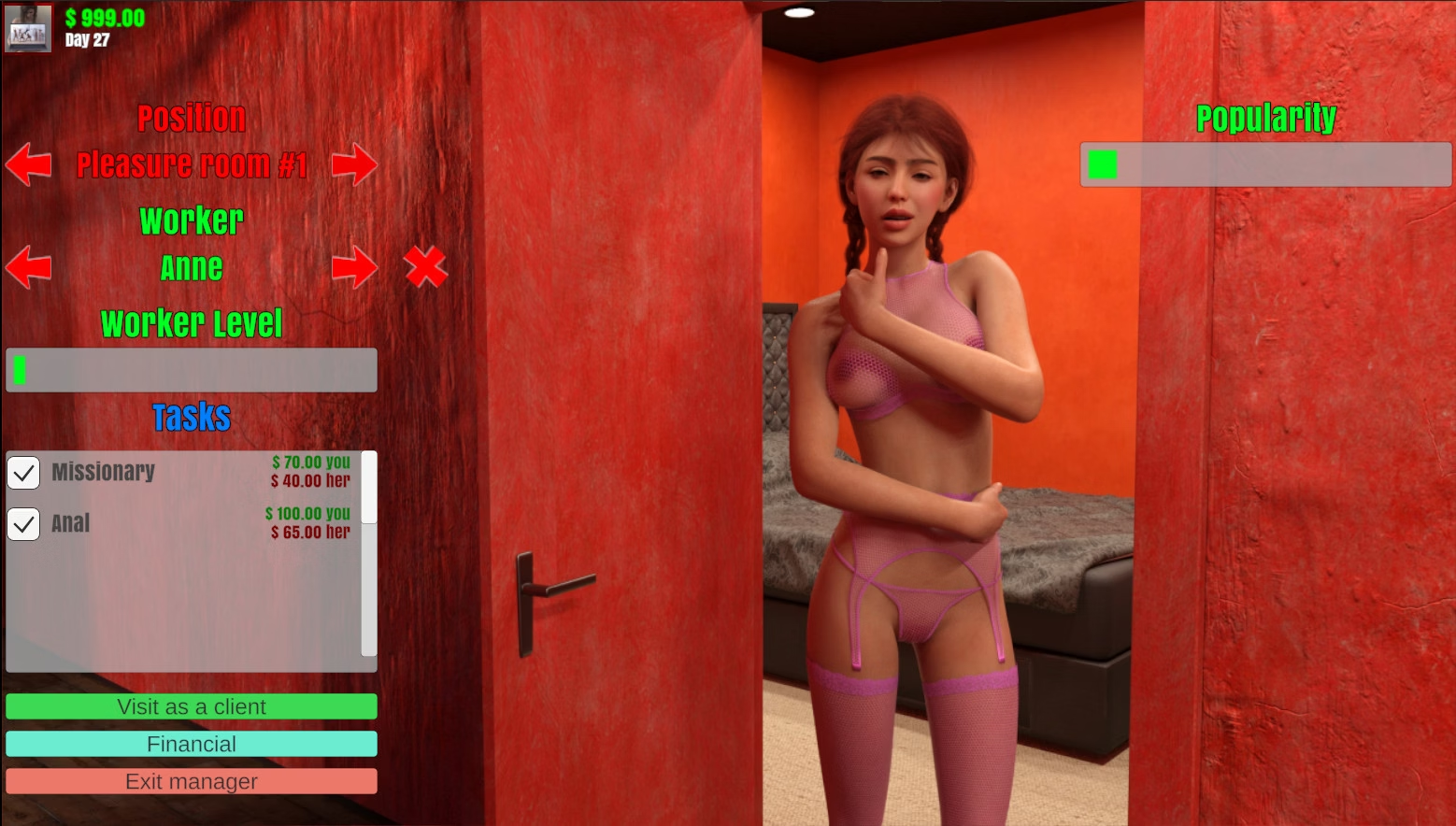
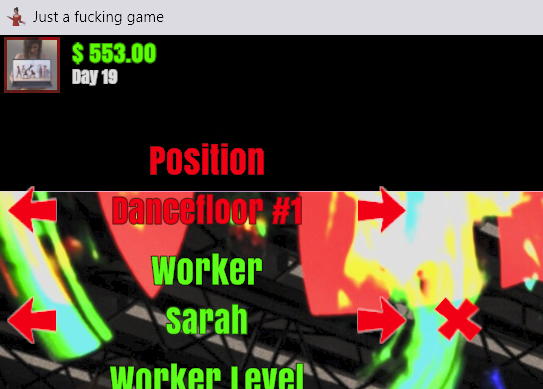
The following interface is for the club's management. There are several positions there to pick (bar duty, dancefloor, pleasure rooms, web cam room, secret room) and each of those positions could have a worker assigned. You can scroll through them using the arrows and de-assign a worker with the cross. Select tasks the worker should perform using the checkboxes and view the worker in action using the "Visit as a client" button. The clubs financial status can be checked with the Financial button:
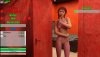
Known improvements:
- On some screen resolutions the interface is not completely visible.
6. Trading
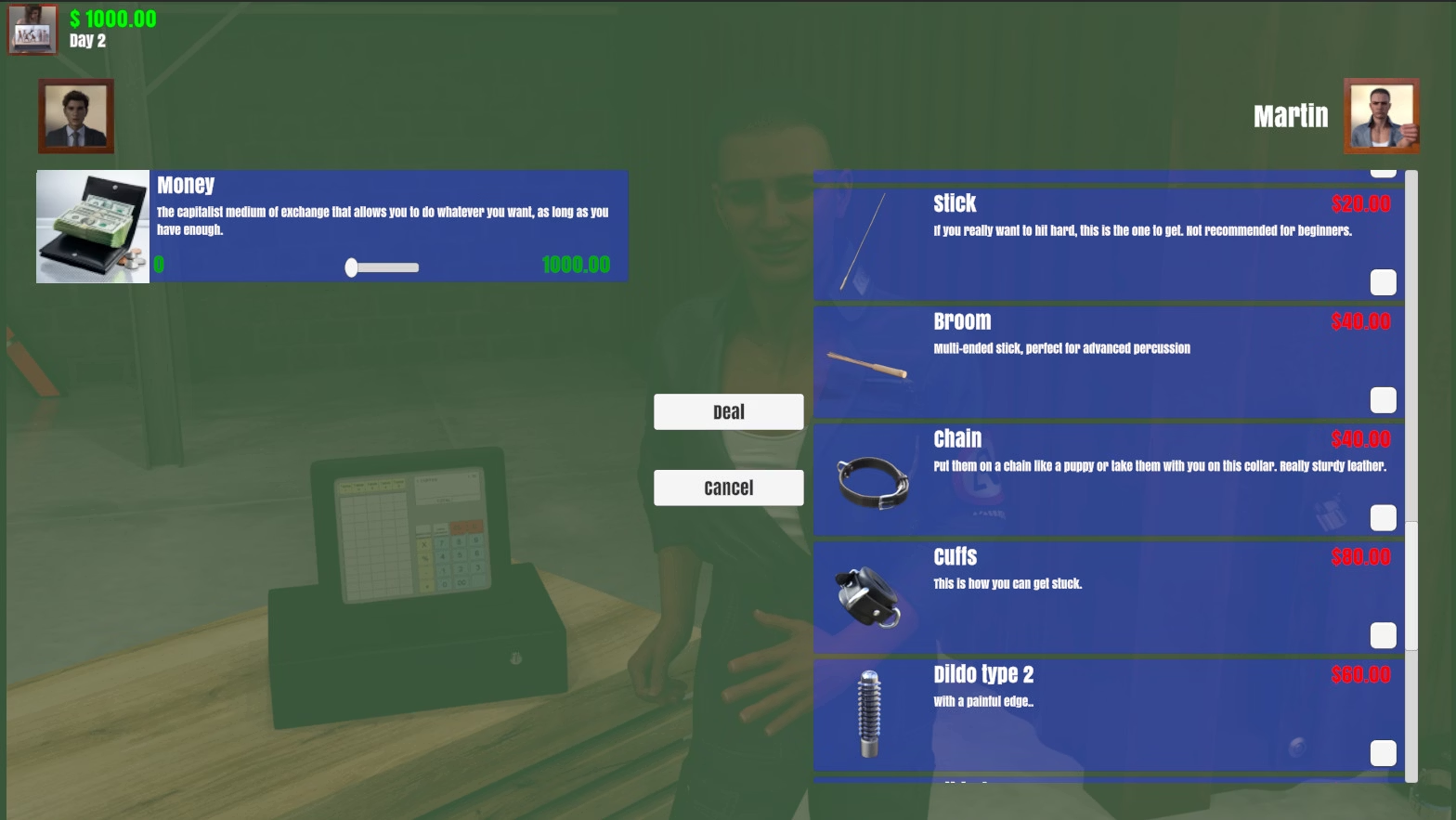
If you can trade with someone, a "Trade" button will light up above it's profile picture, opening the trade window. There is someone at the left (usually the player) and someone at the right (the one you are buying from). You can have items to trade as well, in this example there is only money. At the right side you see all the items or services the other party has to offer. Simply check one or more of them and click "deal" or press "cancel" to stop trading.
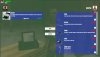
Known improvements:
- The colors
7. The gallery
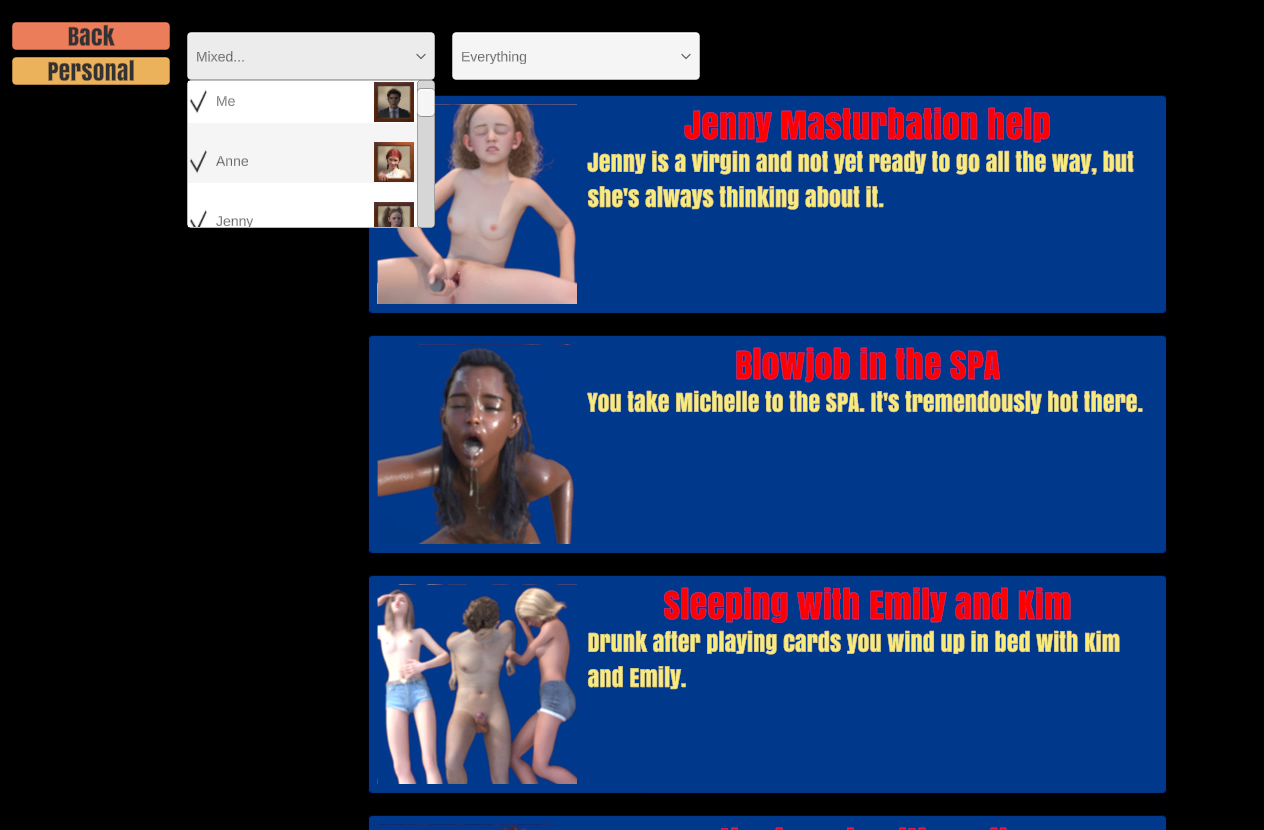
Only scenes that can't be replayed within the game will be added to your gallery. You can select the characters and settings you want to filter the gallery items on and simply click any of the stories to display them again. There is a back button to leave the gallery and a personal button that will show your personal requested items and loyalty-bonusses:
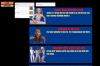
Known improvements:
- Colors
8. Loading and saving
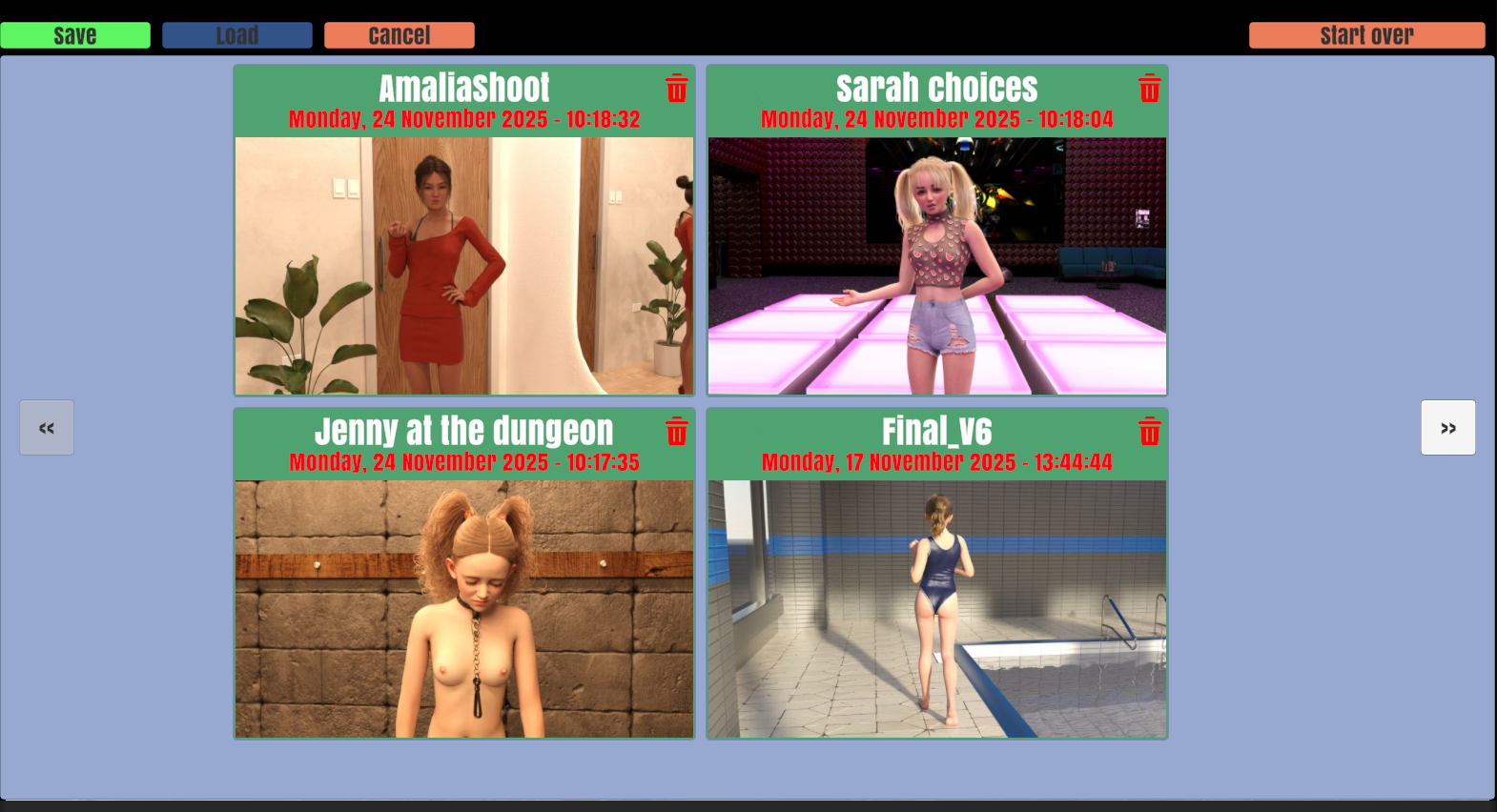
Save will show the current story image and a description box to name the save with a button to save it. Load will show all of your previous saved games. Simply click on a image to load it or delete the save using the recycle bin. A maximum of four items are shown per page, you can scroll the pages with the arrow buttons left and right. The load/save page also has a button to restart the game (Start over):
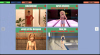
Known issues:
- There should be a "Are you sure" confirmation on deleting a save.
- There should be an icon to rename a save.
9. Main screen
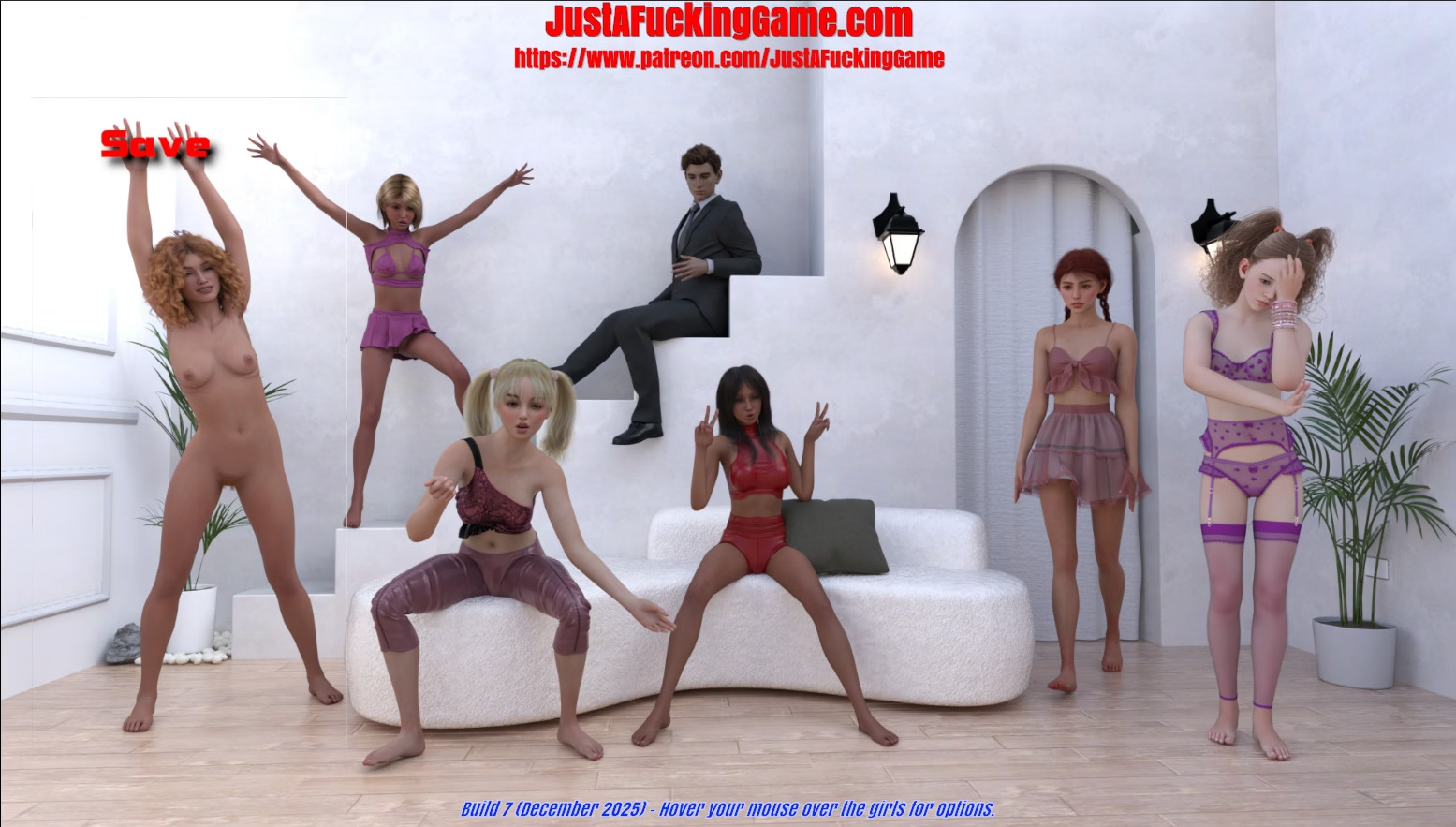
We thought it would be fun to have a main screen where you could uncover the girls by hovering over them with your mouse, showing the option while doing so. So right now the left girl is selected and that would be the save option. There are only a couple of options here:
Save, load, settings, gallery and continue
The header title and subtitle will open a browser to those pages and since 1.5 there is a version indicator below as well as a text indicating you should hover over the characters for options.

Known improvements:
- Always show the option texts
- At some screen resolutions a white border can be seen at the hovered girl.
Any further suggestions and comments could help us a lot to further improve the game.