5.00 star(s) 8 Votes

Diembolo

Newbie
Oct 17, 2023
45
36
72
Hey guys, so I was thinking, would it be possible to mod a character model into a different game.
For example having Aya, Yaku, Mei or Foxy as the character in the Old Cle Theme?
 

dreamdemon

Member
Game Developer
Jun 18, 2017
155
625
258
Hey guys, so I was thinking, would it be possible to mod a character model into a different game.
For example having Aya, Yaku, Mei or Foxy as the character in the Old Cle Theme?
No, they do not share body types or animations.
Each animation here is independent and custom-tailored specifically for them.
 
Jan 8, 2019
283
111
208
Hey guys, so I was thinking, would it be possible to mod a character model into a different game.
For example having Aya, Yaku, Mei or Foxy as the character in the Old Cle Theme?
anything is possible if u know 3d, but just doing it without fixing the extracted models/animations will result on clipping/broken bones/etc. U can see more of this in Wild life, there are a lots of modding tutorials on the modding discord that can be used to do it. Extracting the models/animations is the easy part, i already did it with lots of games.
 
Jul 13, 2022
16
16
23
Wow. That would be a great idea. But would they fit there? :D

But I don't expect DD to lend them to you. ...just in case.. one day...you know..:whistle:It's probably just a wish.


i'd say they'd fit right in with the other ladies and into the whole island theme itself, there's still free living space where ayaka and yui reside:sneaky:
 
  • Like
Reactions: DocRipper

Sir Spiderbro

Newbie
Game Developer
Jan 7, 2023
86
97
85
I'm sorry to rain on your parade, but I'm not planning to do that at the moment.
As I mentioned before:
"I can only offer my blessings and wish you all the best."
That's totally ok, you do you. I'm down for a talk if you might change your mind.
 

Zero28

Active Member
Mar 23, 2018
777
472
177
I only tried the version Theme since the version Monster Girl World It didn't work for me, since my cell phone is not that powerful either

Here I'm going to make a tutorial.

1- Download the game

2- Download Zarchiver (In the play store it is available)

2- Download the gamehub emulator

Link:

Note: the emulator downloads it elsewhere because on the official website it took many to download it

Note 2: The app is also available on the play store but I don't recommend it, because this version is limited.

3- Download this mod:

Link:

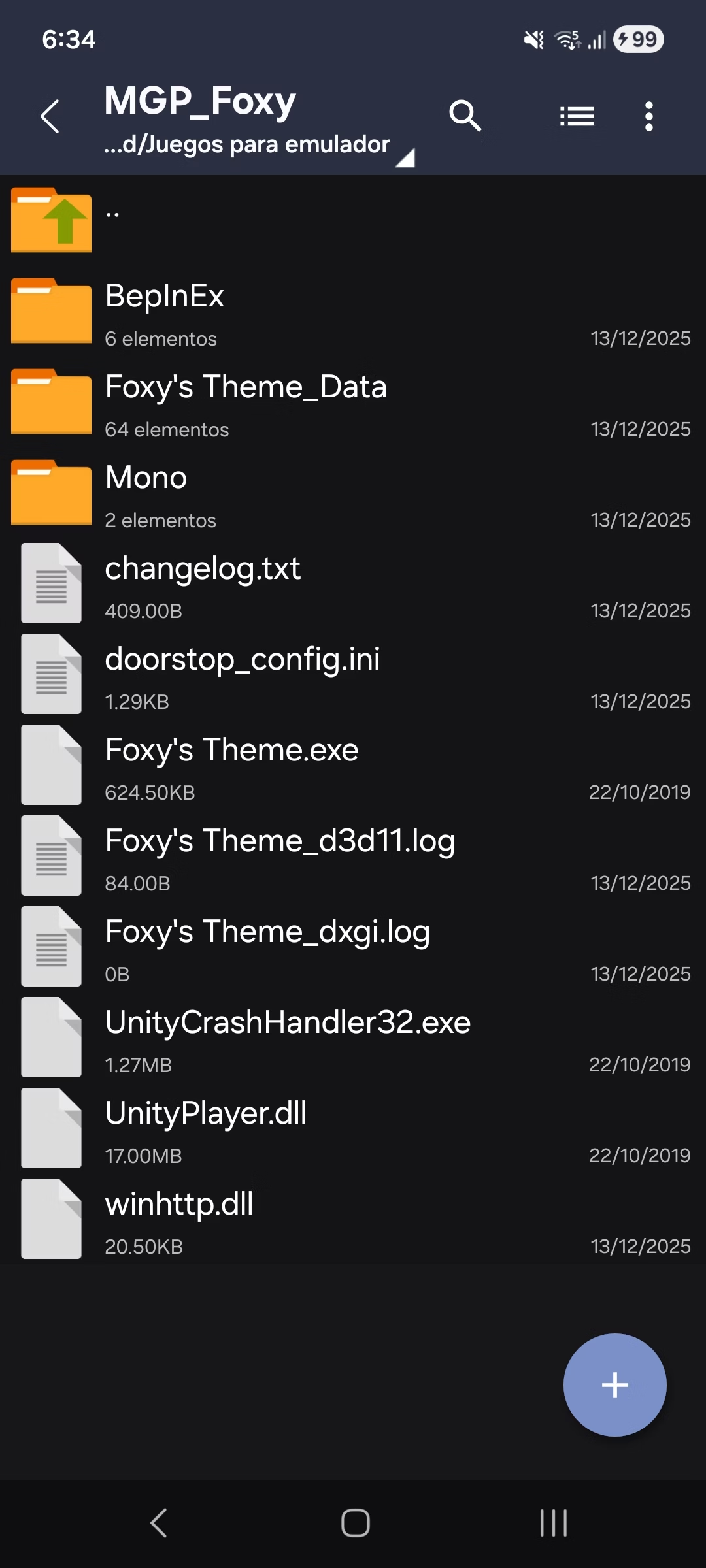
4- Leave files in game

This is how it has to look

Screenshot_20251213_183405_ZArchiver.jpg

How to install the game:

1- Open the gamehub

2- Choose this option

Screenshot_20251213_184642_GameHub.jpg

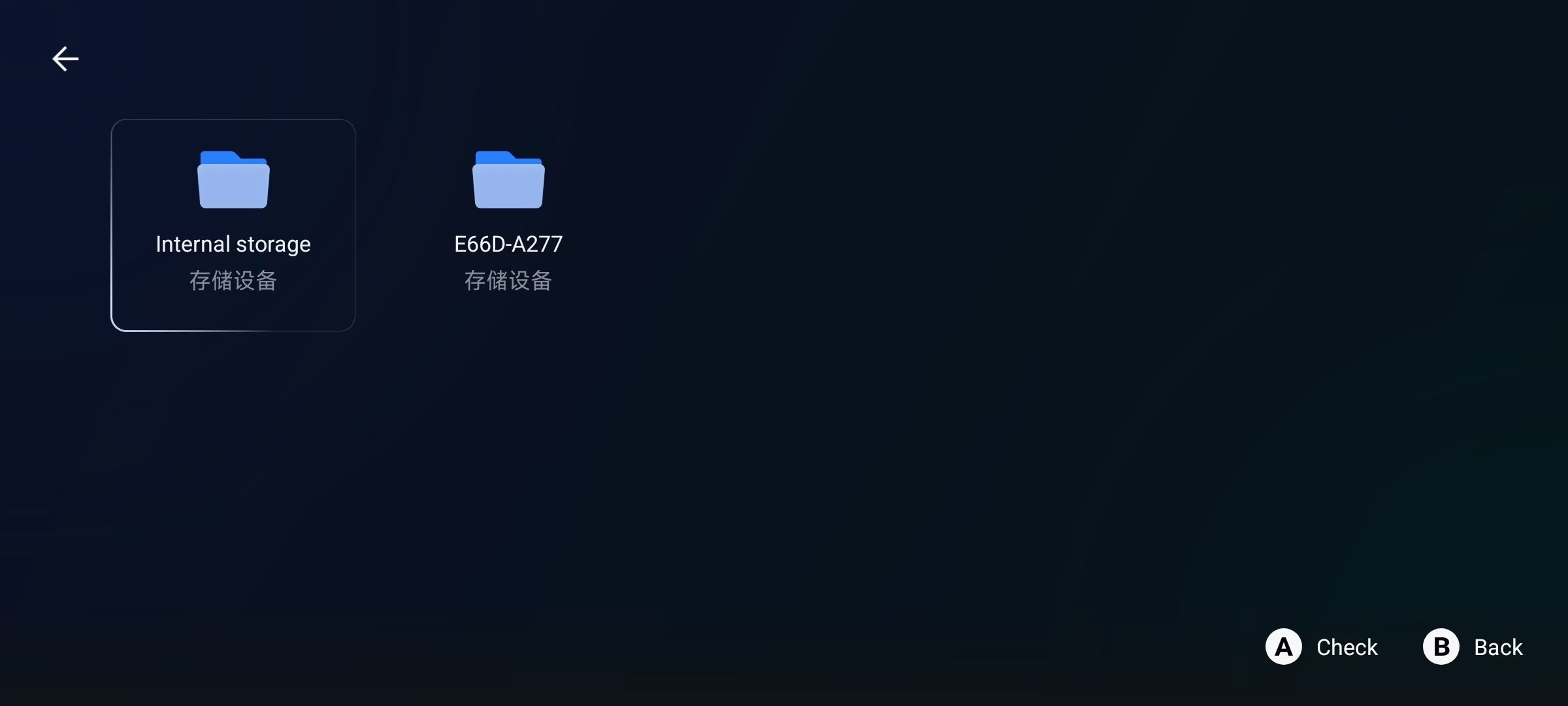
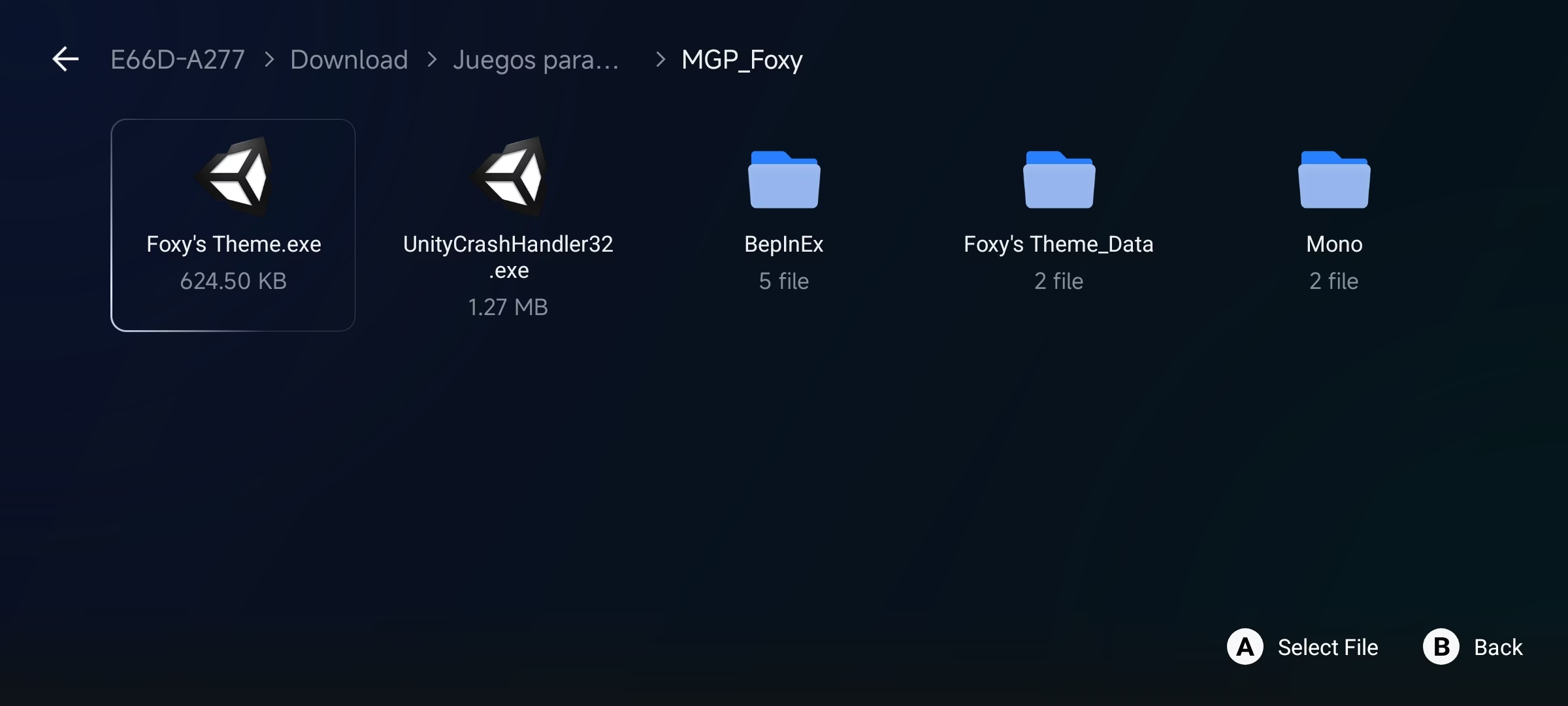
3- When I entered, 2 options will appear, the left is the internal memory and the right is the SD, choose where the game is.

Here are some screenshots of me where the game is

Screenshot_20251213_184652_GameHub.jpg

Screenshot_20251213_184744_GameHub.jpg

Once you find the game (.exe) choose that option.

4- When you select the exe , it will come out to him to name who to put him in the game and he accepts

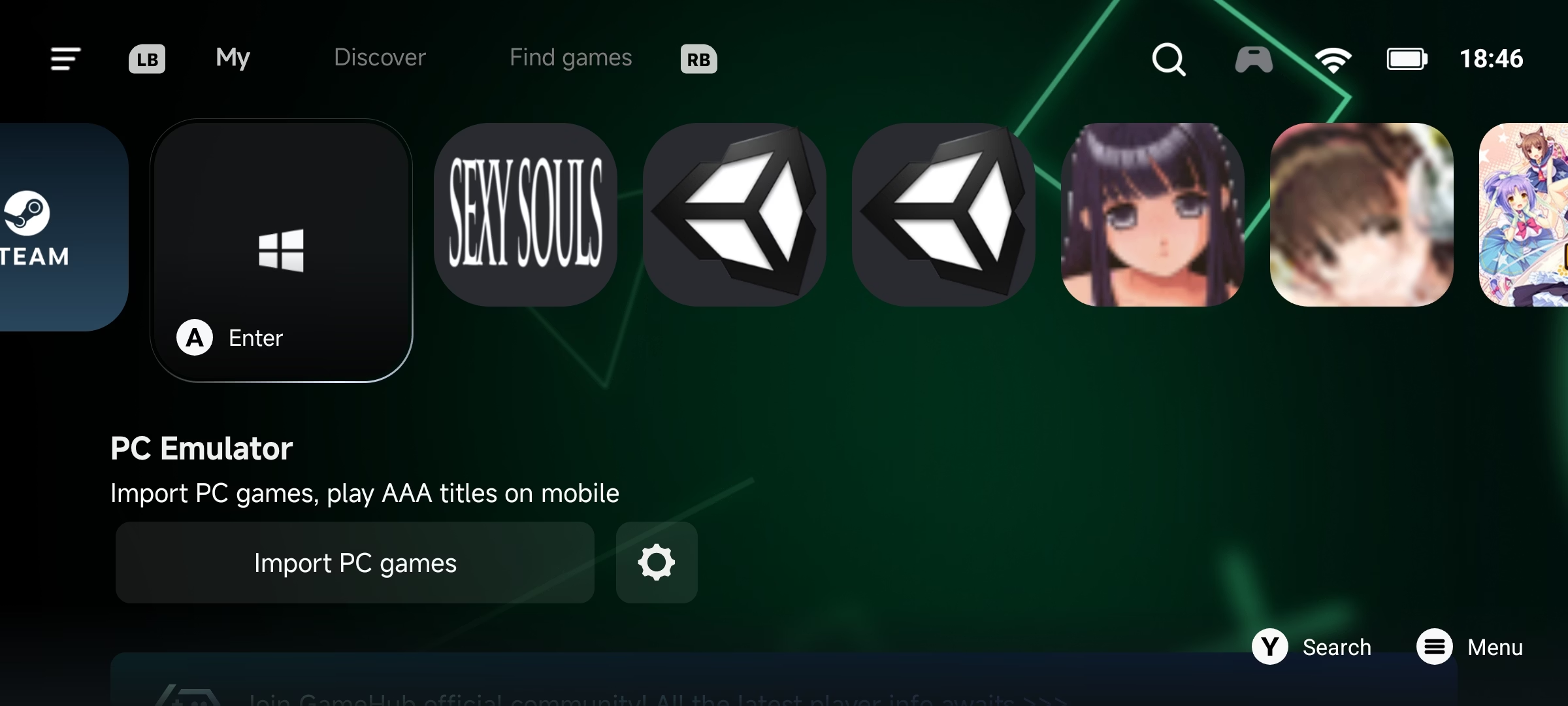
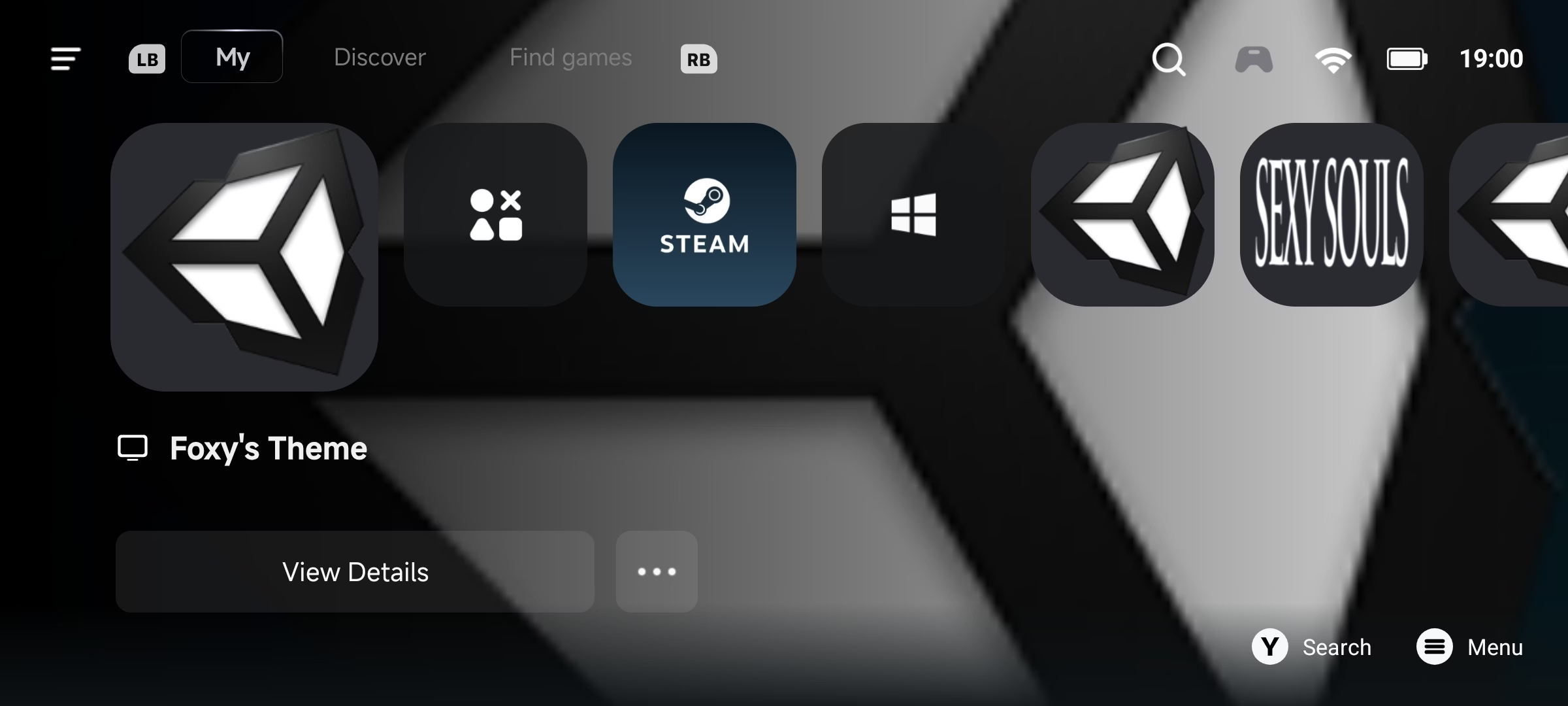
5- Then the game will appear in the main menu

Screenshot_20251213_190044_GameHub.jpg

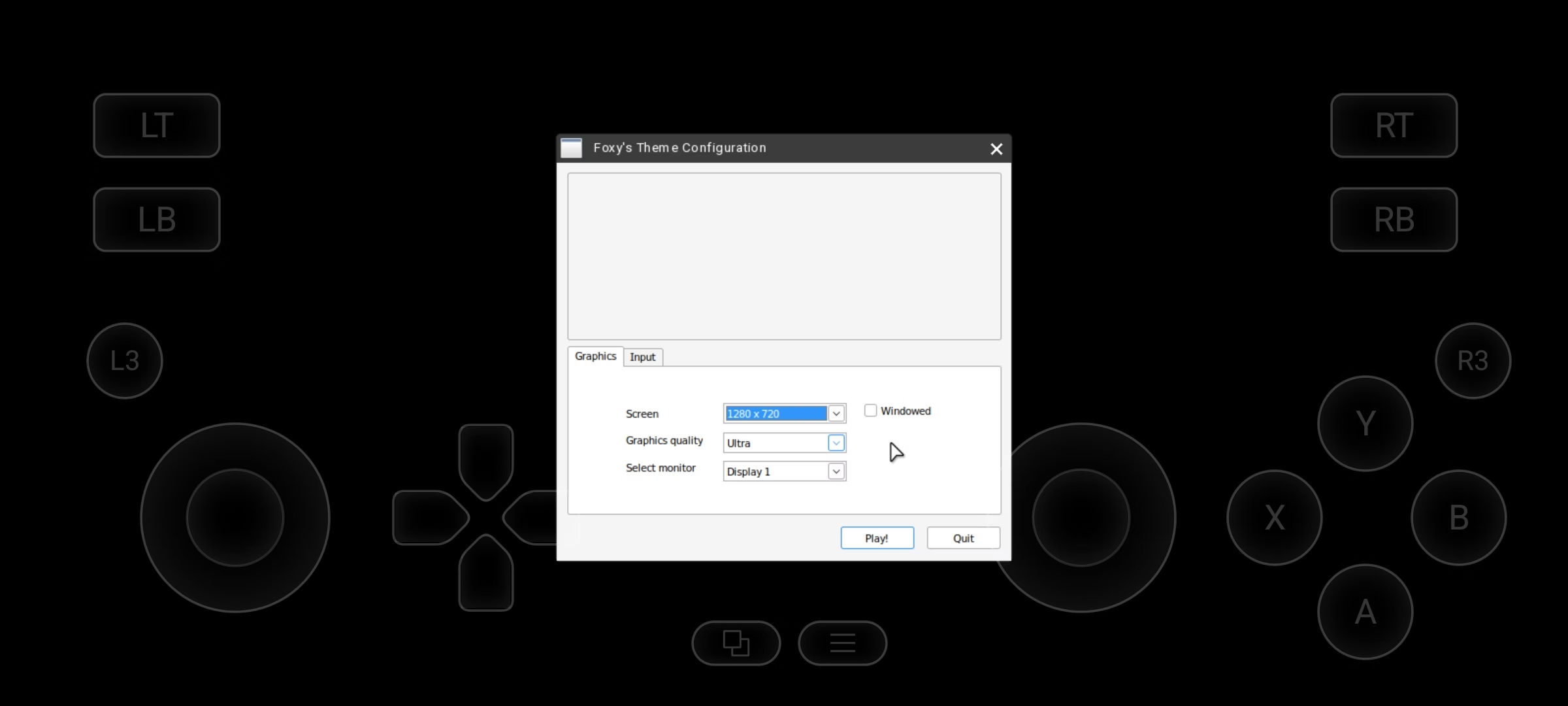
6- Select the game and you will get the option to configure the game (this depends on your cell phone)

Screenshot_20251213_184854_GameHub.jpg

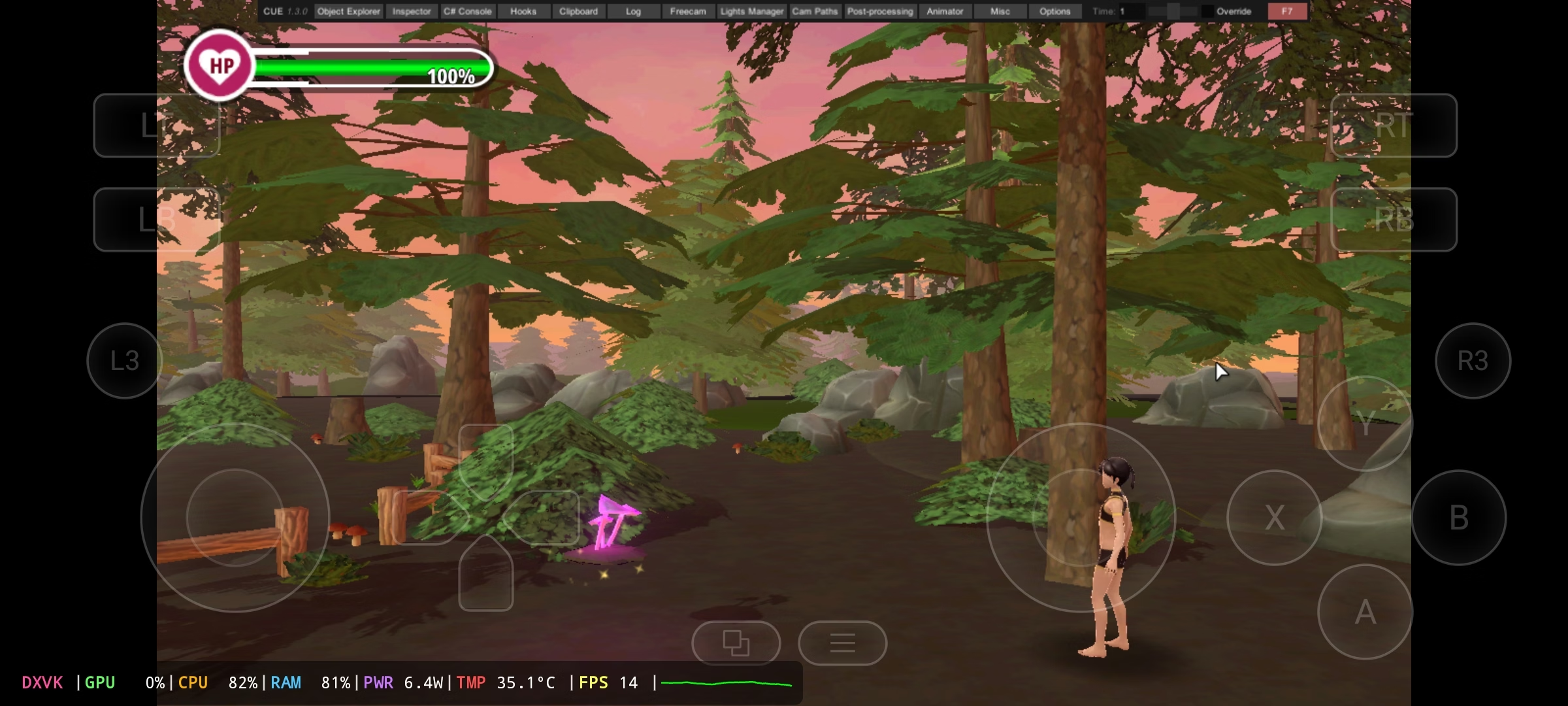
Once you have done all the steps, you will see the menu above

Screenshot_20251213_185011_GameHub.jpg

This part is important, as the controls you see on the screen don't work.

Now I'm going to explain how to play + how to switch controllers (You yourself have to figure out how this control works 100%)

1- Open this menú and Choose the keyboard and mouse option

Screenshot_20251213_185053_GameHub.jpg

This is how the new control will come out

Screenshot_20251213_185224_GameHub.jpg

With this you can already play and with the mouse pointer I could already choose any option from above.

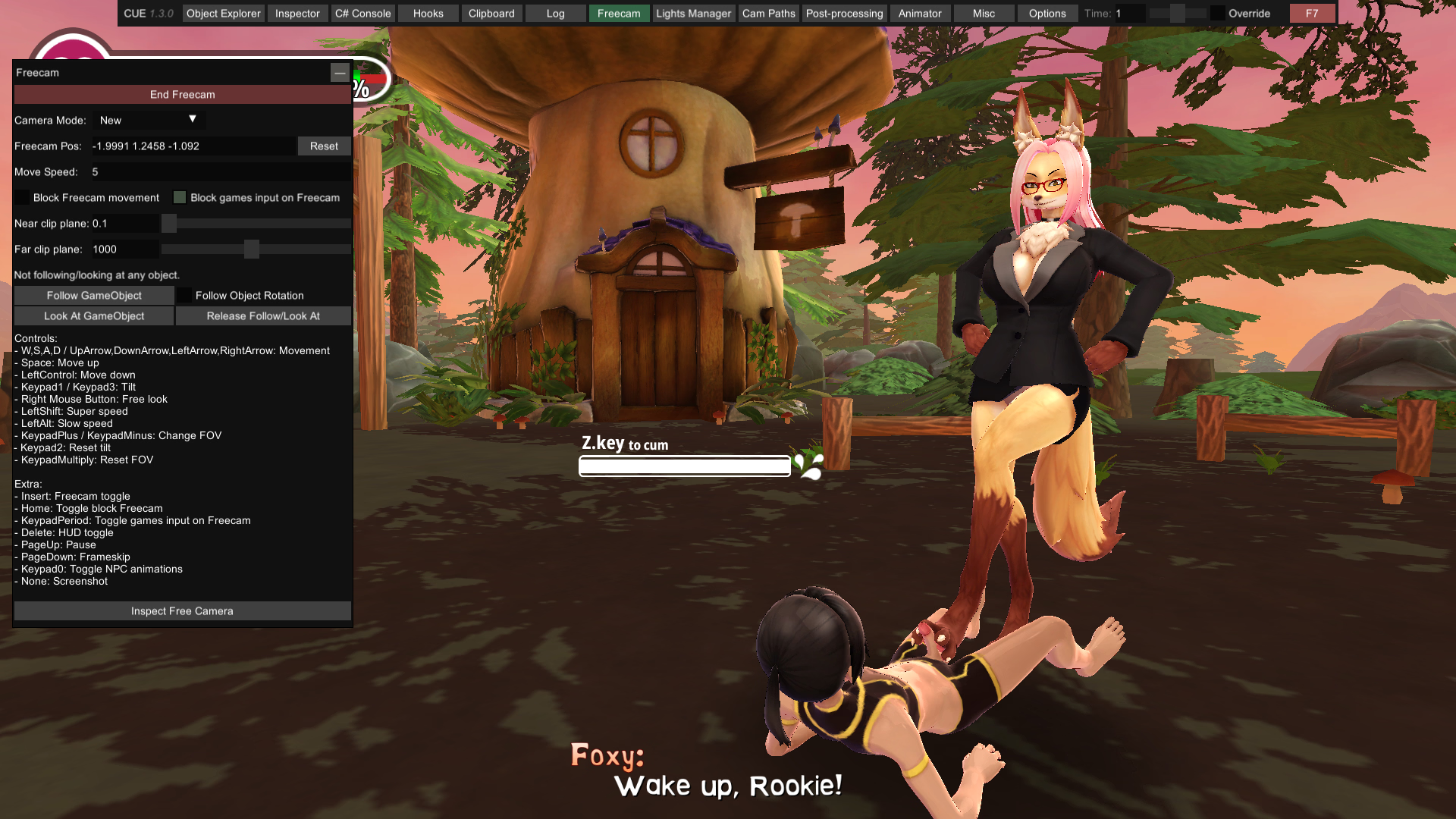
How to activate the freecam

1- Choose the option where it says freecam and click on the Green button

How to move the camera (I had a hard time moving the camera)

To move the camera, press the Arrow up, down, left and right, There's a button that says MRB (This is the left click) Hold that button (don't let go) and with your left hand touch the screen and move it, and you'll see the camera move.

That's why I said that it took me a long time to discover this

I hope that works for you.

Extra:

Screenshot_20251213_141314_GameHub.jpg

Edit

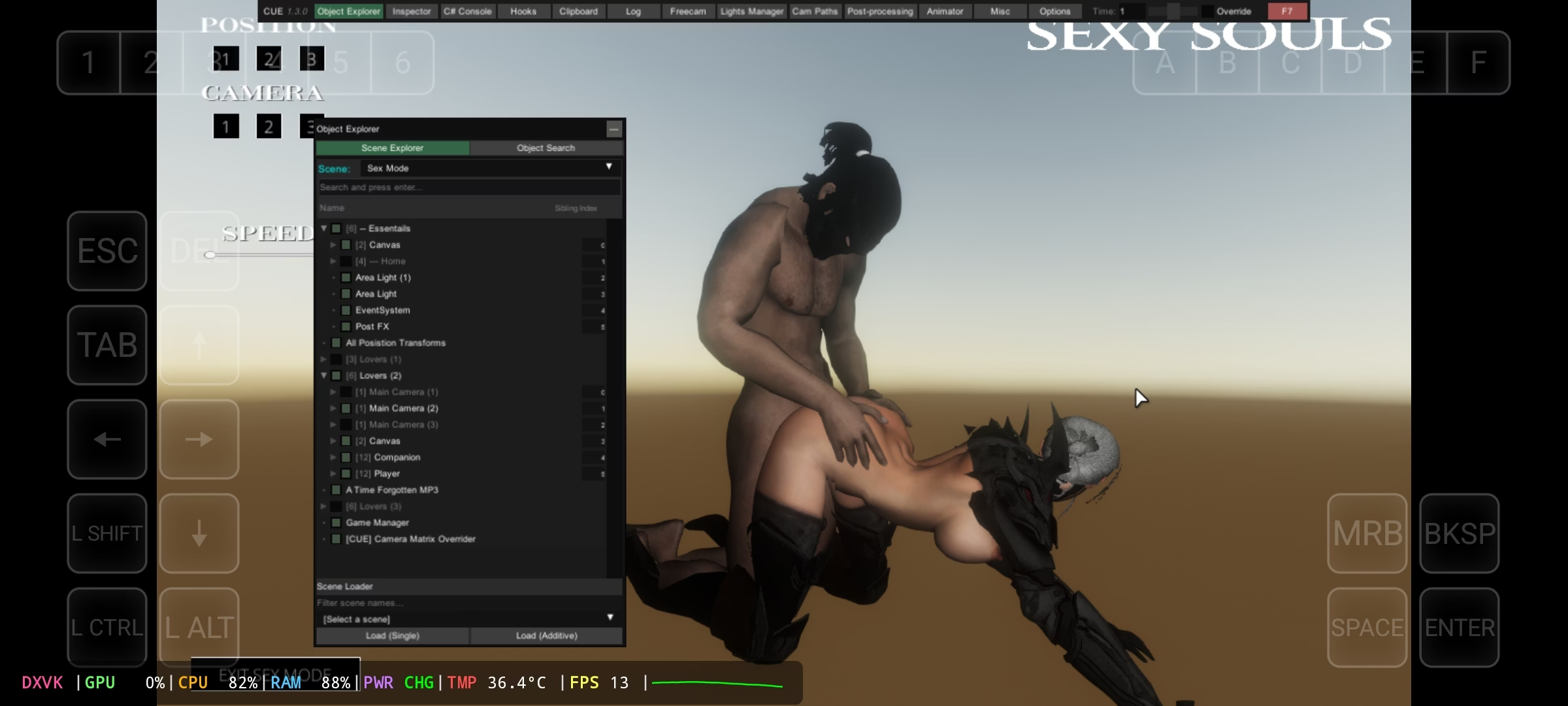
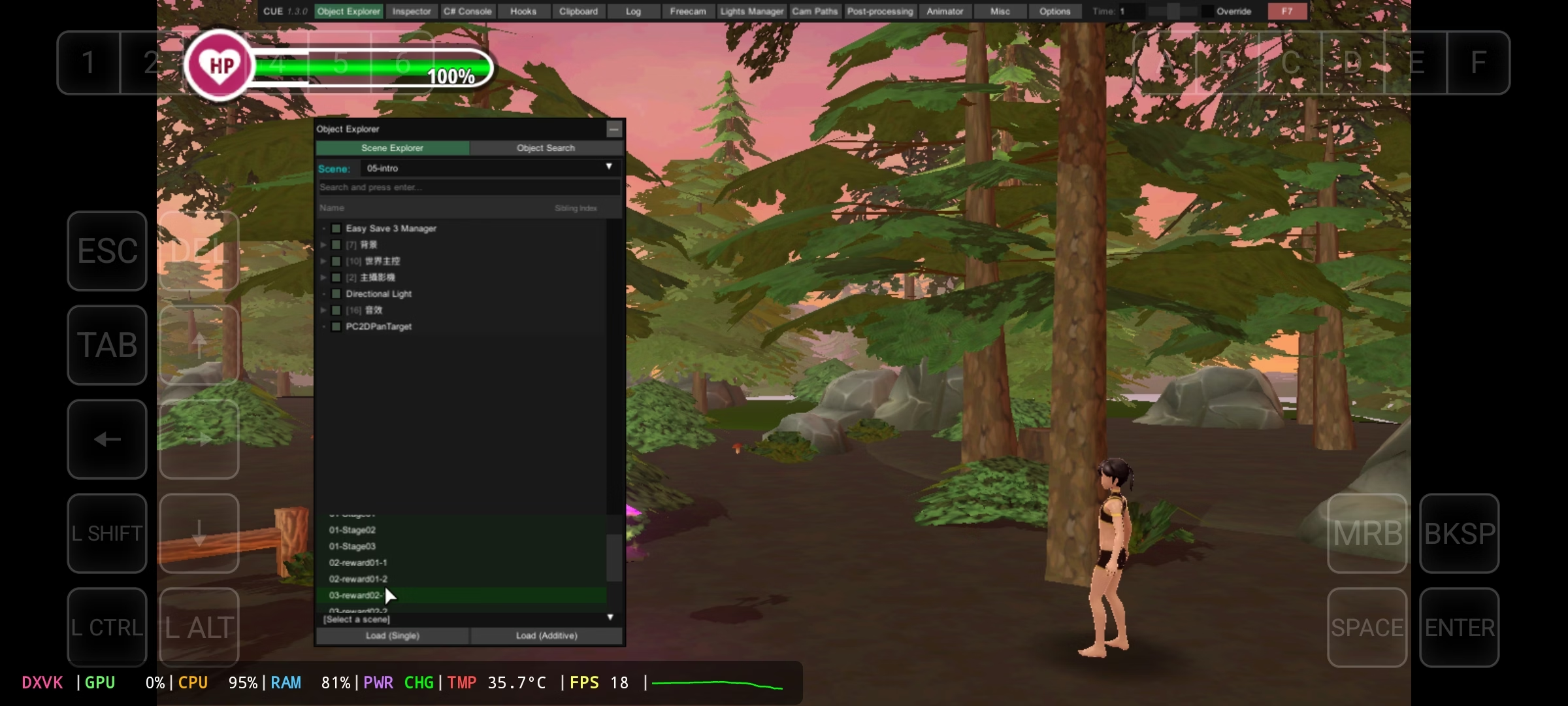
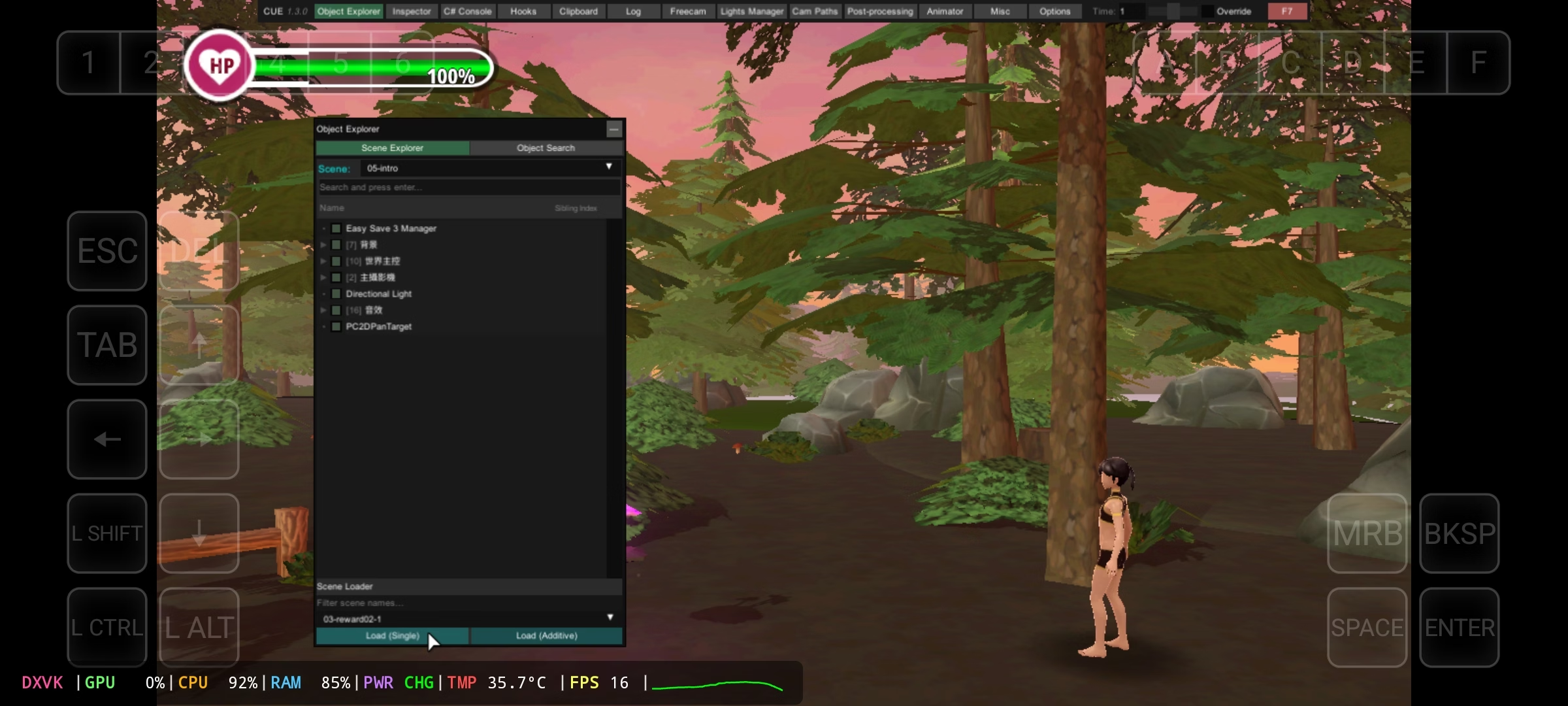
How to Watch All H Scenes Without Playing

Screenshot_20251213_194949_GameHub.jpg

Screenshot_20251213_195014_GameHub.jpg

Screenshot_20251213_195146_GameHub.jpg
 
Last edited:

Diembolo

Newbie
Oct 17, 2023
45
36
72
I only tried the version Theme since the version Monster Girl World It didn't work for me, since my cell phone is not that powerful either

Here I'm going to make a tutorial.

1- Download the game

2- Download Zarchiver (In the play store it is available)

2- Download the gamehub emulator

Link:

Note: the emulator downloads it elsewhere because on the official website it took many to download it

Note 2: The app is also available on the play store but I don't recommend it, because this version is limited.

3- Download this mod:

Link: Gofile

4- Leave files in game

This is how it has to look

View attachment 5525616

How to install the game:

1- Open the gamehub

2- Choose this option

View attachment 5525634

3- When I entered, 2 options will appear, the left is the internal memory and the right is the SD, choose where the game is.

Here are some screenshots of me where the game is

View attachment 5525637

View attachment 5525638

Once you find the game (.exe) choose that option.

4- When you select the exe , it will come out to him to name who to put him in the game and he accepts

5- Then the game will appear in the main menu

View attachment 5525643

6- Select the game and you will get the option to configure the game (this depends on your cell phone)

View attachment 5525642

Once you have done all the steps, you will see the menu above

View attachment 5525644

This part is important, as the controls you see on the screen don't work.

Now I'm going to explain how to play + how to switch controllers (You yourself have to figure out how this control works 100%)

1- Open this menú and Choose the keyboard and mouse option

View attachment 5525664

This is how the new control will come out

View attachment 5525667

With this you can already play and with the mouse pointer I could already choose any option from above.

How to activate the freecam

1- Choose the option where it says freecam and click on the Green button

How to move the camera (I had a hard time moving the camera)

To move the camera, press the Arrow up, down, left and right, There's a button that says MRB (This is the left click) Hold that button (don't let go) and with your left hand touch the screen and move it, and you'll see the camera move.

That's why I said that it took me a long time to discover this

I hope that works for you.

Extra:

View attachment 5525687

Edit

How to Watch All H Scenes Without Playing

View attachment 5525745

View attachment 5525746

View attachment 5525747

Damn, I sure wasn't expecting you to be playing this on mobile !
But as the mod you're using is a version of BepInEx, it should work easily on PC.

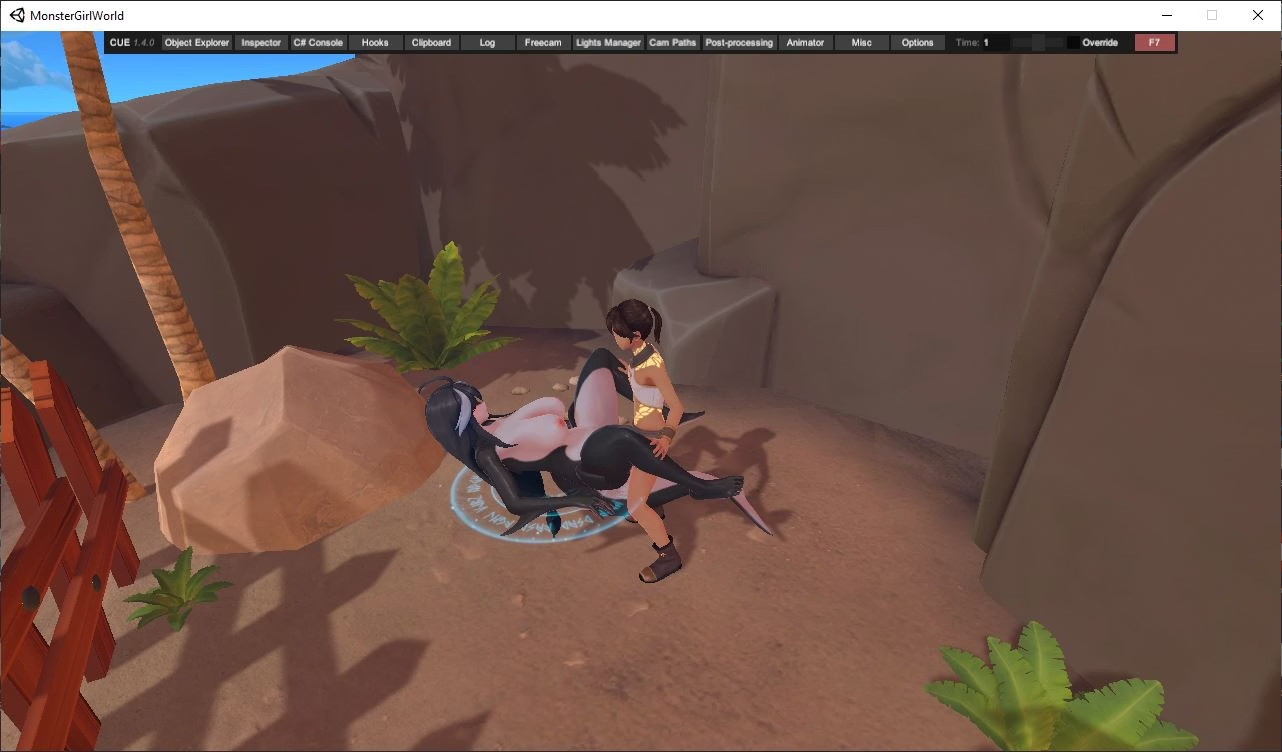
I tryed many mods for freecam before but nothing worked for Foxy Theme, only for the newer games. But this one you linked works! Thanks for posting it.

Screenshot 2025-12-14 114600.png
 

Zero28

Active Member
Mar 23, 2018
777
472
177
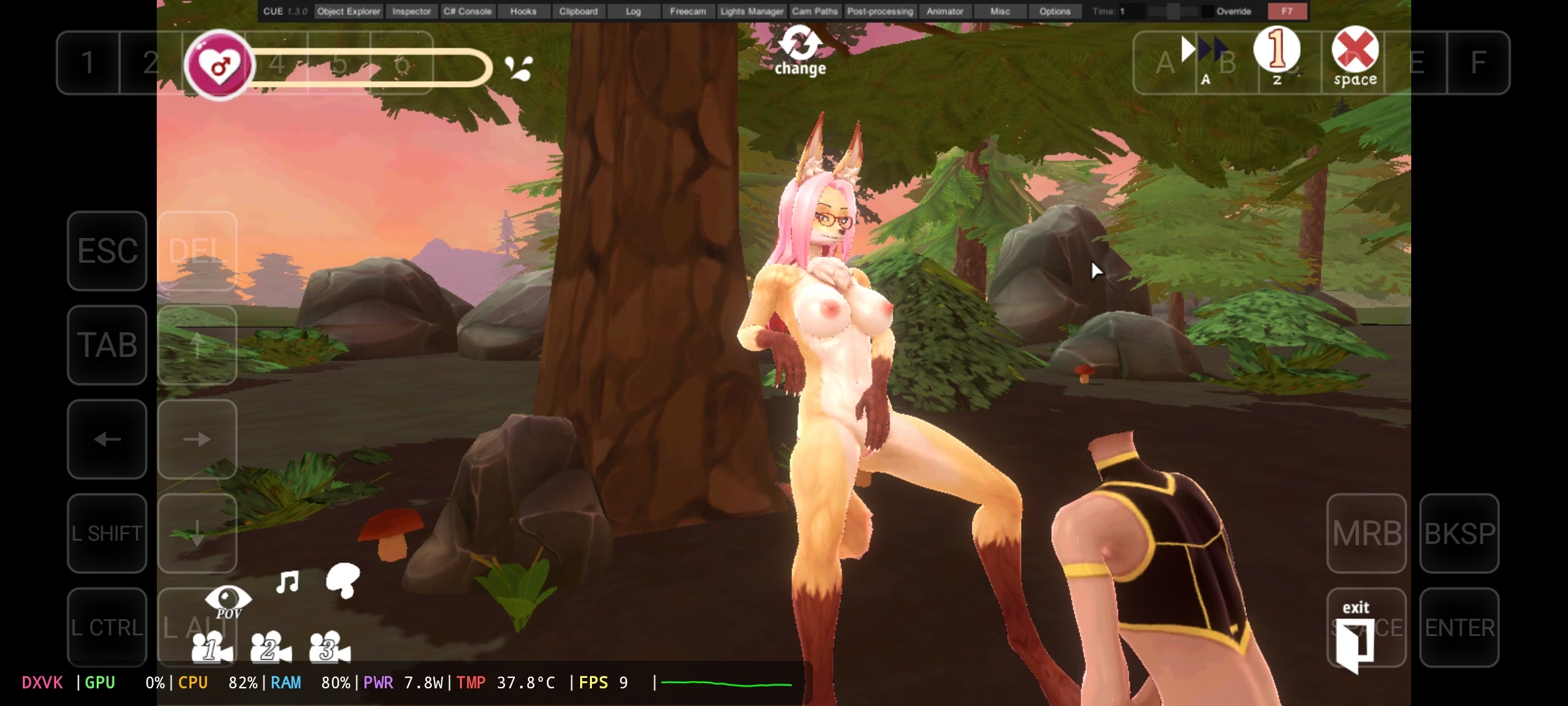
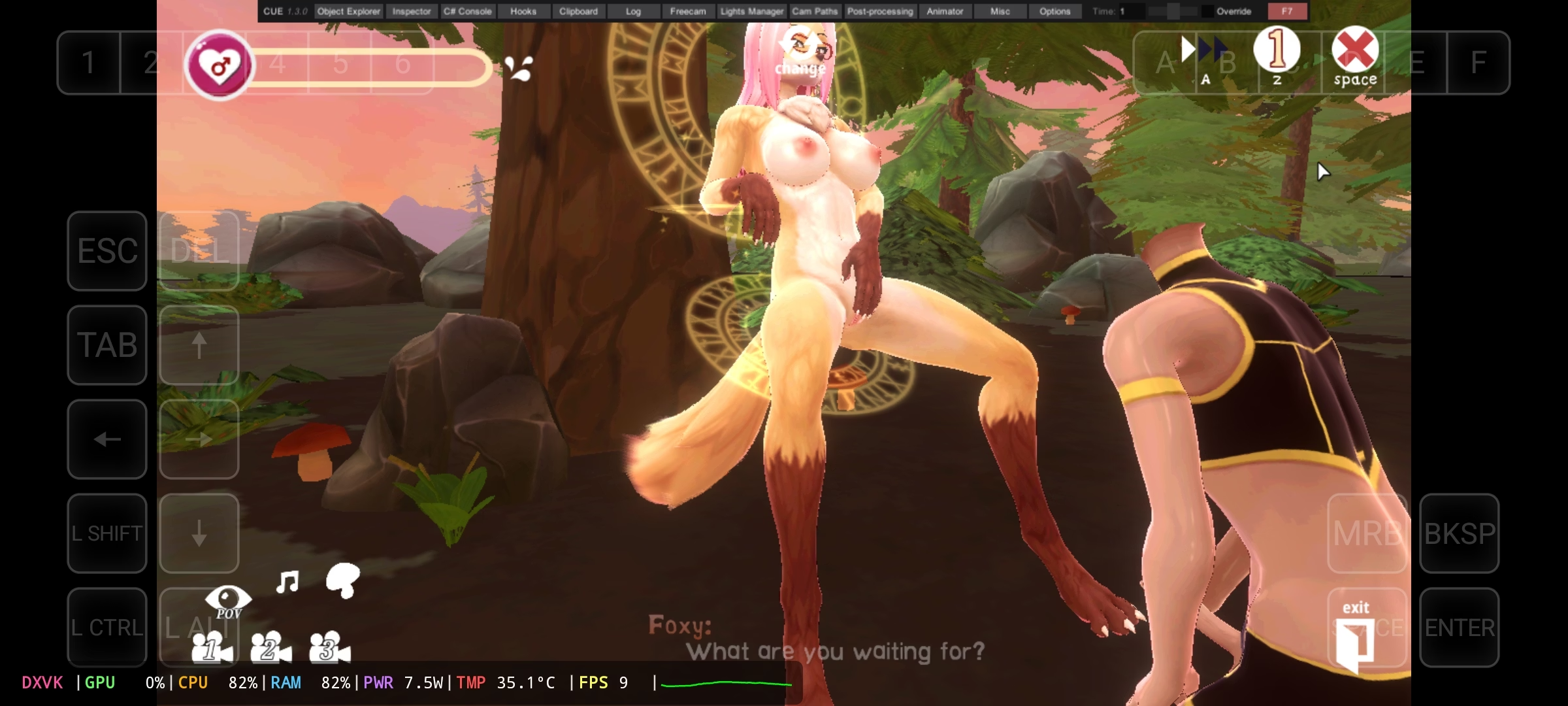
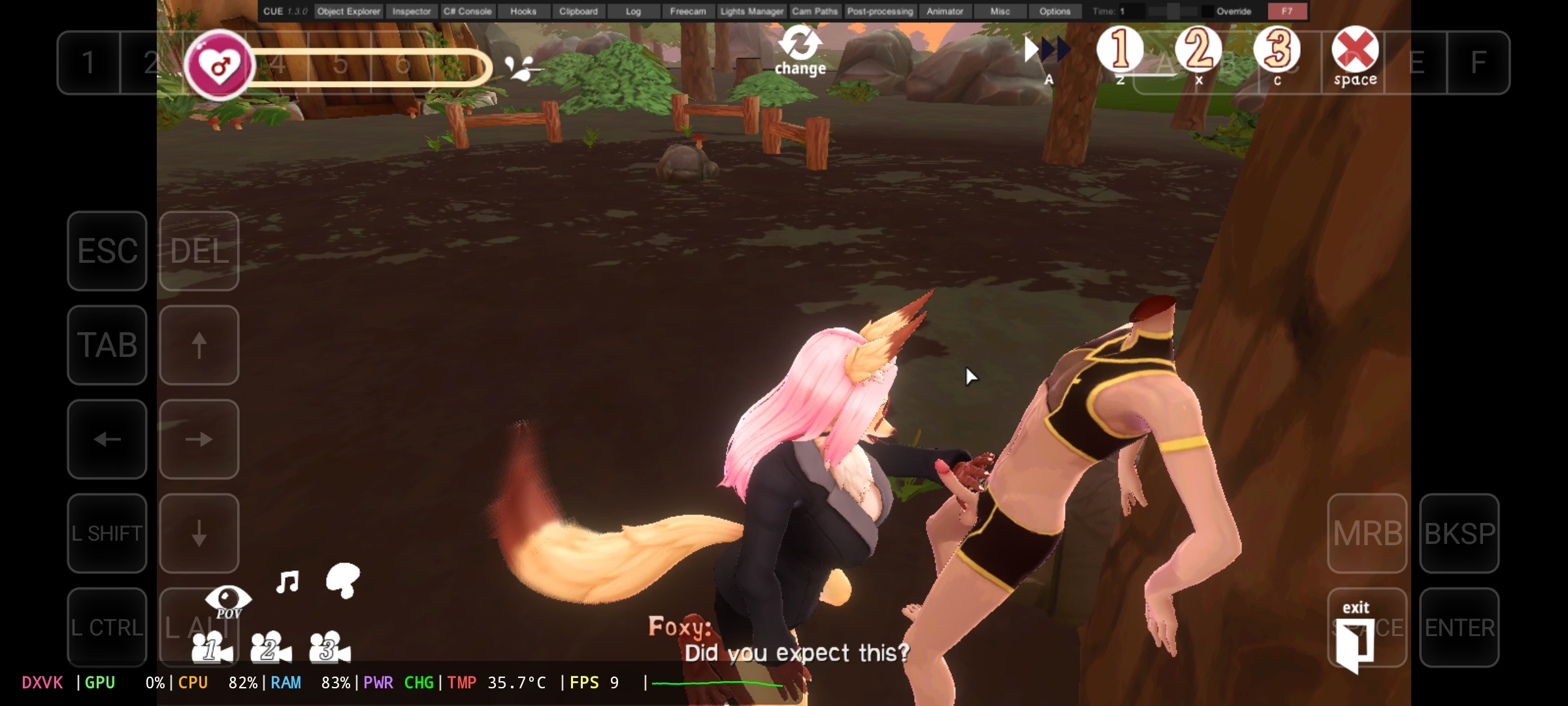
I don't know why he comes out without a head

I don't know if it already comes with the freecam the game, since all the games unity which game I use freecam.
 

Diembolo

Newbie
Oct 17, 2023
45
36
72
I don't know why he comes out without a head

I don't know if it already comes with the freecam the game, since all the games unity which game I use freecam.
I got it ! The head disappears because he was it POV mode when you active the freecam.
However most of those builds already have scenes with different moveable cameras. Only the 2 newer supply and the World game need freecam.
 
5.00 star(s) 8 Votes