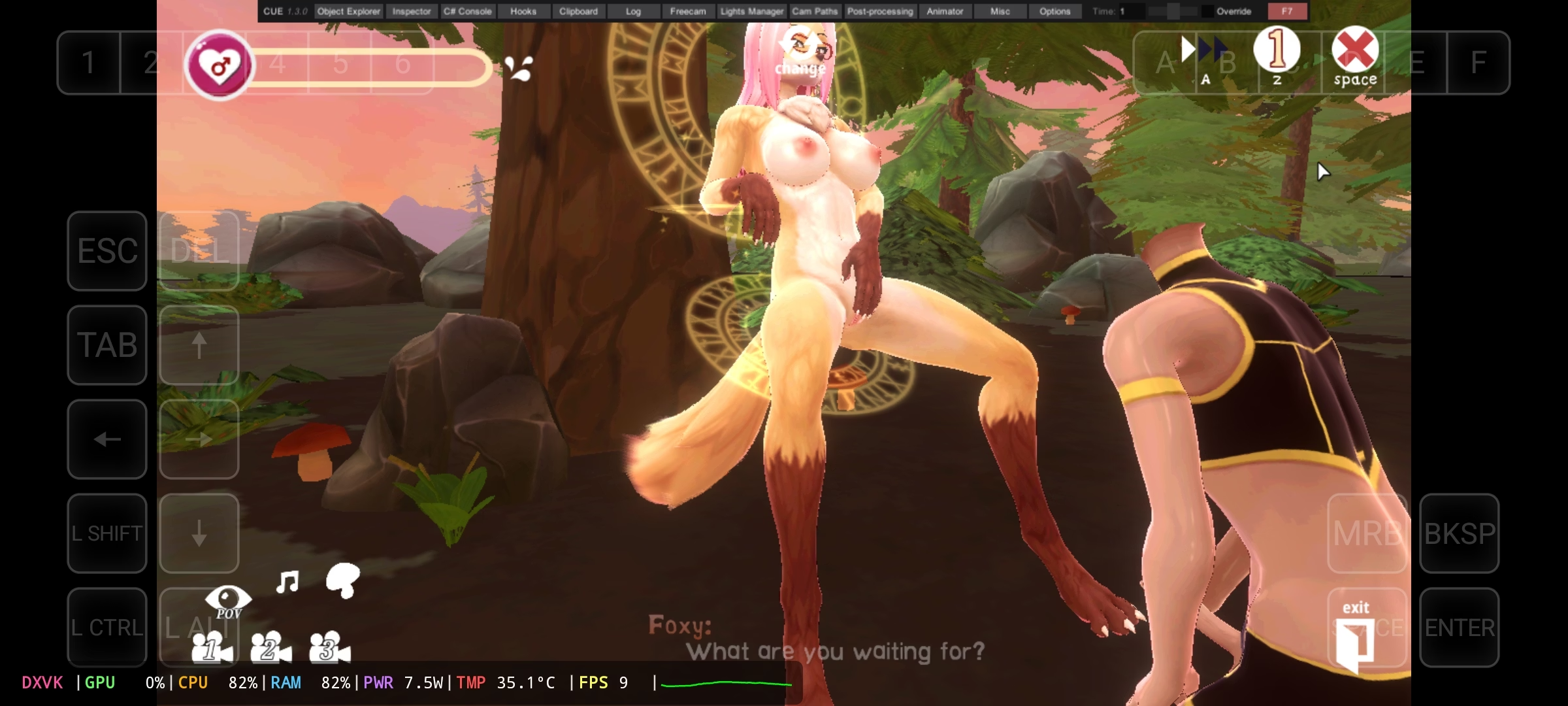
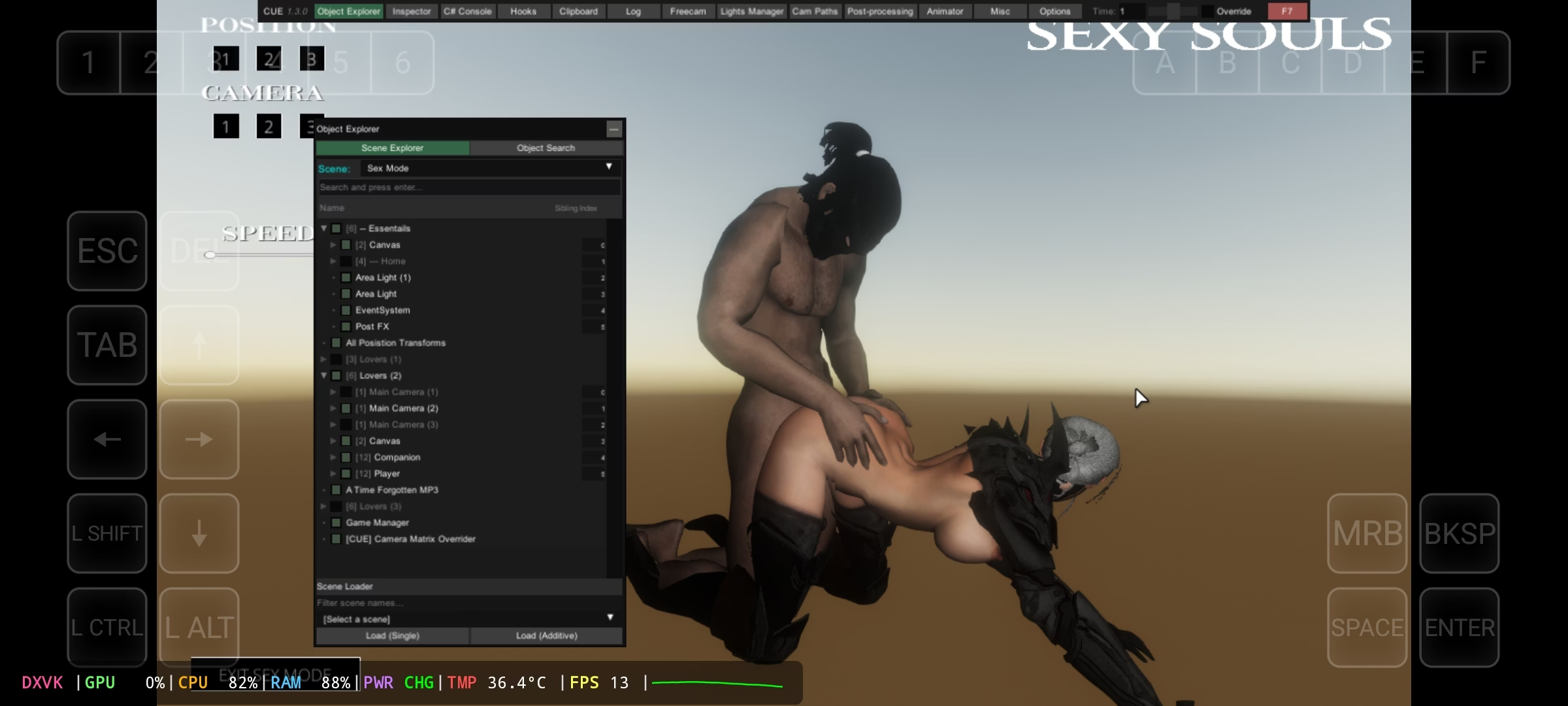
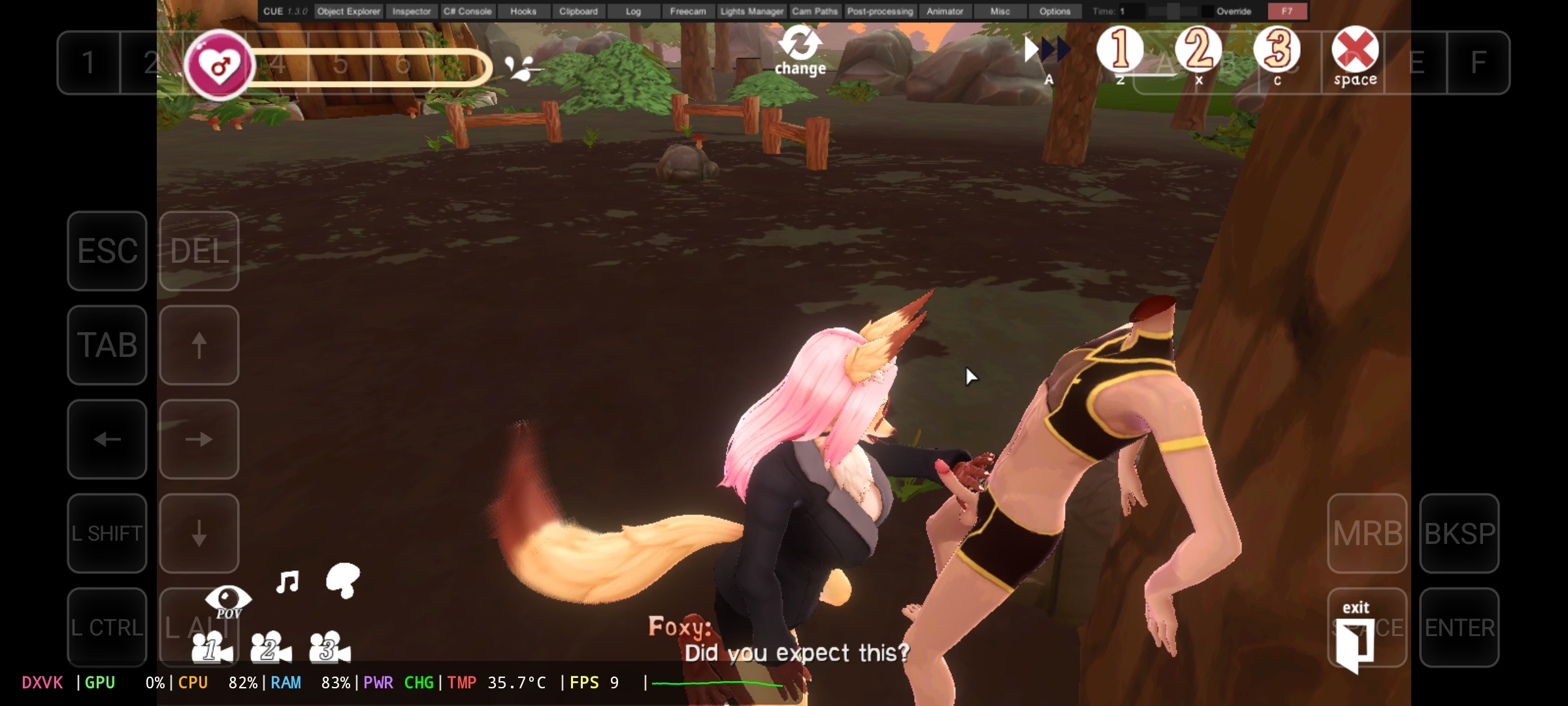
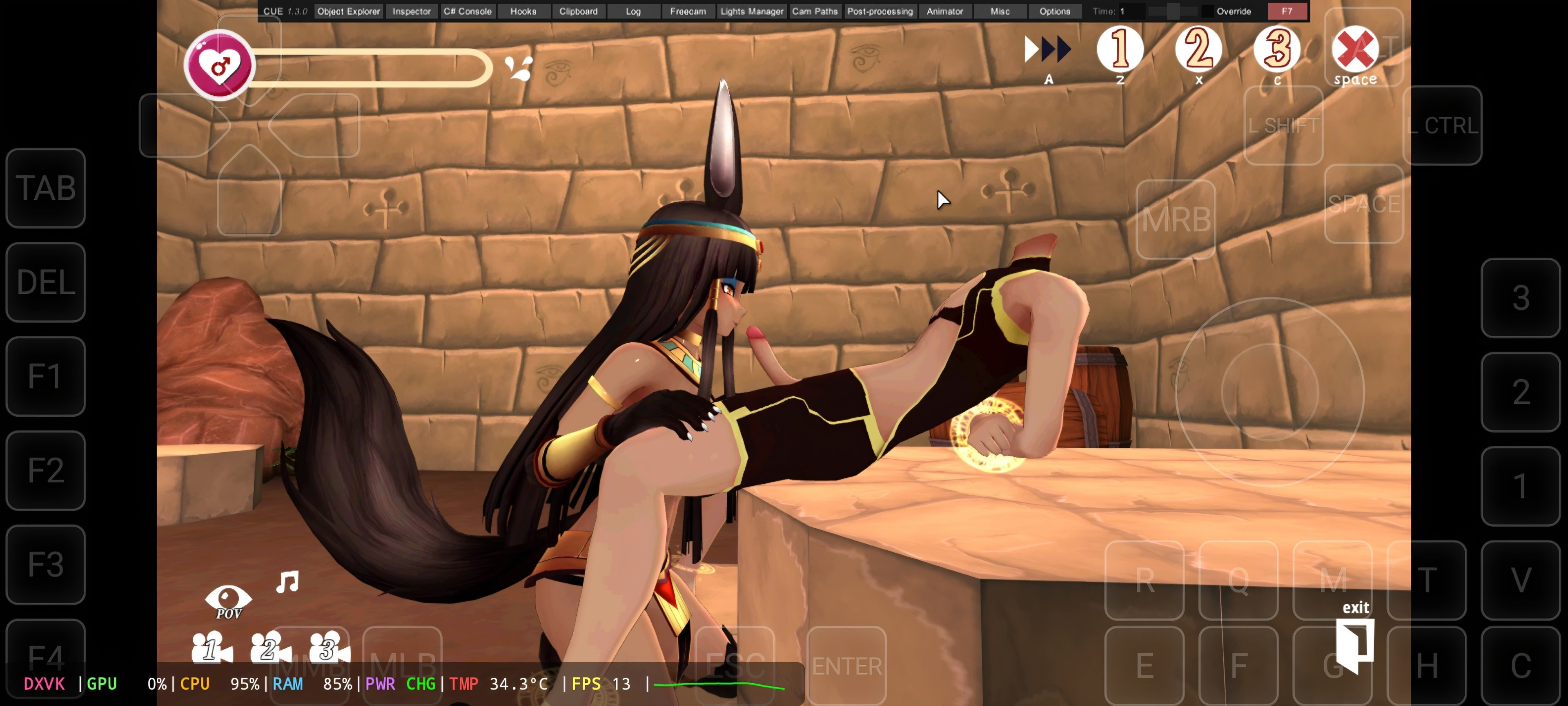
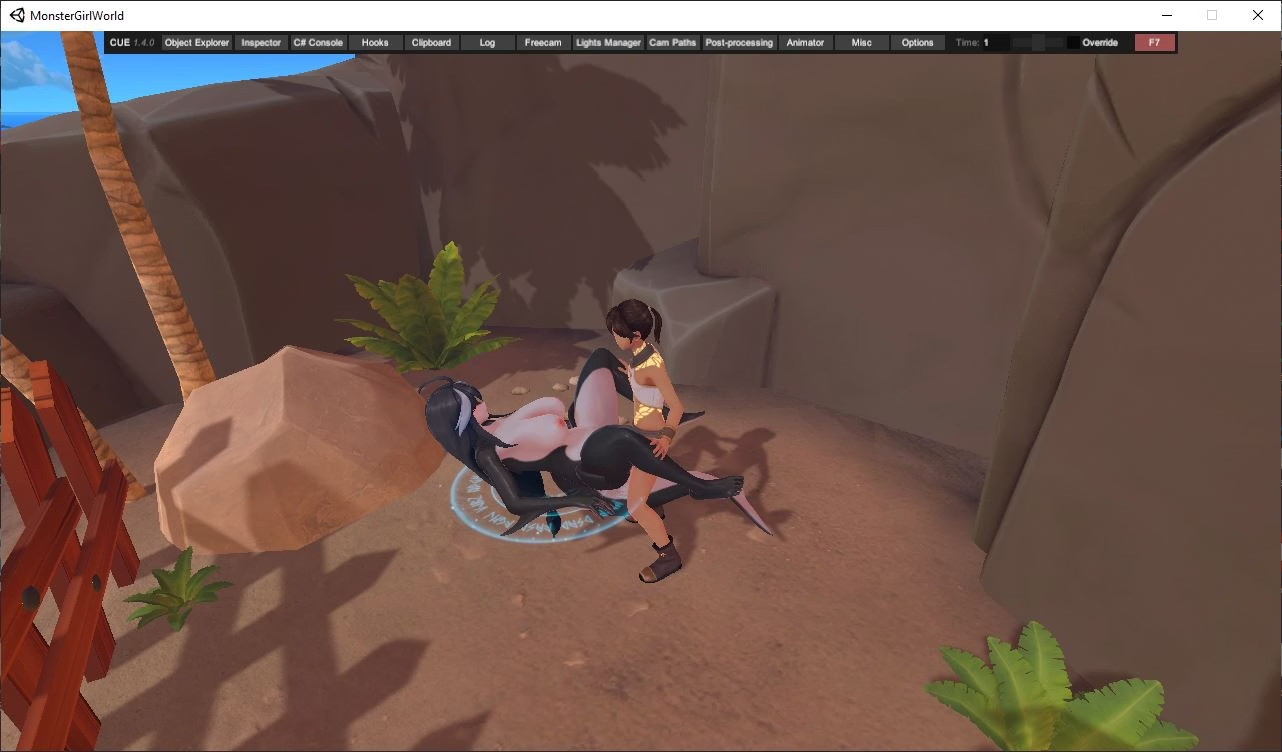
I only tried the version
Theme since the version Monster Girl World It didn't work for me, since my cell phone is not that powerful either
Here I'm going to make a tutorial.
1- Download the game
2- Download Zarchiver (In the play store it is available)
2- Download the gamehub emulator
Link:
You must be registered to see the links
Note: the emulator downloads it elsewhere because on the official website it took many to download it
Note 2: The app is also available on the play store but I don't recommend it, because this version is limited.
3- Download this mod:
Link:
Gofile
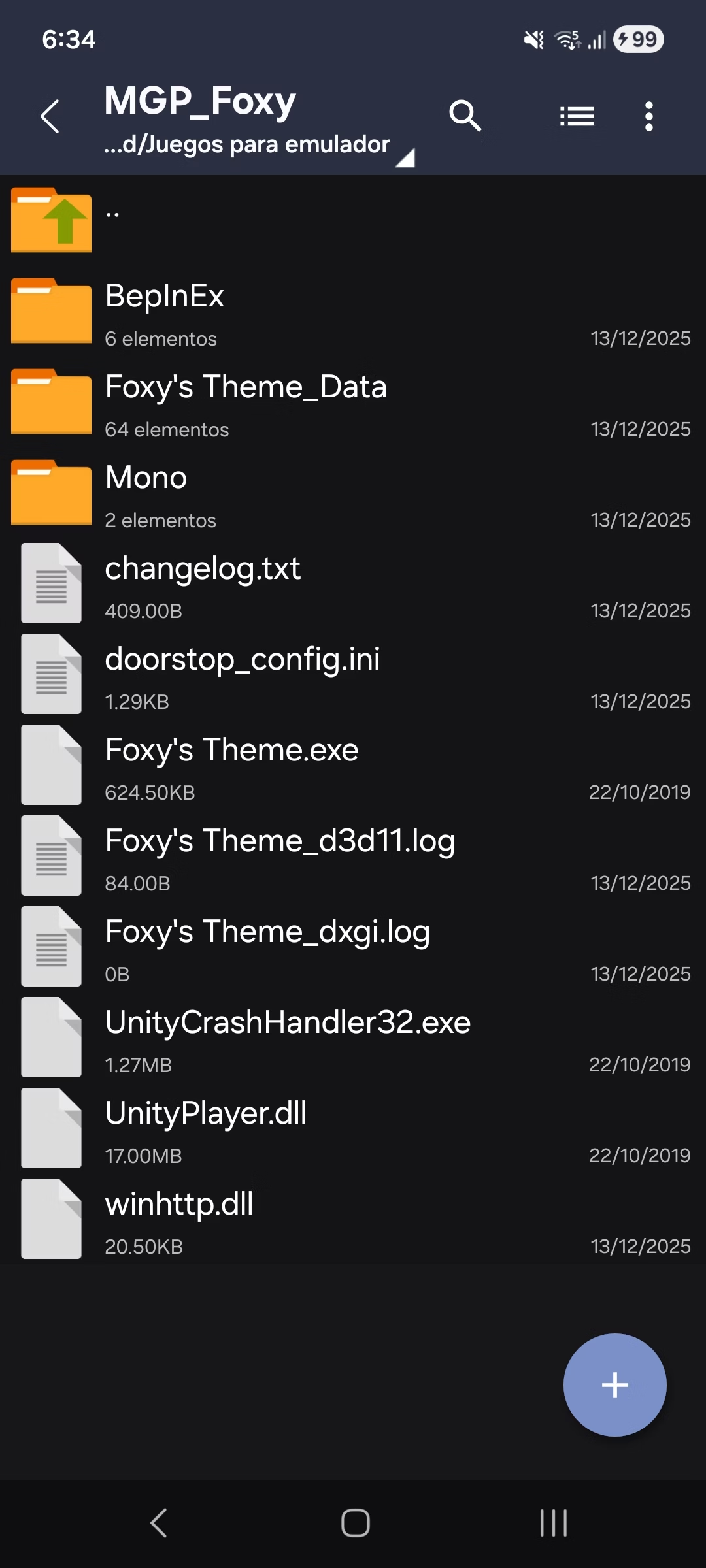
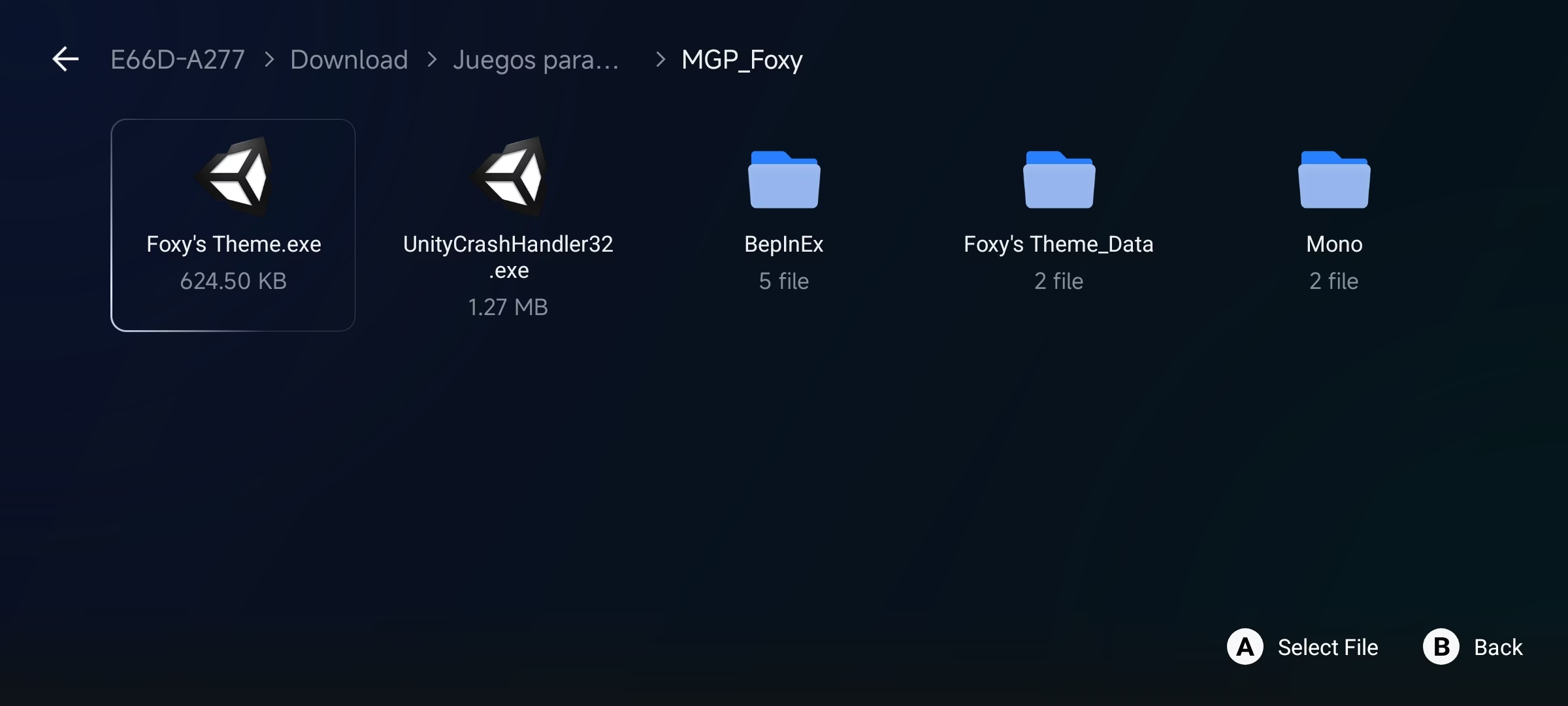
4- Leave files in game
This is how it has to look
View attachment 5525616
How to install the game:
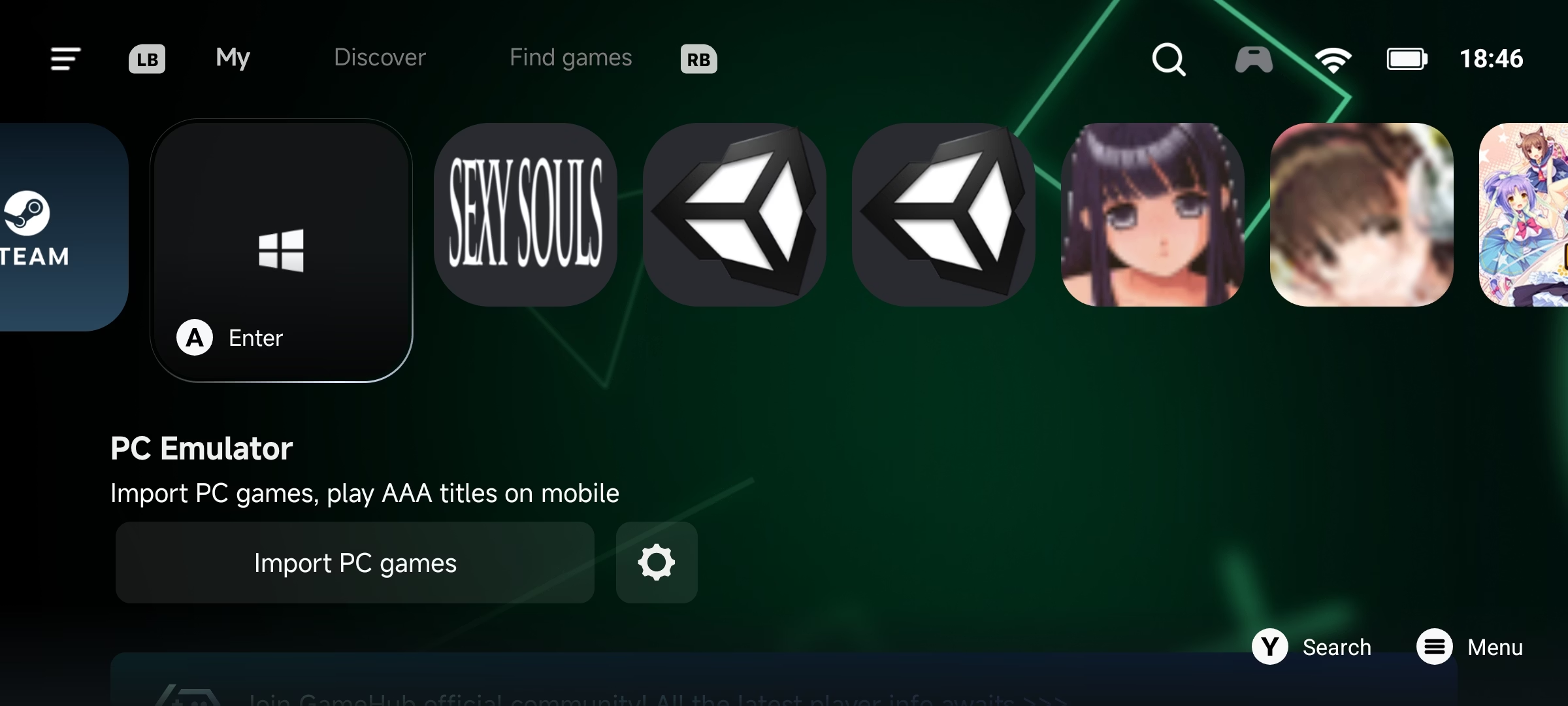
1- Open the gamehub
2- Choose this option
View attachment 5525634
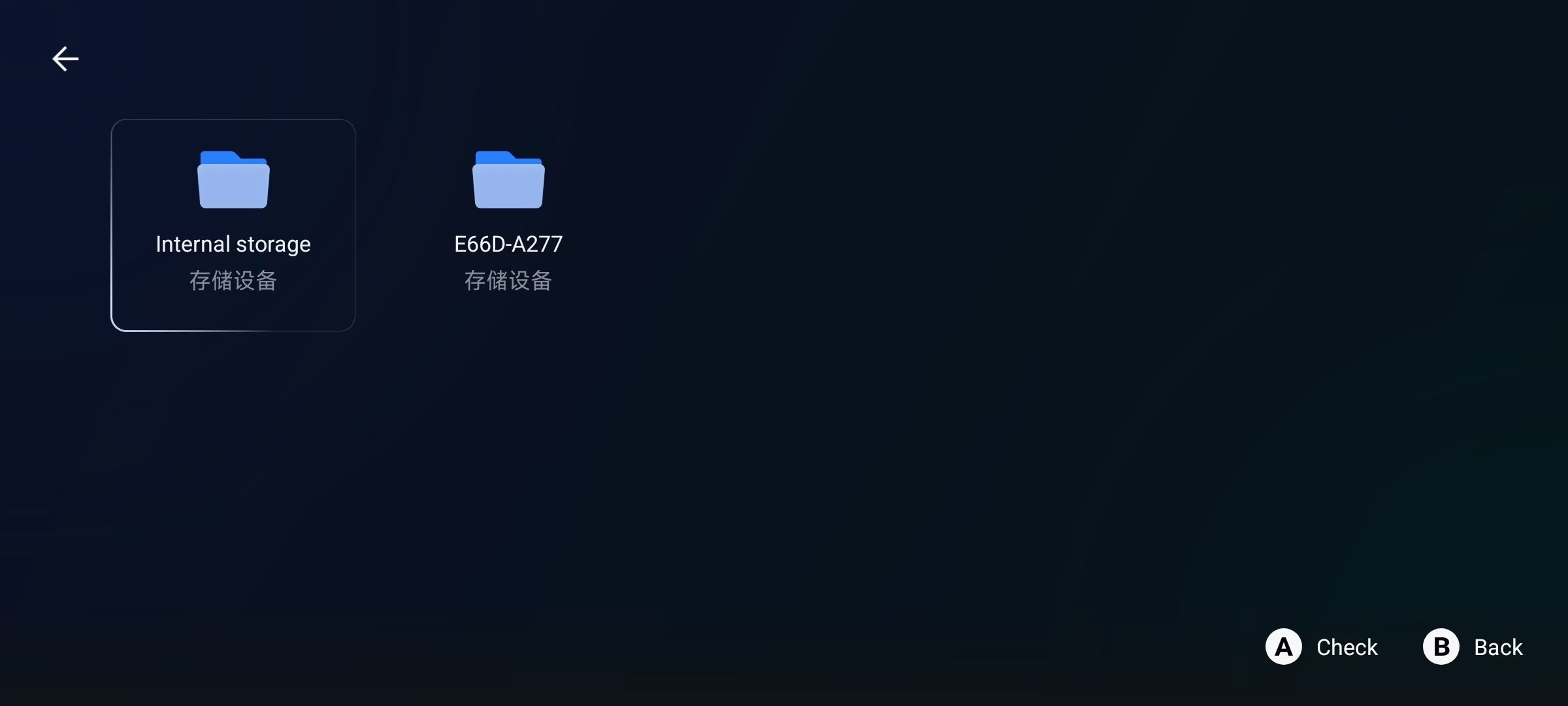
3- When I entered, 2 options will appear, the left is the internal memory and the right is the SD, choose where the game is.
Here are some screenshots of me where the game is
View attachment 5525637
View attachment 5525638
Once you find the game (.exe) choose that option.
4- When you select the exe , it will come out to him to name who to put him in the game and he accepts
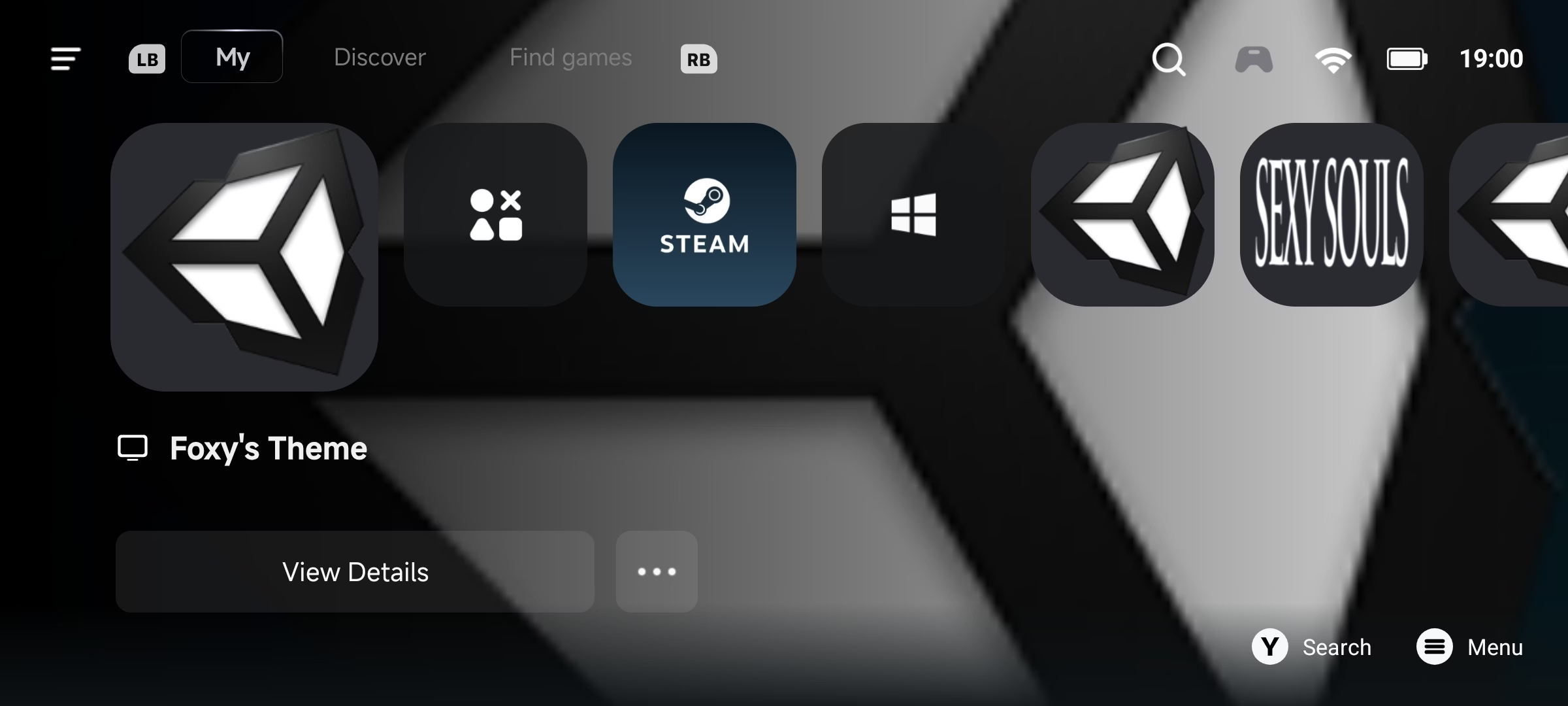
5- Then the game will appear in the main menu
View attachment 5525643
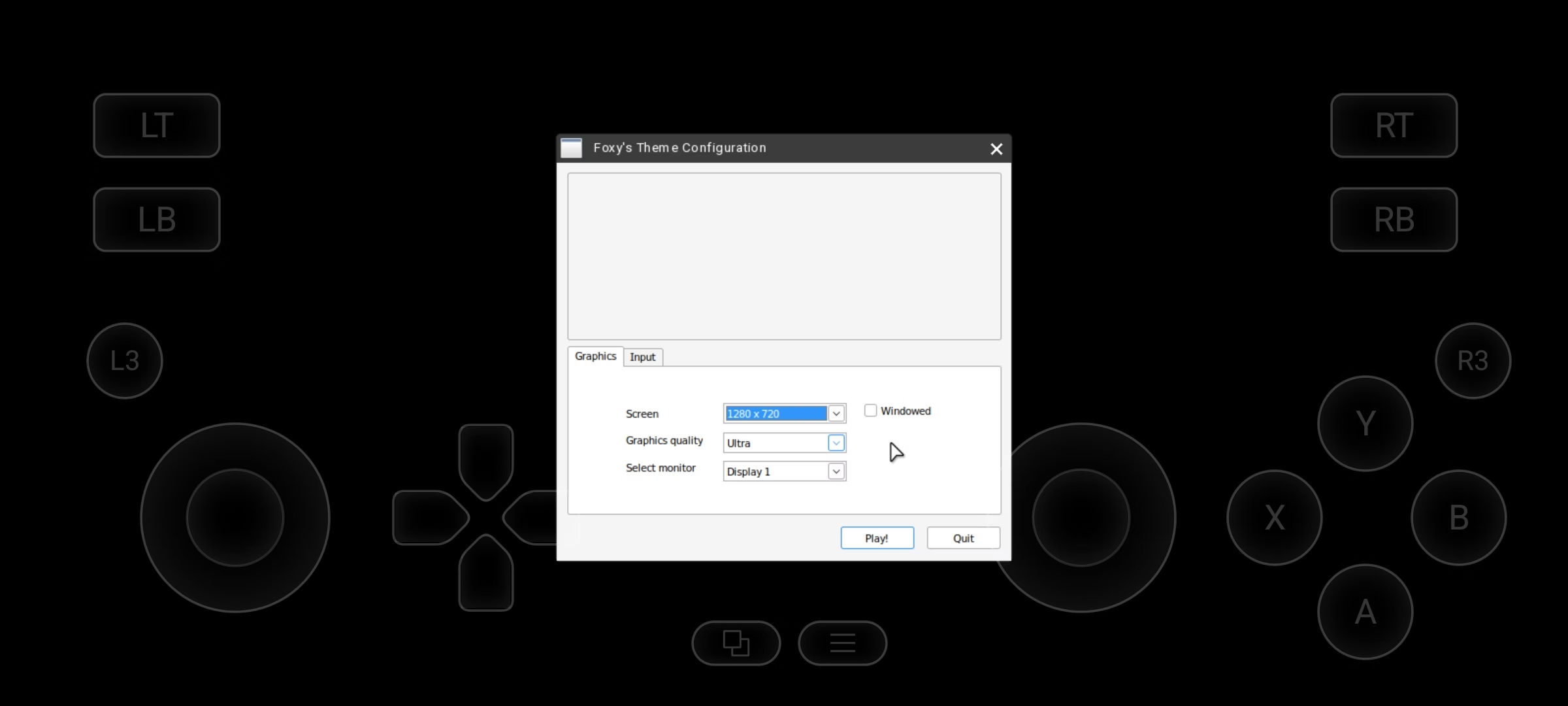
6- Select the game and you will get the option to configure the game (this depends on your cell phone)
View attachment 5525642
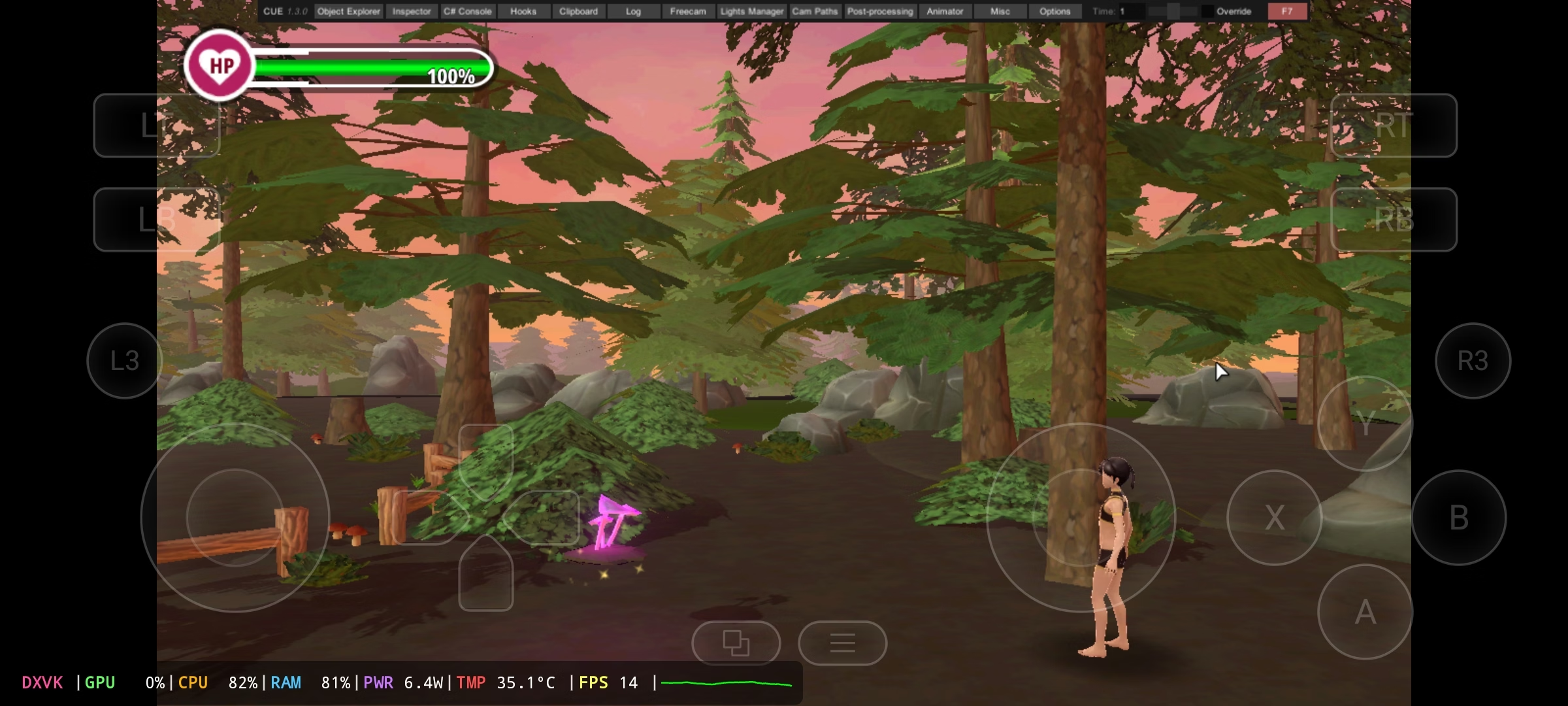
Once you have done all the steps, you will see the menu above
View attachment 5525644
This part is important, as the controls you see on the screen don't work.
Now I'm going to explain how to play + how to switch controllers (You yourself have to figure out how this control works 100%)
1- Open this menú and Choose the keyboard and mouse option
View attachment 5525664
This is how the new control will come out
View attachment 5525667
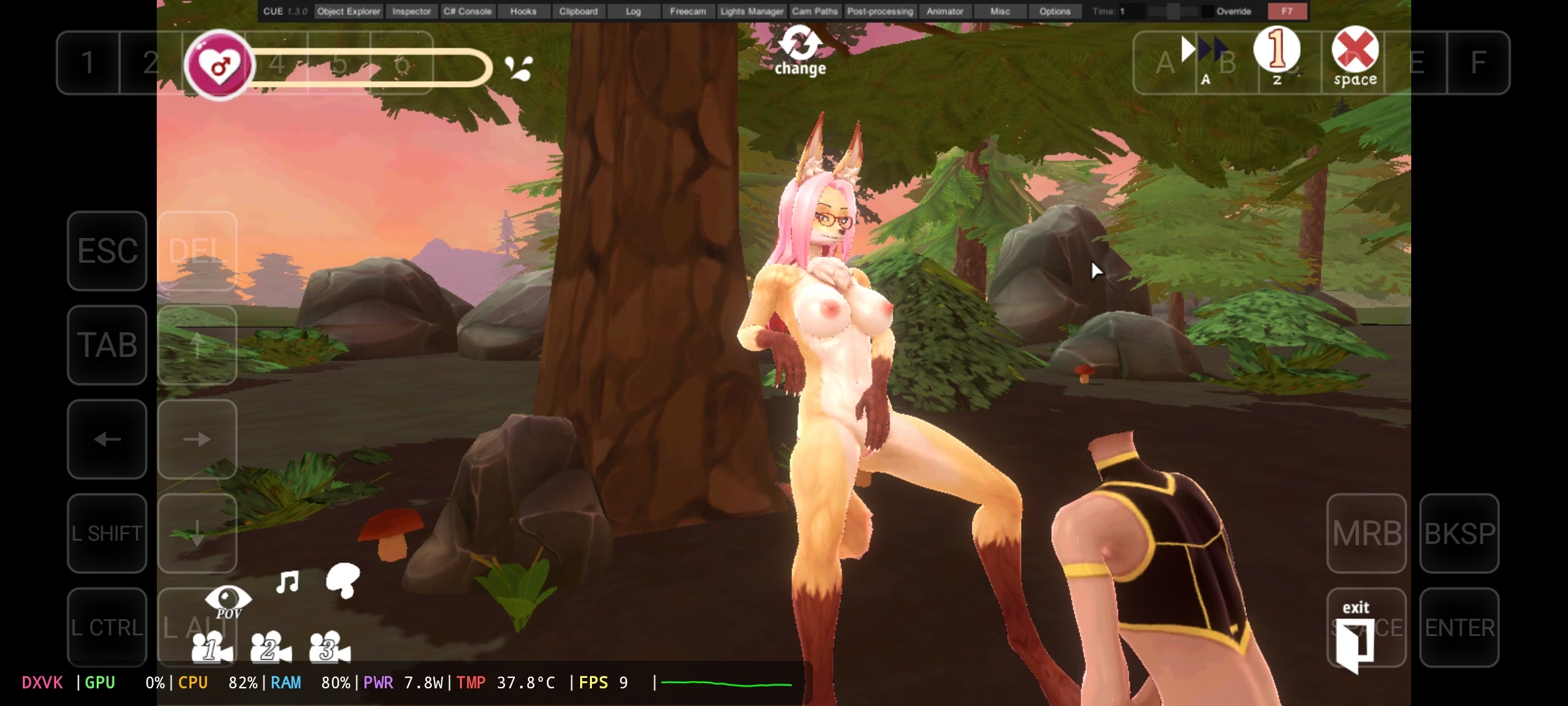
With this you can already play and with the mouse pointer I could already choose any option from above.
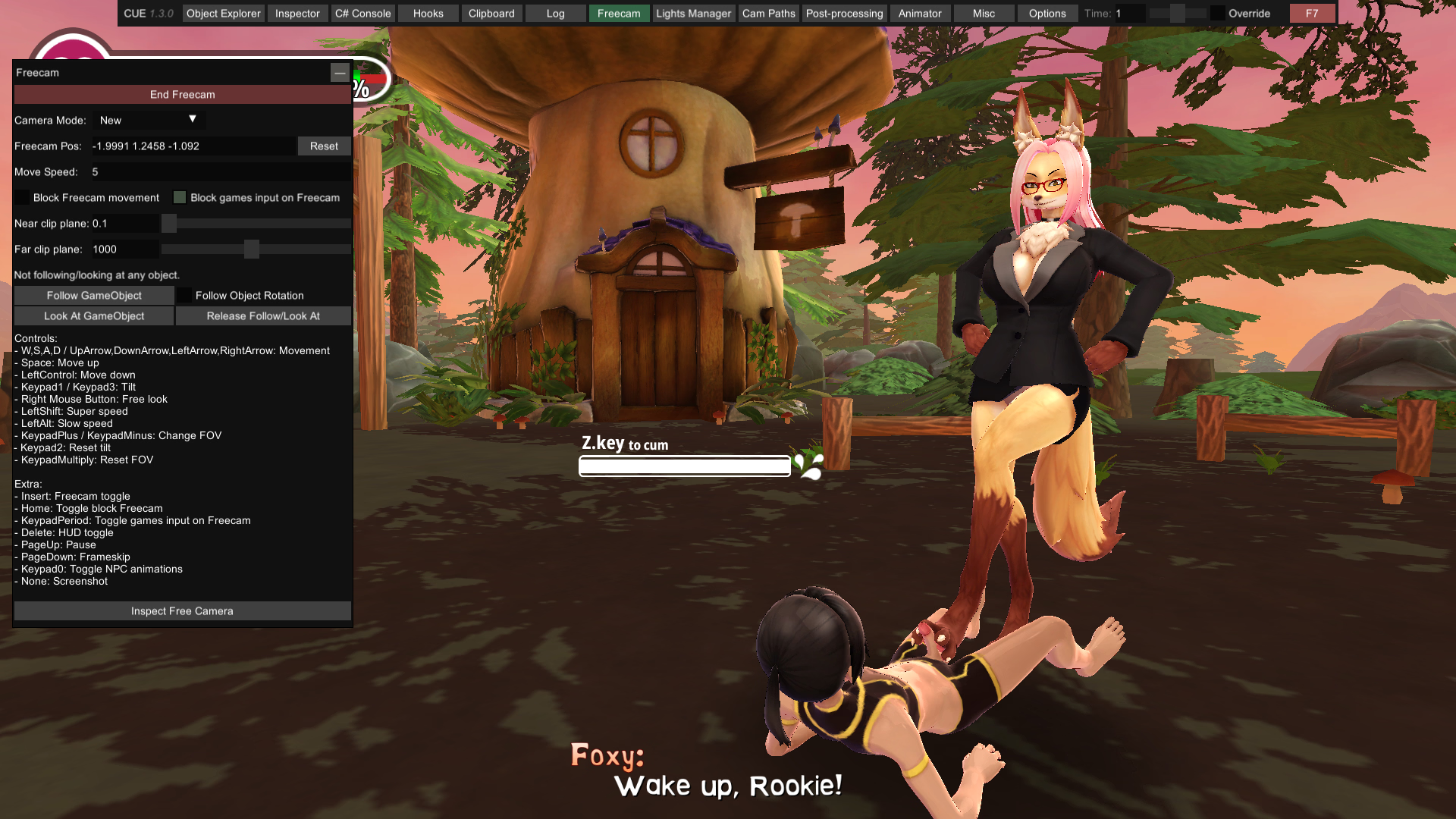
How to activate the freecam
1- Choose the option where it says freecam and click on the Green button
How to move the camera (I had a hard time moving the camera)
To move the camera, press the Arrow up, down, left and right, There's a button that says MRB (This is the left click) Hold that button (don't let go) and with your left hand touch the screen and move it, and you'll see the camera move.
That's why I said that it took me a long time to discover this
I hope that works for you.
Extra:
View attachment 5525687
Edit
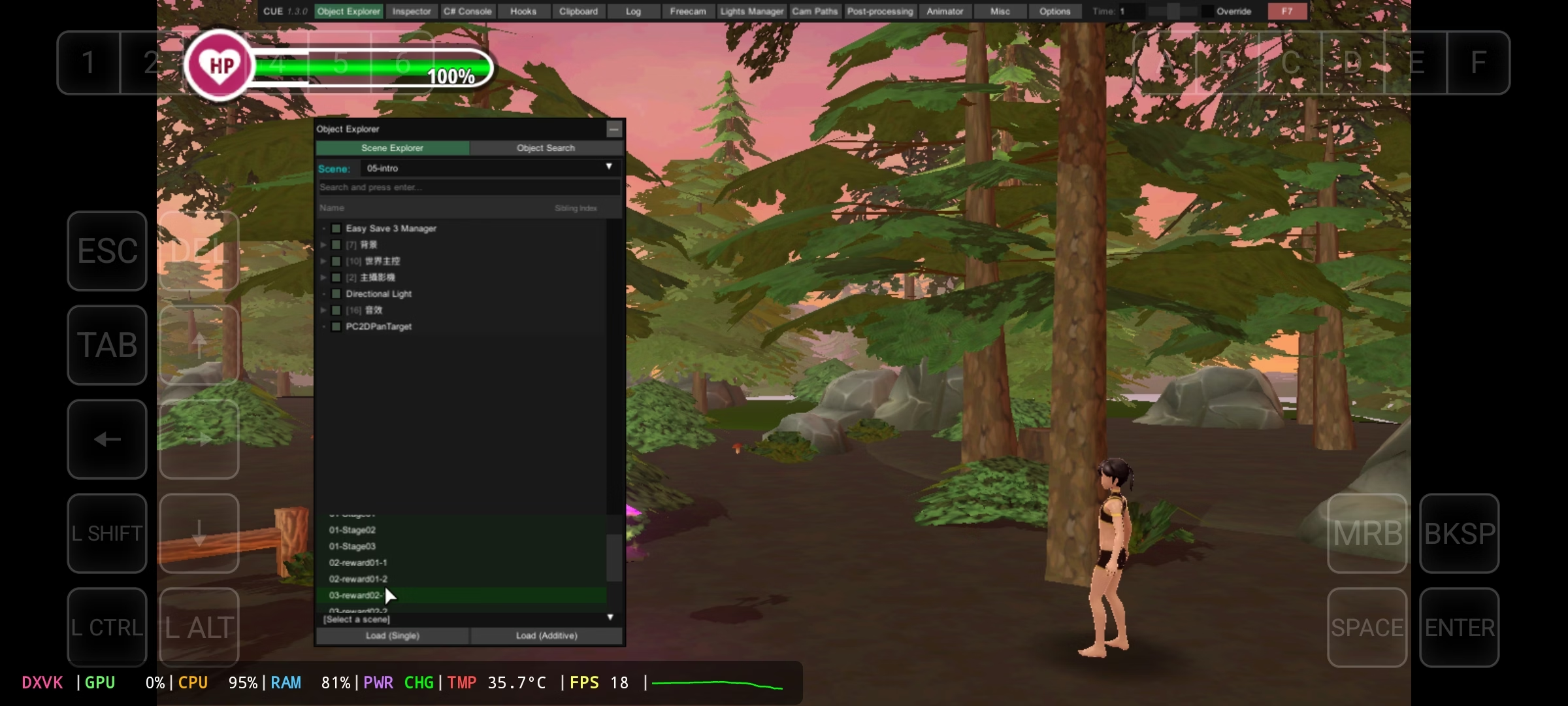
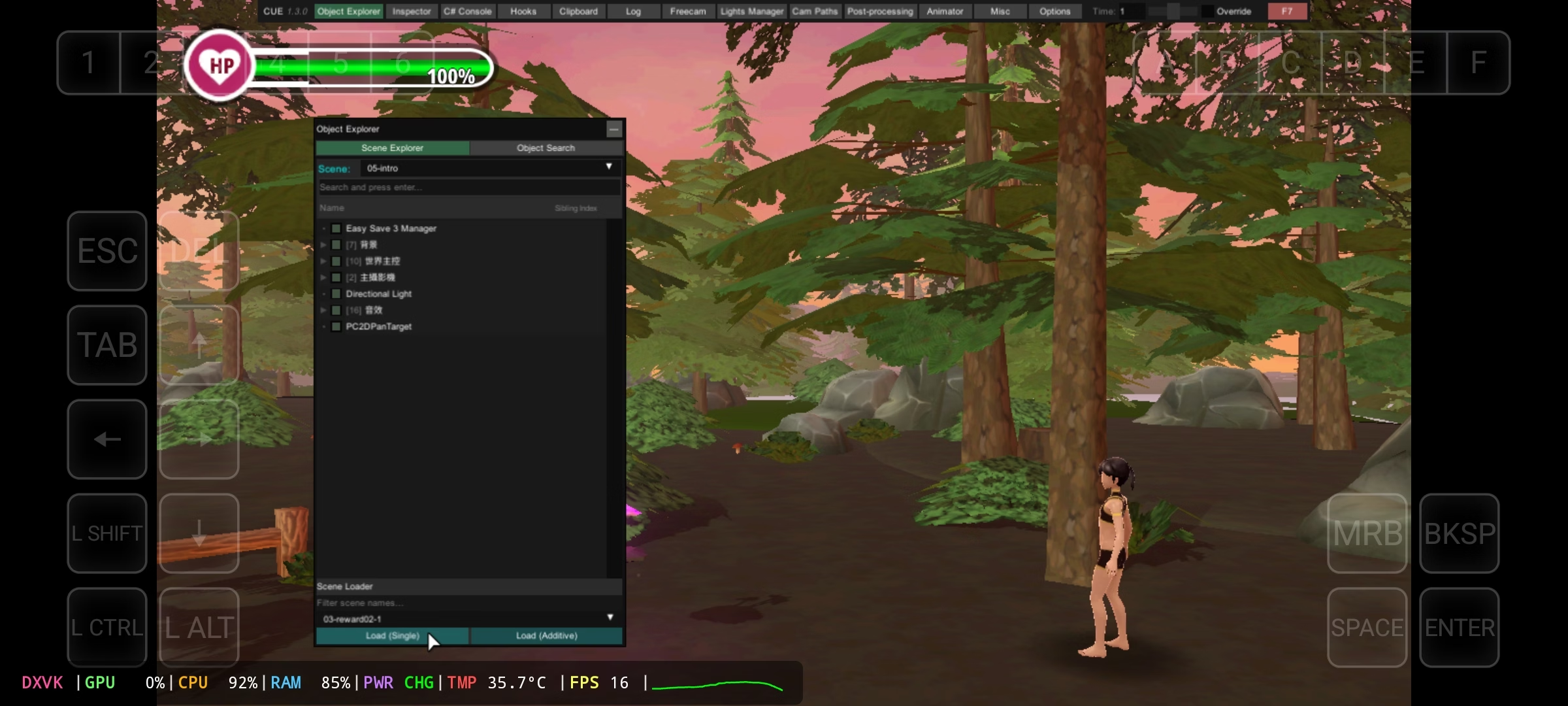
How to Watch All H Scenes Without Playing
View attachment 5525745
View attachment 5525746
View attachment 5525747