


Zoomaa
Member
- Jul 14, 2022
- 273
- 734
- 217
dev for the love of everything, make the vn mode actually vn mode without any point and click minigame or find X ,it just wastes our time and causes players to turn off from the game
While running game code:
  File "renpy/common/000window.rpy", line 132, in _window_auto_callback
    _window_show(auto=True)
  File "renpy/common/000window.rpy", line 75, in _window_show
    renpy.with_statement(trans)
  File "game/scripts/blur.rpy", line 236, in render
AttributeError: 'Preferences' object has no attribute 'graphics_blur'

-- Full Traceback ------------------------------------------------------------

Full traceback:
  File "E:\SteamLibrary\steamapps\common\Our Home\renpy\bootstrap.py", line 359, in bootstrap
    renpy.main.main()
  File "E:\SteamLibrary\steamapps\common\Our Home\renpy\main.py", line 652, in main
    run(restart)
  File "E:\SteamLibrary\steamapps\common\Our Home\renpy\main.py", line 148, in run
    renpy.execution.run_context(True)
  File "E:\SteamLibrary\steamapps\common\Our Home\renpy\execution.py", line 958, in run_context
    context.run()
  File "scripts/game_loop.rpyc", line 60, in script call
  File "game/tl/chinese/scripts/chaps/0/mc/chap_0_1_the_prologue.rpyc", line 2, in script
  File "lib/python3.9/future/utils/__init__.py", line 444, in raise_
  File "scripts/game_loop.rpyc", line 60, in script call
  File "game/tl/chinese/scripts/chaps/0/mc/chap_0_1_the_prologue.rpyc", line 2, in script
  File "E:\SteamLibrary\steamapps\common\Our Home\renpy\ast.py", line 2579, in execute
    Say.execute(self)
  File "E:\SteamLibrary\steamapps\common\Our Home\renpy\ast.py", line 591, in execute
    statement_name("say")
  File "E:\SteamLibrary\steamapps\common\Our Home\renpy\ast.py", line 58, in statement_name
    i(name)
  File "renpy/common/000window.rpy", line 132, in _window_auto_callback
    _window_show(auto=True)
  File "renpy/common/000window.rpy", line 75, in _window_show
    renpy.with_statement(trans)
  File "E:\SteamLibrary\steamapps\common\Our Home\renpy\exports\statementexports.py", line 257, in with_statement
    return renpy.game.interface.do_with(trans, paired, clear=clear)
  File "E:\SteamLibrary\steamapps\common\Our Home\renpy\display\core.py", line 1578, in do_with
    return self.interact(trans_pause=True,
  File "E:\SteamLibrary\steamapps\common\Our Home\renpy\display\core.py", line 2215, in interact
    repeat, rv = self.interact_core(preloads=preloads, trans_pause=trans_pause, pause=pause, pause_start=pause_start, pause_modal=pause_modal, **kwargs) # type: ignore
  File "E:\SteamLibrary\steamapps\common\Our Home\renpy\display\core.py", line 2879, in interact_core
    self.draw_screen(root_widget, fullscreen_video, (not fullscreen_video) or video_frame_drawn)
  File "E:\SteamLibrary\steamapps\common\Our Home\renpy\display\core.py", line 1381, in draw_screen
    surftree = renpy.display.render.render_screen(
  File "render.pyx", line 486, in renpy.display.render.render_screen
  File "render.pyx", line 260, in renpy.display.render.render
  File "E:\SteamLibrary\steamapps\common\Our Home\renpy\display\layout.py", line 900, in render
    surf = render(child, width, height, cst, cat)
  File "render.pyx", line 170, in renpy.display.render.render
  File "render.pyx", line 260, in renpy.display.render.render
  File "E:\SteamLibrary\steamapps\common\Our Home\renpy\display\transition.py", line 383, in render
    bottom = render(self.old_widget, width, height, st, at)
  File "render.pyx", line 170, in renpy.display.render.render
  File "render.pyx", line 260, in renpy.display.render.render
  File "E:\SteamLibrary\steamapps\common\Our Home\renpy\display\layout.py", line 900, in render
    surf = render(child, width, height, cst, cat)
  File "render.pyx", line 170, in renpy.display.render.render
  File "render.pyx", line 260, in renpy.display.render.render
  File "E:\SteamLibrary\steamapps\common\Our Home\renpy\display\layout.py", line 900, in render
    surf = render(child, width, height, cst, cat)
  File "render.pyx", line 170, in renpy.display.render.render
  File "render.pyx", line 260, in renpy.display.render.render
  File "game/scripts/blur.rpy", line 236, in render
AttributeError: 'Preferences' object has no attribute 'graphics_blur'
same how do you solve it?
I found itis any body else stuck in university whit alexandra at 17 00

Play the vn story instead of the grindy sandbox, I’ve had no issues or bugsis any body else stuck in university whit alexandra at 17 00


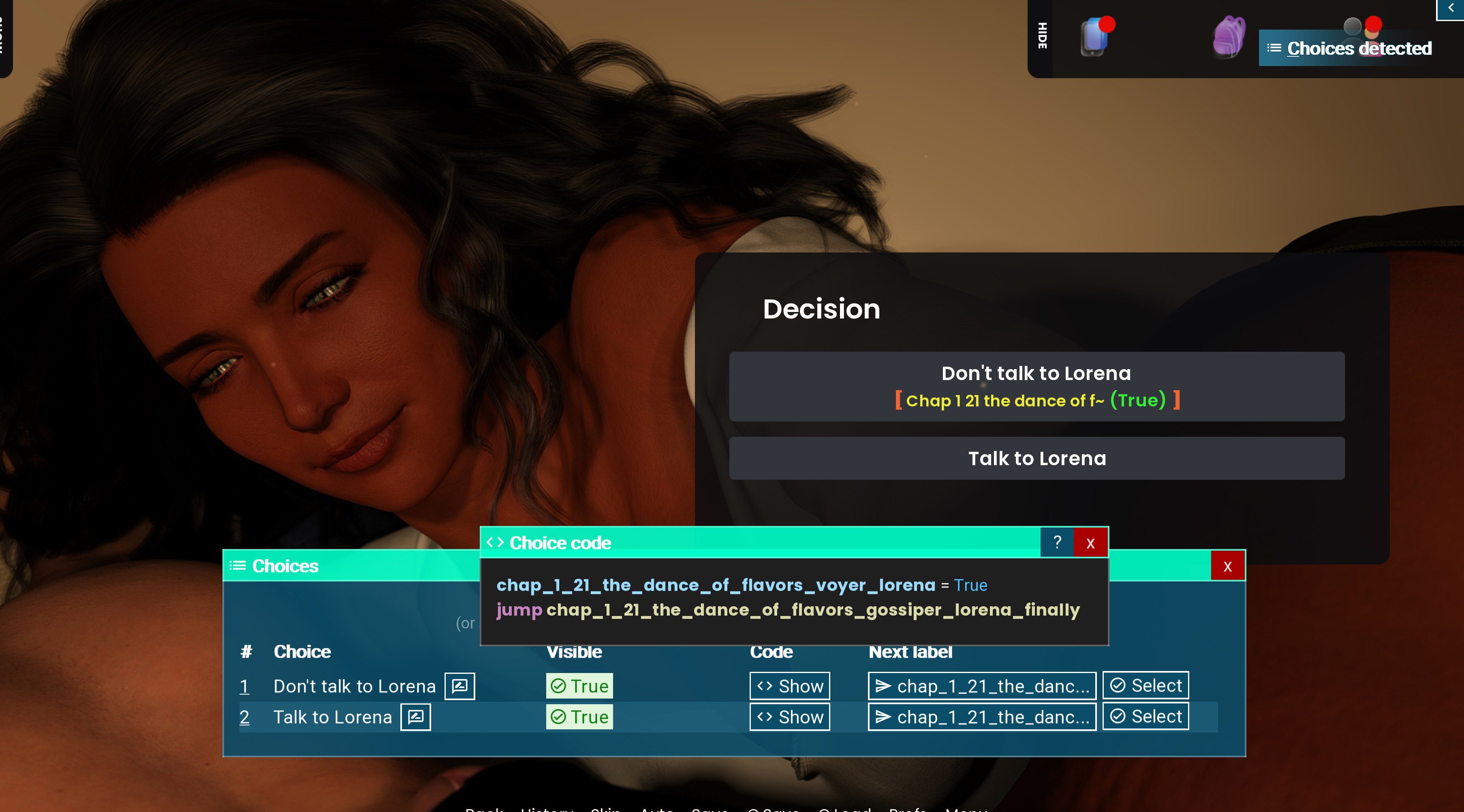
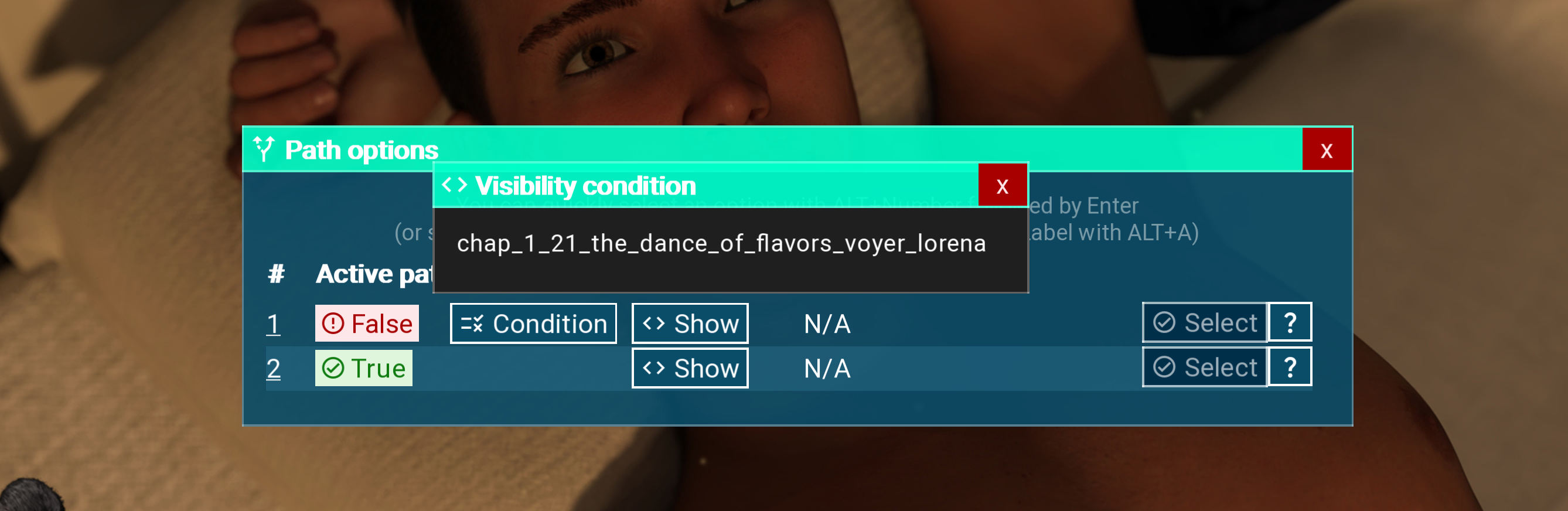
aye, it says free roam optional, but even in VN mode it still kicks us out to do free roamsdev for the love of everything, make the vn mode actually vn mode without any point and click minigame or find X ,it just wastes our time and causes players to turn off from the game

but where is the walkthrough? i've just game now and there isntYou must be registered to see the links
新功能
2 天前
Hello, everyone!
We are finally releasing our latest version. Before we dive into the content details, I’d like to offer a brief explanation about the delay. If you’re only interested in the version, just skip to the version summary.
Quick summary of what you’ll find in this update:
Additionally, we’ve enhanced the exclusive content for PRO members, now renamed Pioneers Vault. In the future, it will receive more specific implementations, but for now, it includes:
- Renders: ~600
- Animations: ~3
- Secret renders: 6
- Free-roam event with Lorena: New casual content to interact with the character.
- Fully unlocked secret photo gallery.
- Replay gallery unlocked to revisit memorable moments.
- Walkthrough guide with tips for making the best decisions in the game.
If I understand correctly, the walkthrough is under the paywall, and we need to be a member to access it. I hope someone make a mod or PDF for this game.but where is the walkthrough? i've just game now and there isnt
doesnt workSince I couldn't find all the pics for the gallery I decided to create a quick unlocker for my own use.
For those interested I thought I share it here.
Create a blank file, copy code and save it as UTF8/no BOM format (the format is important!) as "z_force_gallery.rpy" or something to your liking to your game folder. Exit file and run the game - all scenes should be unlocked.Code:init 50 python: import renpy.store as store import renpy.exports as renpy_exports # Prevent a crash when None.encode() is called store.persistent.gallery_unlock = " " # Define a fake unlock function that accepts any arguments # and marks every gallery item and replay as seen/shown def fake_unlock_galleries(*args, **kwargs): for cs in store.cut_scene_list: renpy_exports.mark_label_seen(cs.label) for ig in store.image_gallery_items: renpy_exports.show(ig.name) renpy_exports.hide(ig.name) # Patch the Manager class so that its methods use our fake versions store.Manager.unlock_galleries = fake_unlock_galleries store.Manager.galleries_unlocked = lambda *args, **kwargs: True
I've also included the file I use myself for your convenience.
Sorry that it doesn't work for you. I just tested it again with a clean install (persistant file removed) and it worked.doesnt work

